

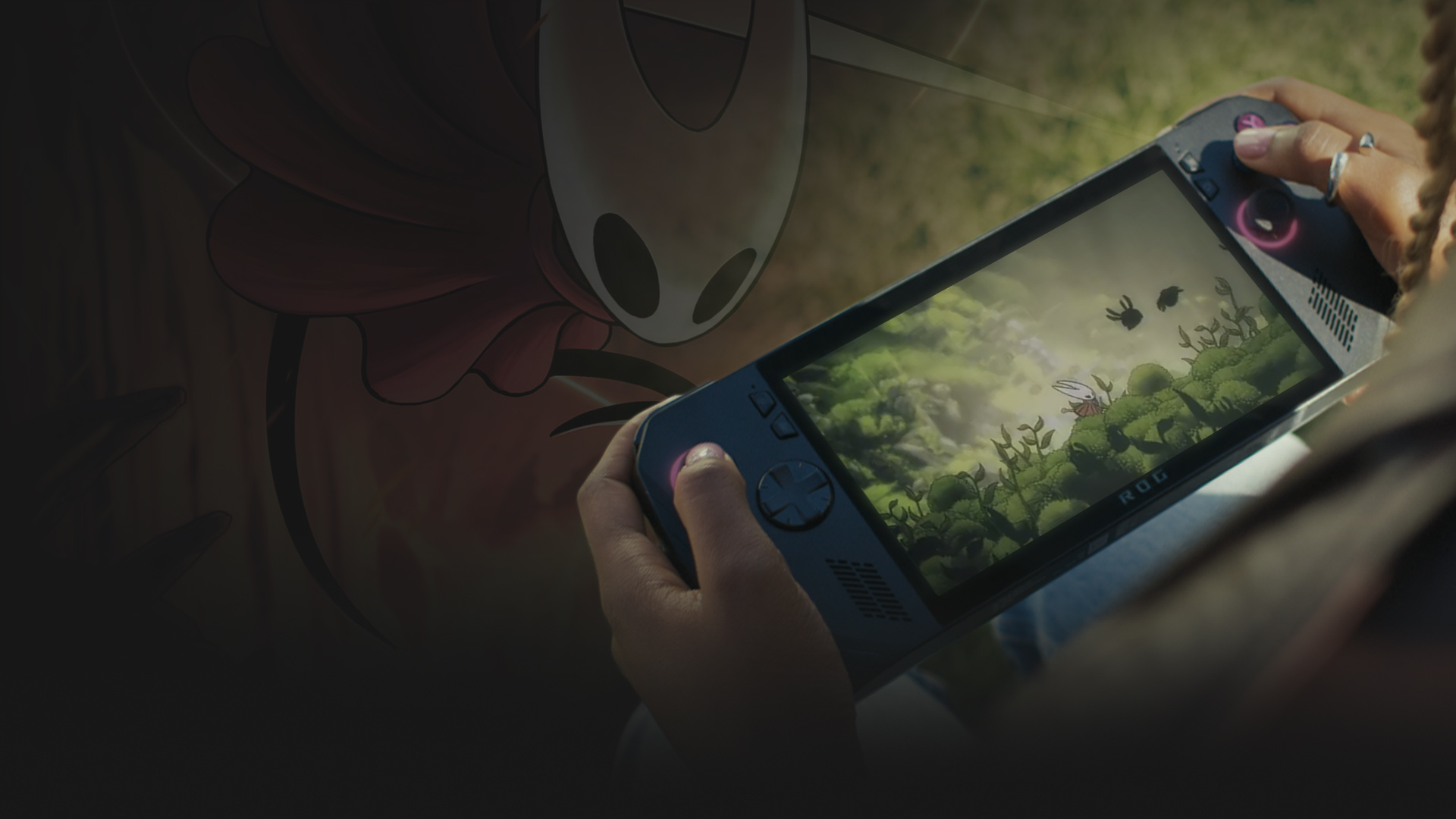
XBOX ON HANDHELDS
Welcome to handheld gaming with XBOX. Access hundreds of XBOX games with XBOX Game Pass for seamless gaming on the go. Launch with XBOX to get started.
Pictured: ROG Ally X
ROG XBOX Ally X & ROG XBOX Ally
Experience seamless PC gaming on the go with the best of ROG and XBOX together in a gaming handheld.


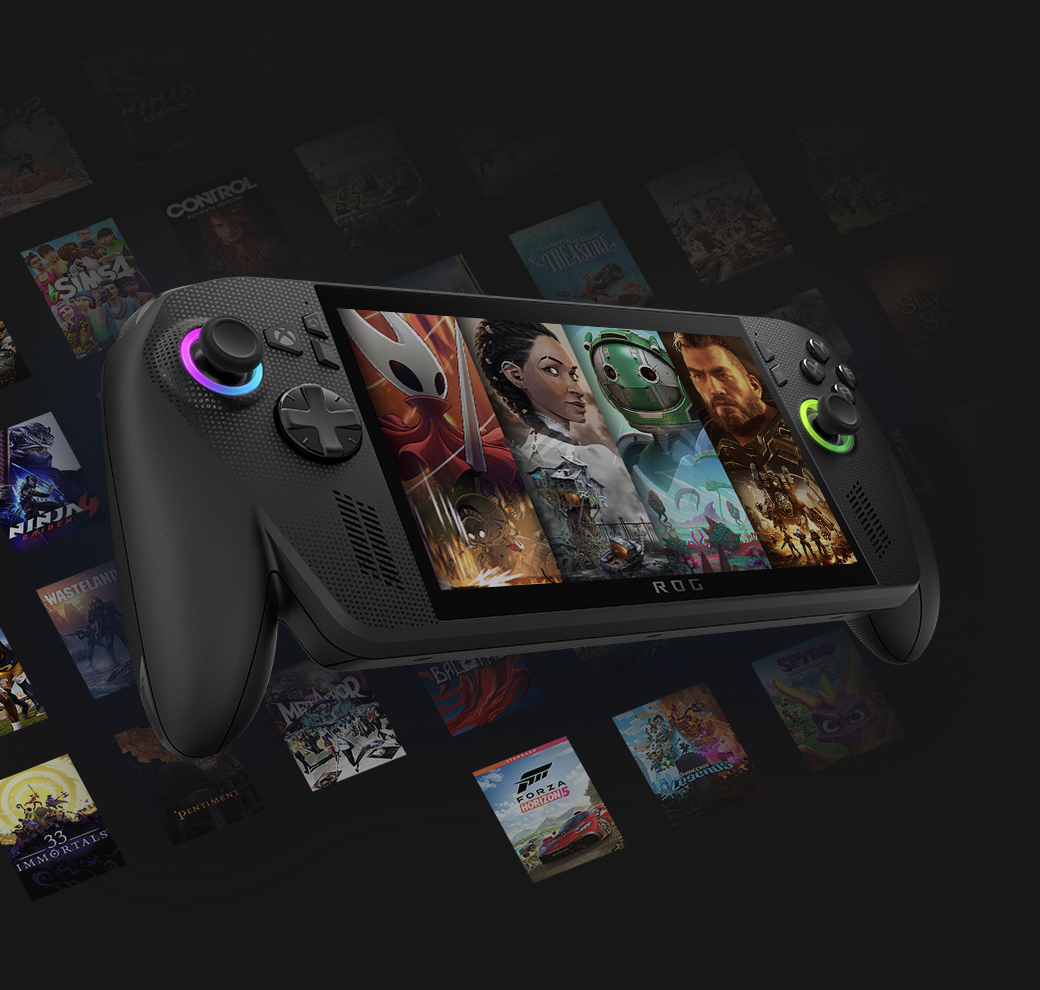
Get an instant library on handhelds
Stream hundreds of high-quality games from the Game Pass library, plus select games you own. Install or stream new games on day one, and enjoy in-game benefits on free-to-play games.
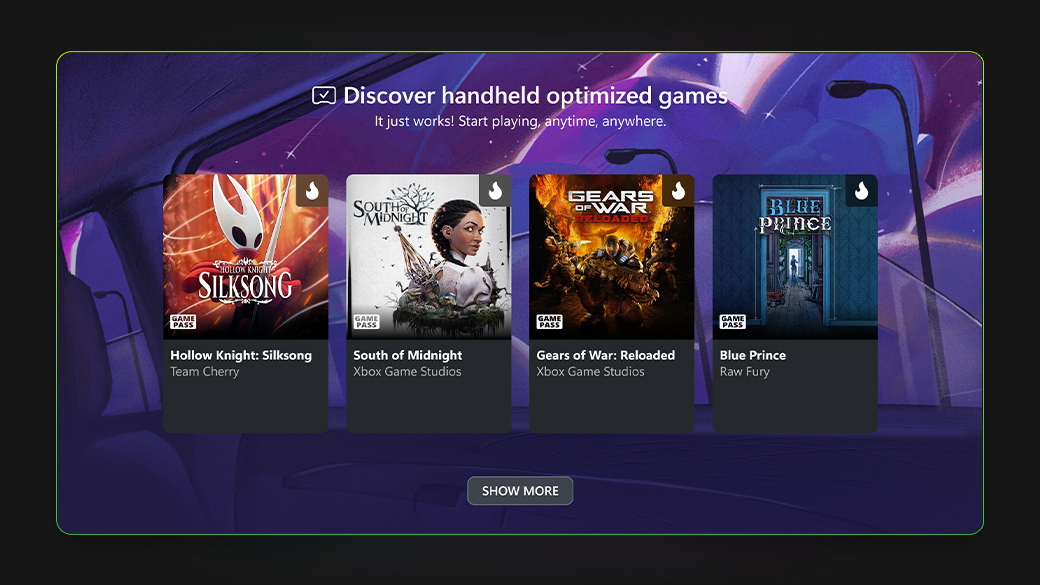
Handheld compatibility
The Handheld Compatibility program helps you understand how a game will look and feel on your ROG XBOX Ally X or ROG XBOX Ally.1
HANDHELD FREEDOM
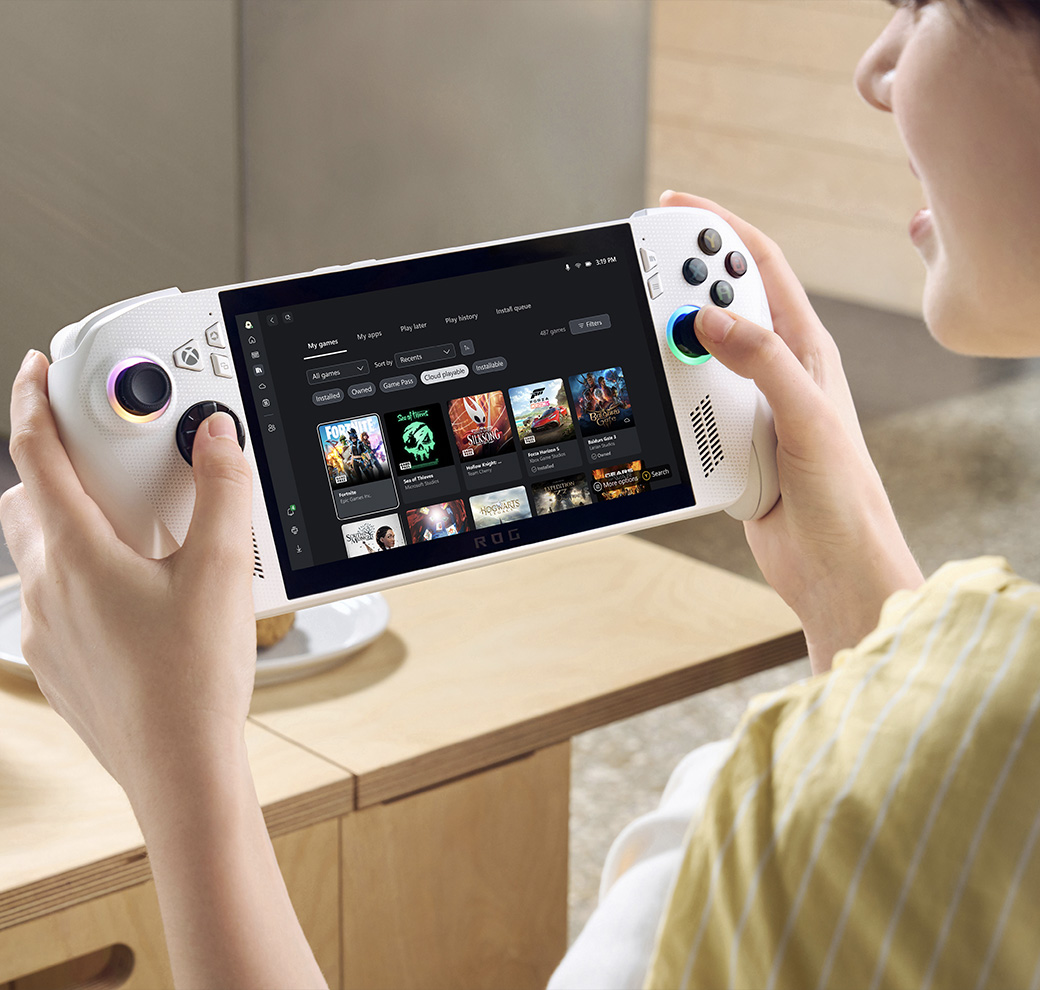
- Launch XBOX
- Game Bar
- Download and stream
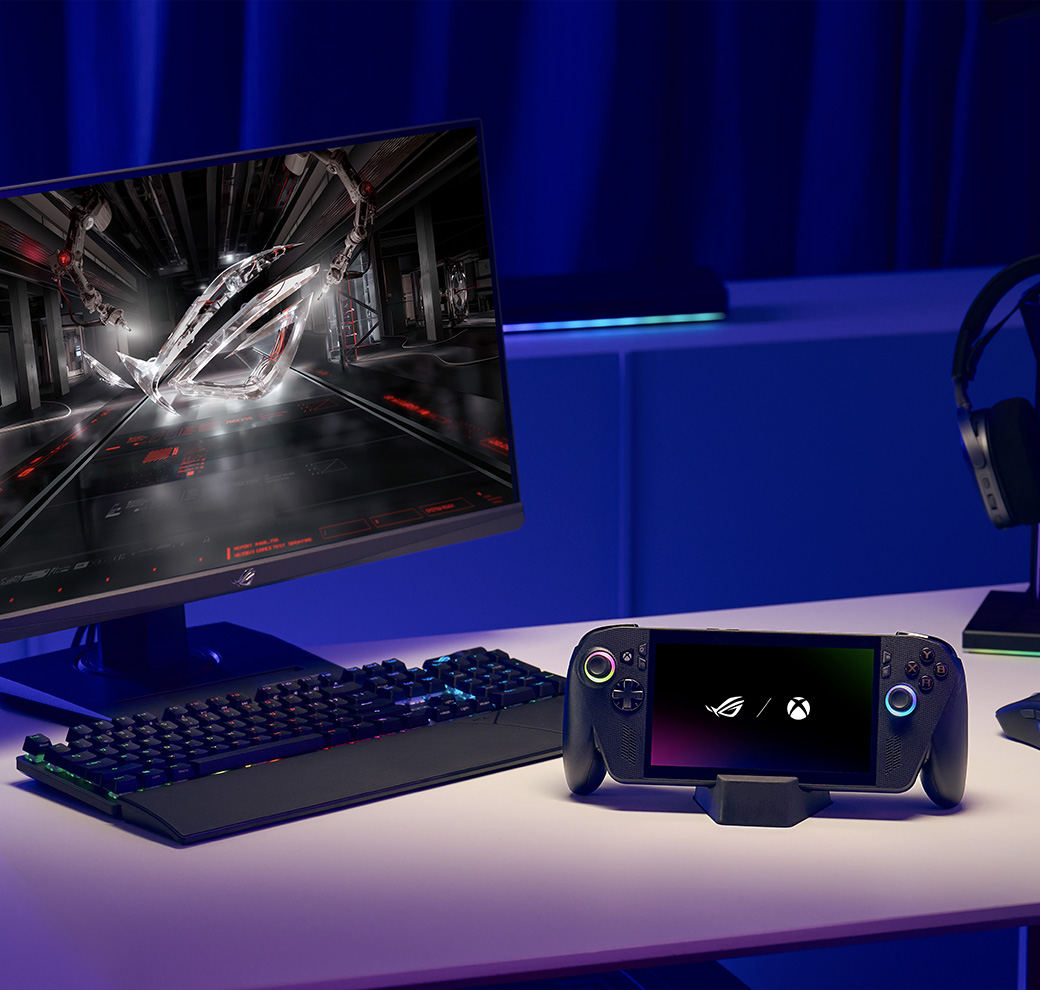
- Remote play
- XBOX Play Anywhere
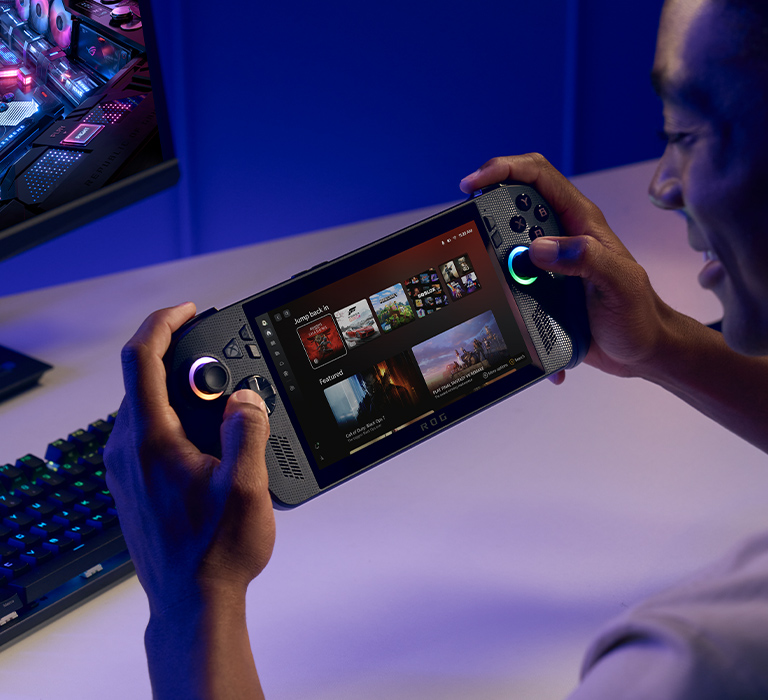
Launch in XBOX mode on supported handhelds to dive straight into your favorite XBOX games anytime, anywhere. Update your default settings to boot directly into XBOX mode for the ultimate XBOX gaming experience.
Progress goes with you
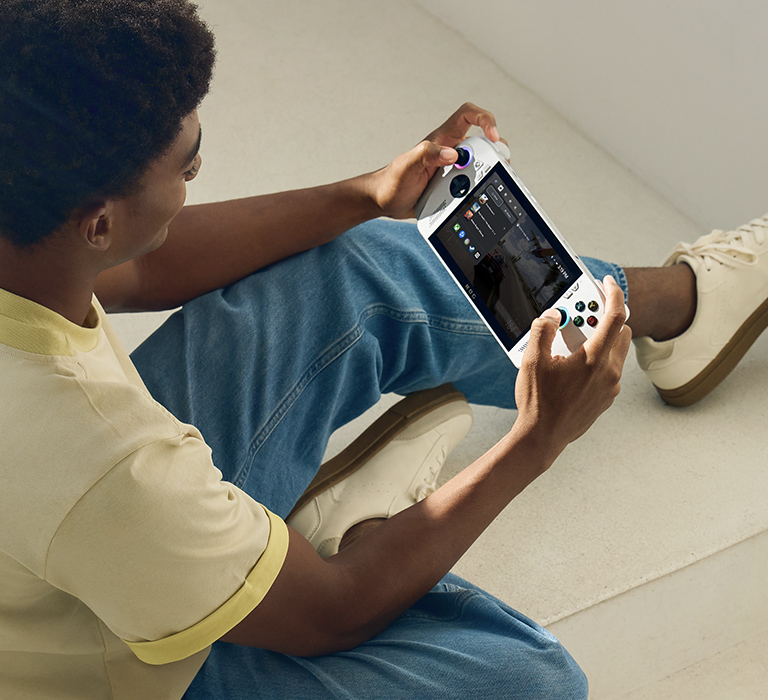
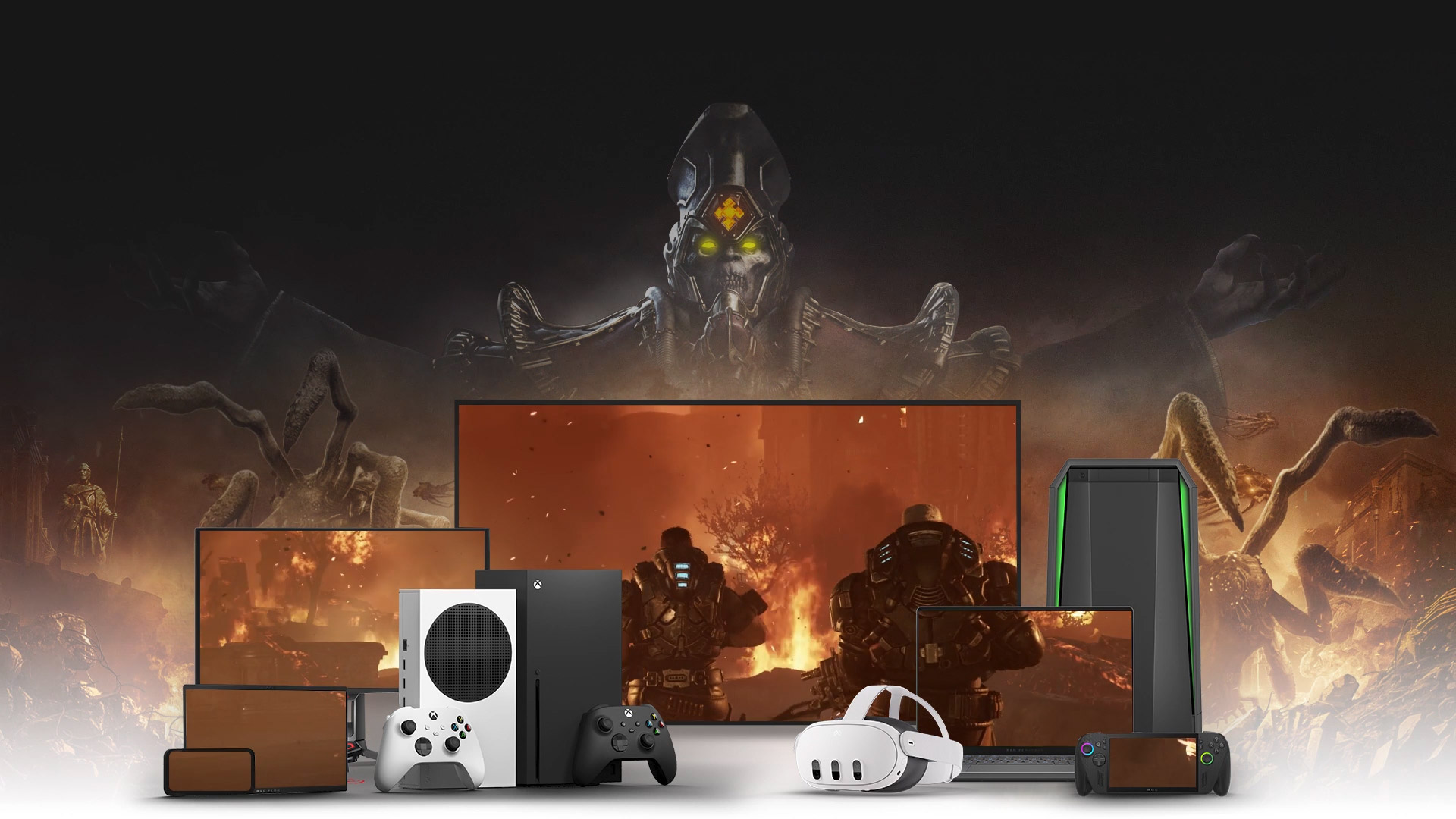
Bring all your game saves, add-ons, and achievements along with games that are XBOX Play Anywhere. Progress syncs and saves automatically in your XBOX account to pick up where you left off.

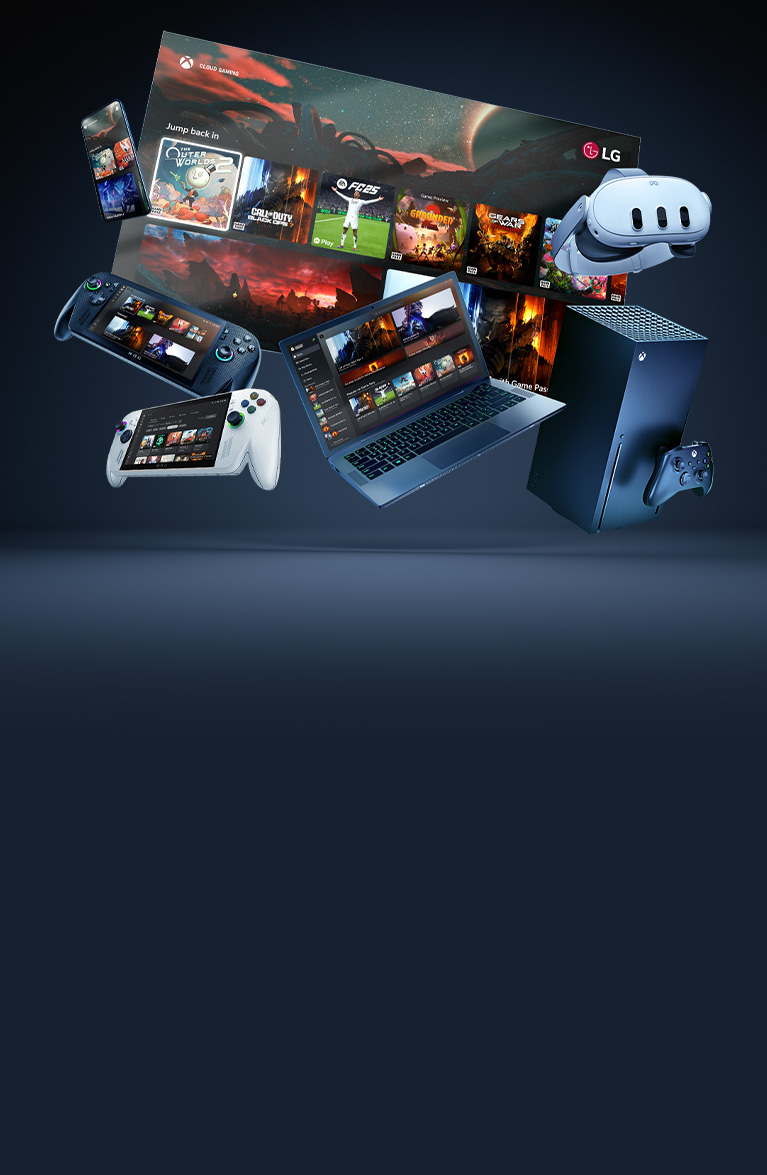
1 . Requires internet connection (ISP fees apply). Products may not be available in all markets. Specifications and features vary by model, and all images are illustrative. PC hardware requirements may vary for games on Windows 10/11. Actual game performance may vary with game frame rates and other game specifications. Windows Performance fit.
2. Only in select regions.
3. XBOX Cloud Gaming requires an XBOX Game Pass subscription and supported device (both sold separately). Cloud playable games not included with XBOX Game Pass are sold separately, and may be made available with XBOX Game Pass in the future. Game library varies. Stream directly on XBOX consoles, or with the XBOX app or at xbox.com/play on supported devices. Select regions (xbox.com/regions) and devices at xbox.com/cloud-devices. See cloud gaming library (xbox.com/play).
4. Requires internet connection (ISP fees apply). Requires supported device (mobile data charges may apply) and games. XBOX Series X|S or XBOX One must have remote features enabled and must be turned on or in Sleep mode. Online console multiplayer (including via XBOX remote play) requires XBOX Game Pass subscription sold separately.
5. Requires internet connection (ISP fees apply). Products may not be available in all markets. Specifications and features vary by model, and all images are illustrative.


