Game your way

At XBOX, we believe that when everyone plays, we all win. That's why we partner with the gaming and disability community to build accessibility features into our games, adaptive accessories and software experiences—so you can play your way.

A child sitting in an electric wheelchair is with a woman as they joyfully play games with the XBOX adaptive joystick and accessories.

Accessibility in games

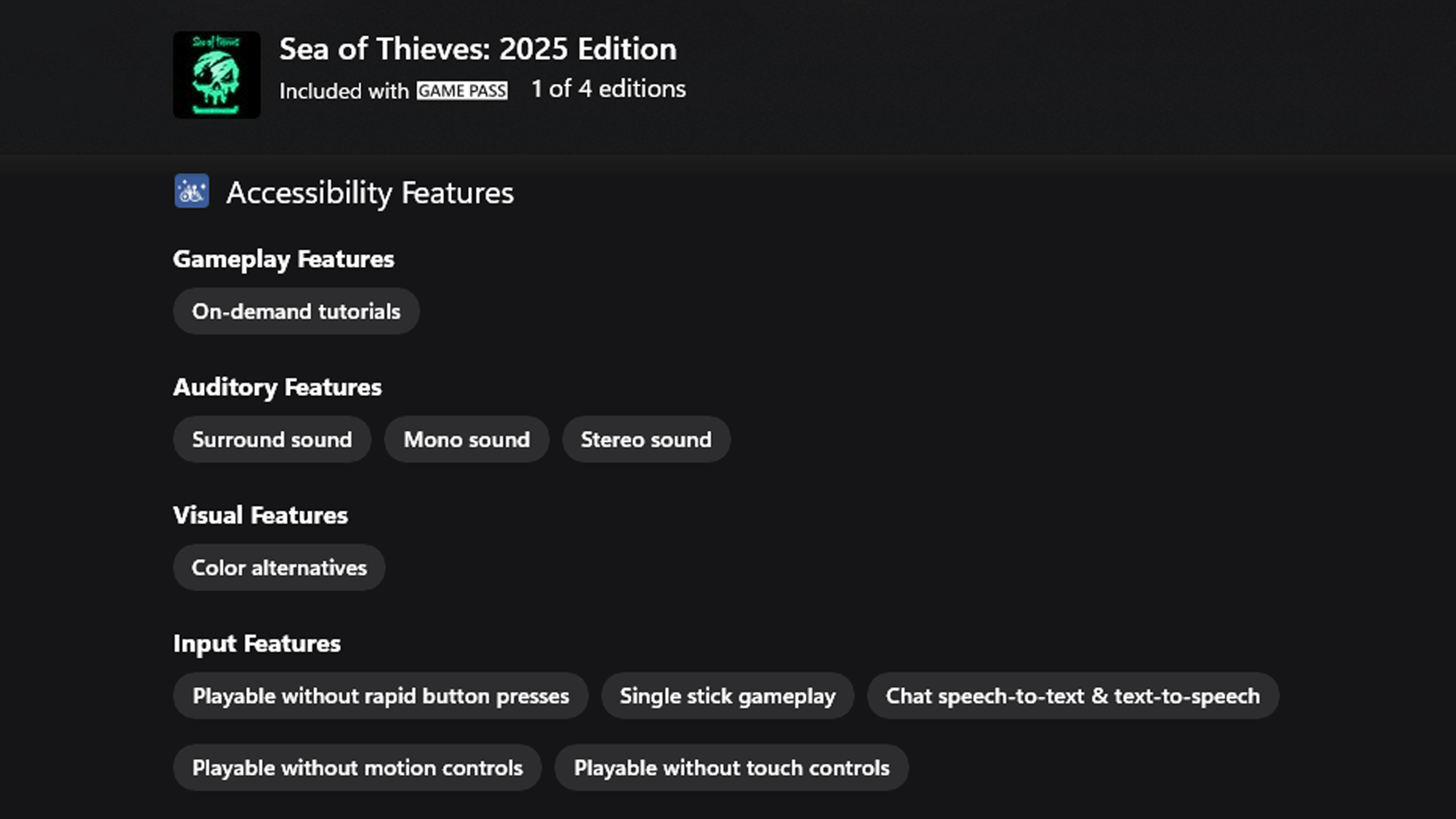
Finding what to play just got easier. Many XBOX games include accessibility features designed to support the way you play—like difficulty settings, adjustable font size, and button remapping. In the store, games can now include Accessible Games Initiative tags, making it easier to discover titles with the features you need. These tags are organized by key feature categories—gameplay, auditory, visual, and input.

A screenshot of the Sea of Thieves: 2025 Edition accessibility tags from the XBOX Store, including tags for Game Play Features, Auditory Features, Visual Features, and Input Features.

Games with accessibility tags

Accessible Games Initiative logo

XBOX is proud to be part of the Accessible Games Initiative, a cross-industry effort to make it easier to understand what accessibility features games offer. Accessible Games Initiative’s accessibility tags appear in the store to help you quickly find games that support how you want to play.
XBOX adaptive accessories*

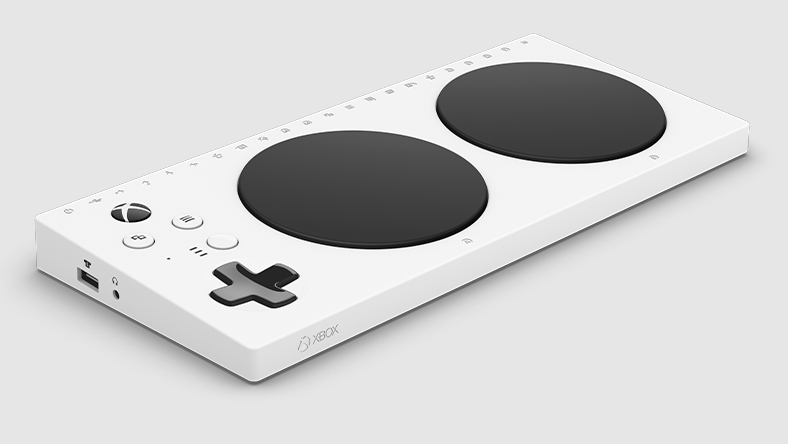
Right angle of XBOX Adaptive Controller

XBOX Adaptive Controller

Create a custom controller experience that is uniquely yours. The XBOX Adaptive Controller connects to external switches, mounts, and joysticks to help make gaming more accessible.

LEARN MORE
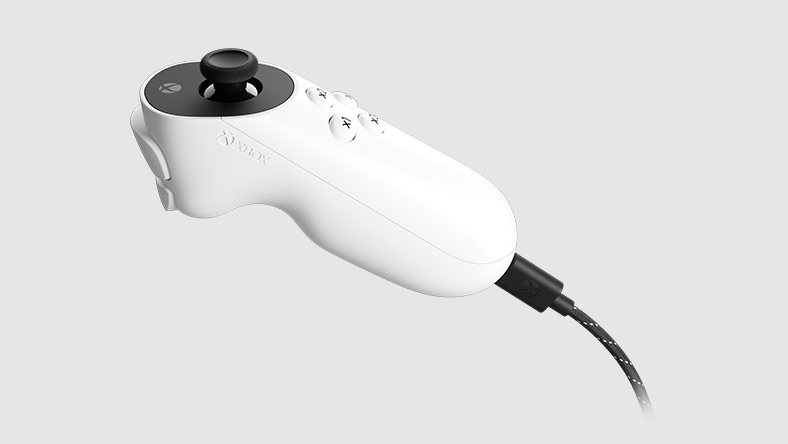
A side view of the XBOX Adaptive Joystick

XBOX Adaptive Joystick

Refine your gaming experience with the XBOX Adaptive Joystick - designed as a companion for XBOX controllers.

LEARN MORE
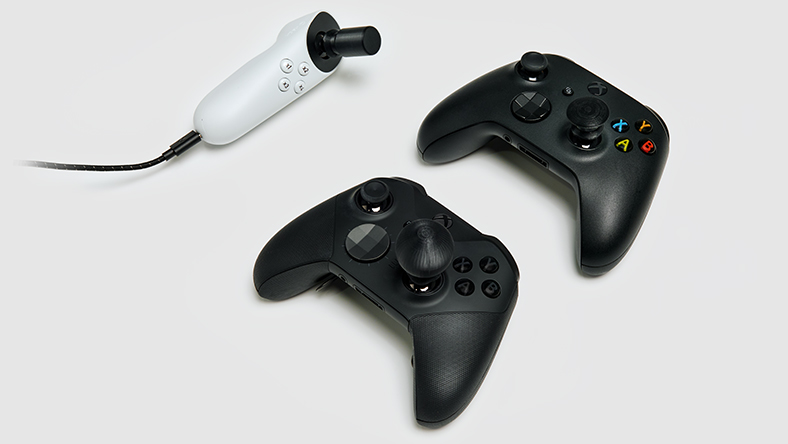
XBOX Adaptive Joystick paired with 2 XBOX controllers, each controller with unique custom 3D printable Thumbstick toppers attached

XBOX Adaptive Thumbstick Toppers

Get complementary 3D printable files for adaptive thumbstick toppers to use on XBOX controllers. (3D printer sold separately)

LEARN MORE
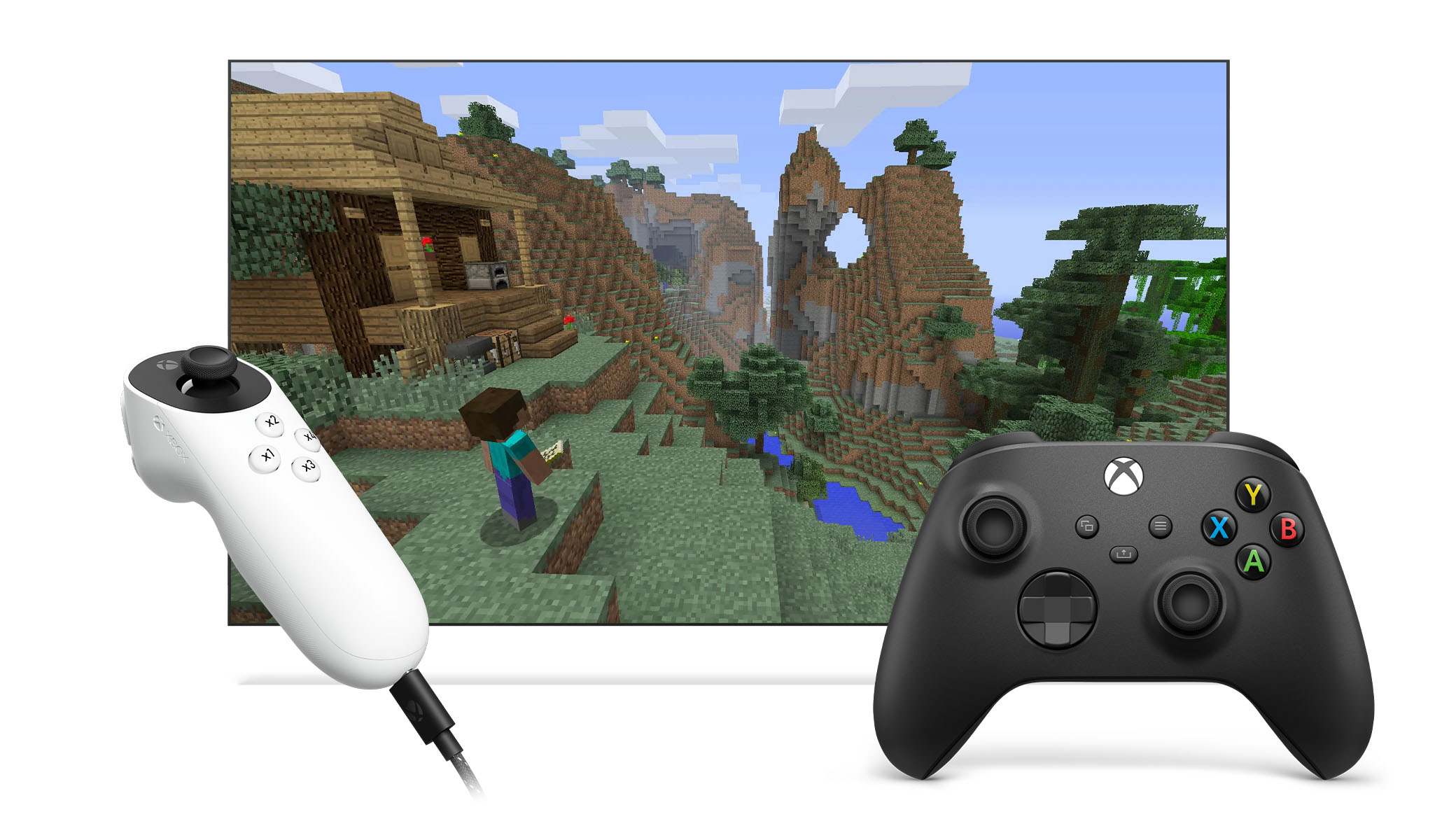
Two controllers, one an XBOX Wireless Controller and the other an XBOX Adaptive Joystick linked together with XBOX Controller Assist to play Minecraft.

Two can play as one

XBOX Controller Assist links two controllers so you can use them as if they were one controller. Use multiple controllers as a single player, or team up with a friend and share controls.
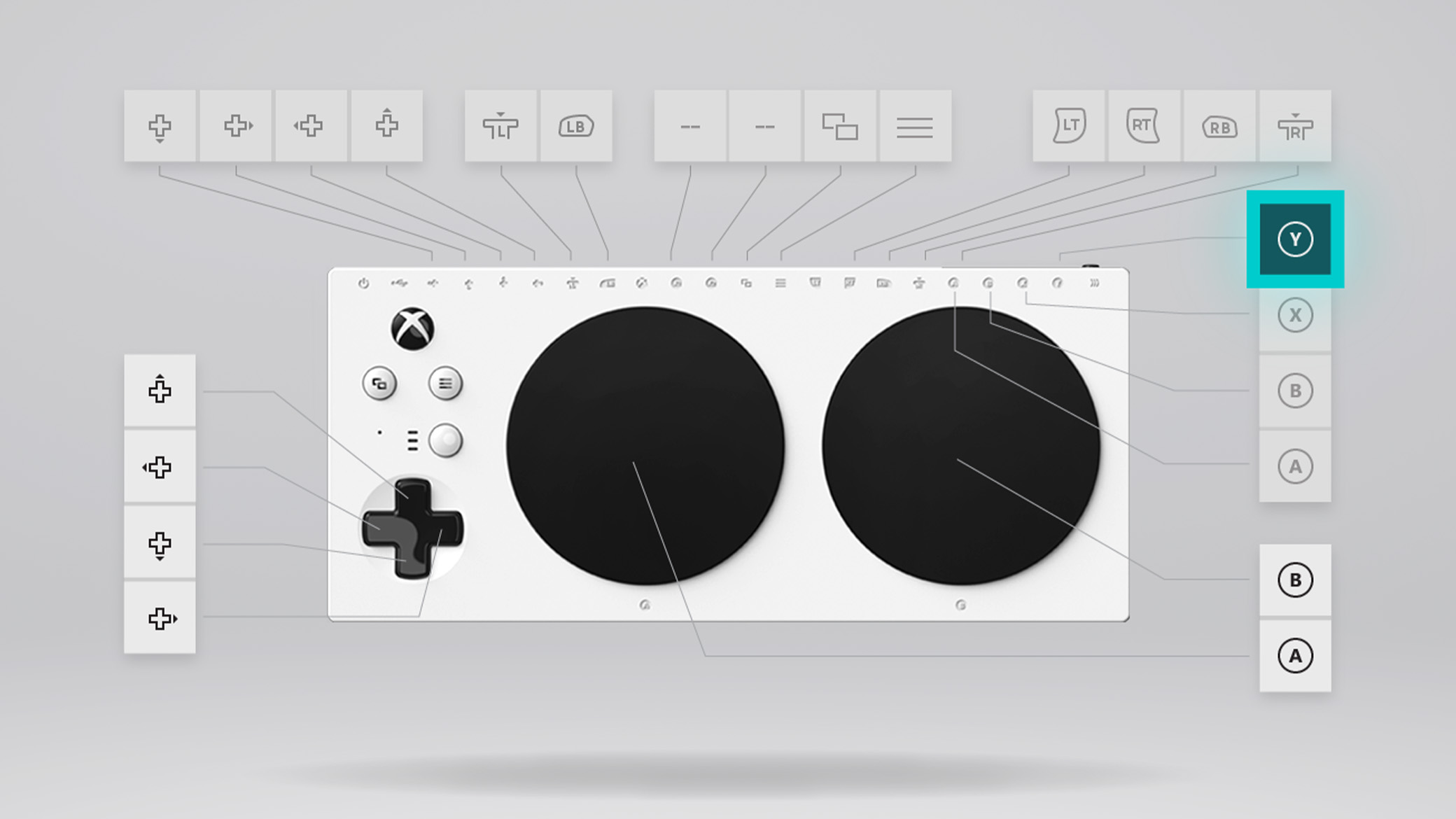
A screen displaying the button mapping feature on the XBOX Adaptive Controller.

Customize button mapping

Use the XBOX Accessories app to configure the button layout on your controllers: XBOX Adaptive Controller, XBOX Adaptive Joystick, XBOX Wireless Controller, XBOX Elite Wireless Controller Series 2, and many third-party external joysticks.
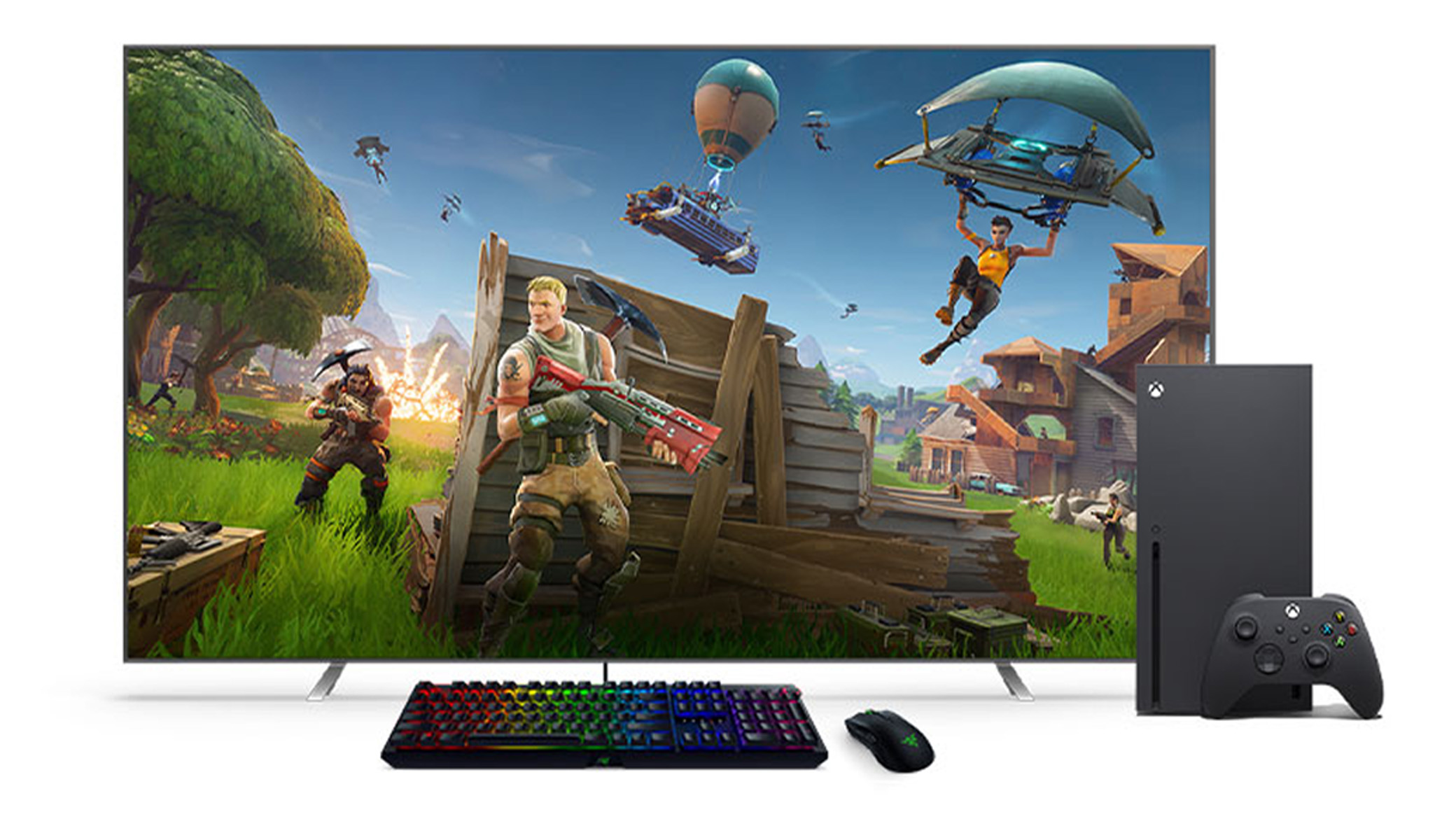
A black keyboard and mouse in front of an XBOX Series X and a TV.

Mouse and keyboard support

Use wired USB mice and keyboards for navigation in select games and apps, and—with a keyboard—getting around on XBOX.
Discover accessibility settings and features

XBOX console settings can be customized to fit your play style. Adjust options to support your individual needs and how you play. Learn more about XBOX console settings below. Similar features and more are available across platforms where you play XBOX games.

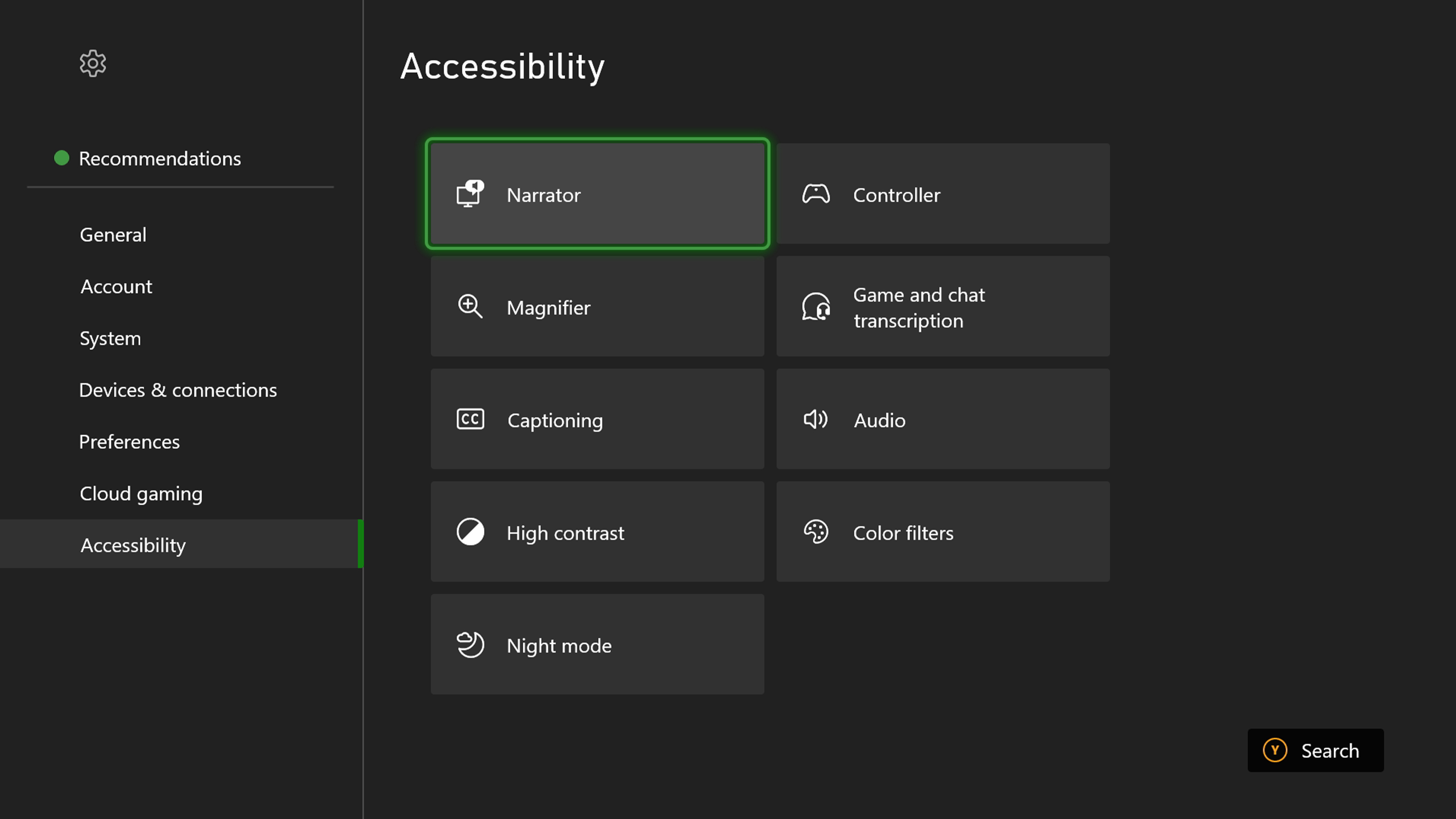
Screenshot of the XBOX Accessibility Settings menu, including options for Narrator, Magnifier, Captioning, High Contrast, Night mode, Controller, Game and chat transcription, Audio, and color filters.
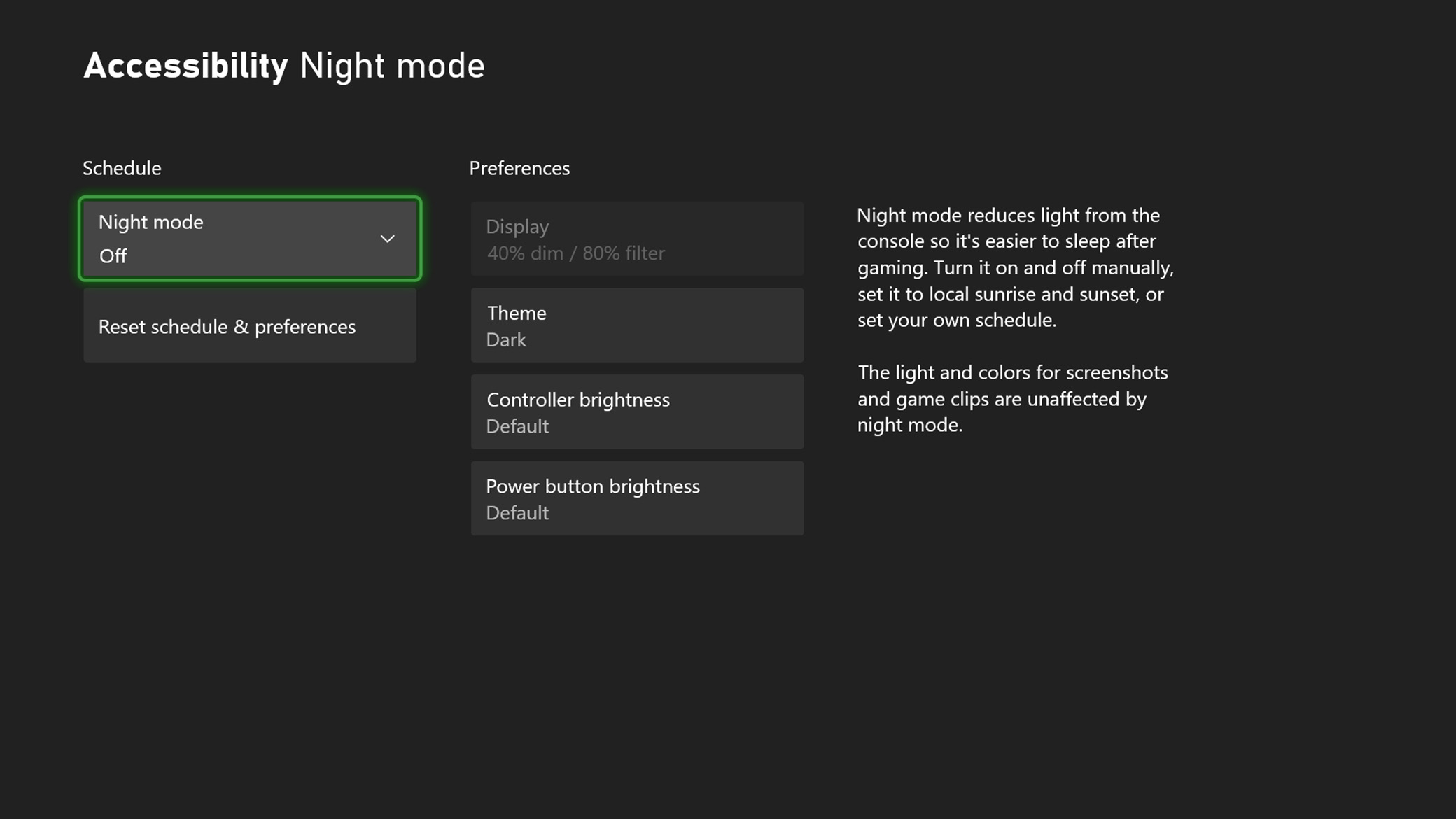
Screenshot of night mode options in the accessibility menu, including Scheduling, Display, Theme, Controller brightness, and Power button brightness.

Night mode

Customize the blue light filter on your console, controller and screen to meet your needs, protect your eyes and make it easier to sleep.
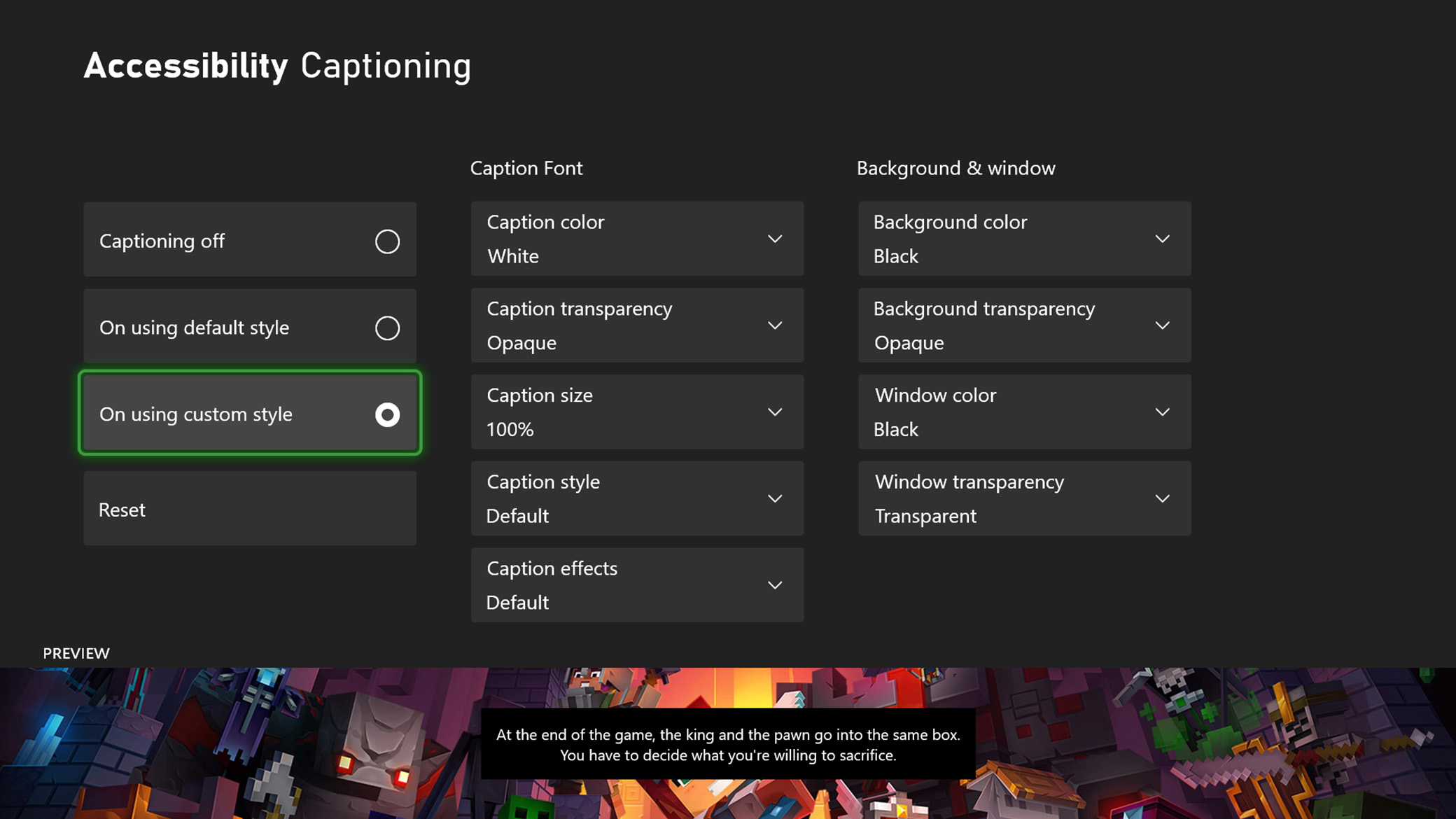
Screenshot of the captioning options in the accessibility menu, including custom styling for font, background, and window.

Closed captions

Closed captioning is available when you watch supported DVDs, Blu-ray discs, and many on-demand video services.
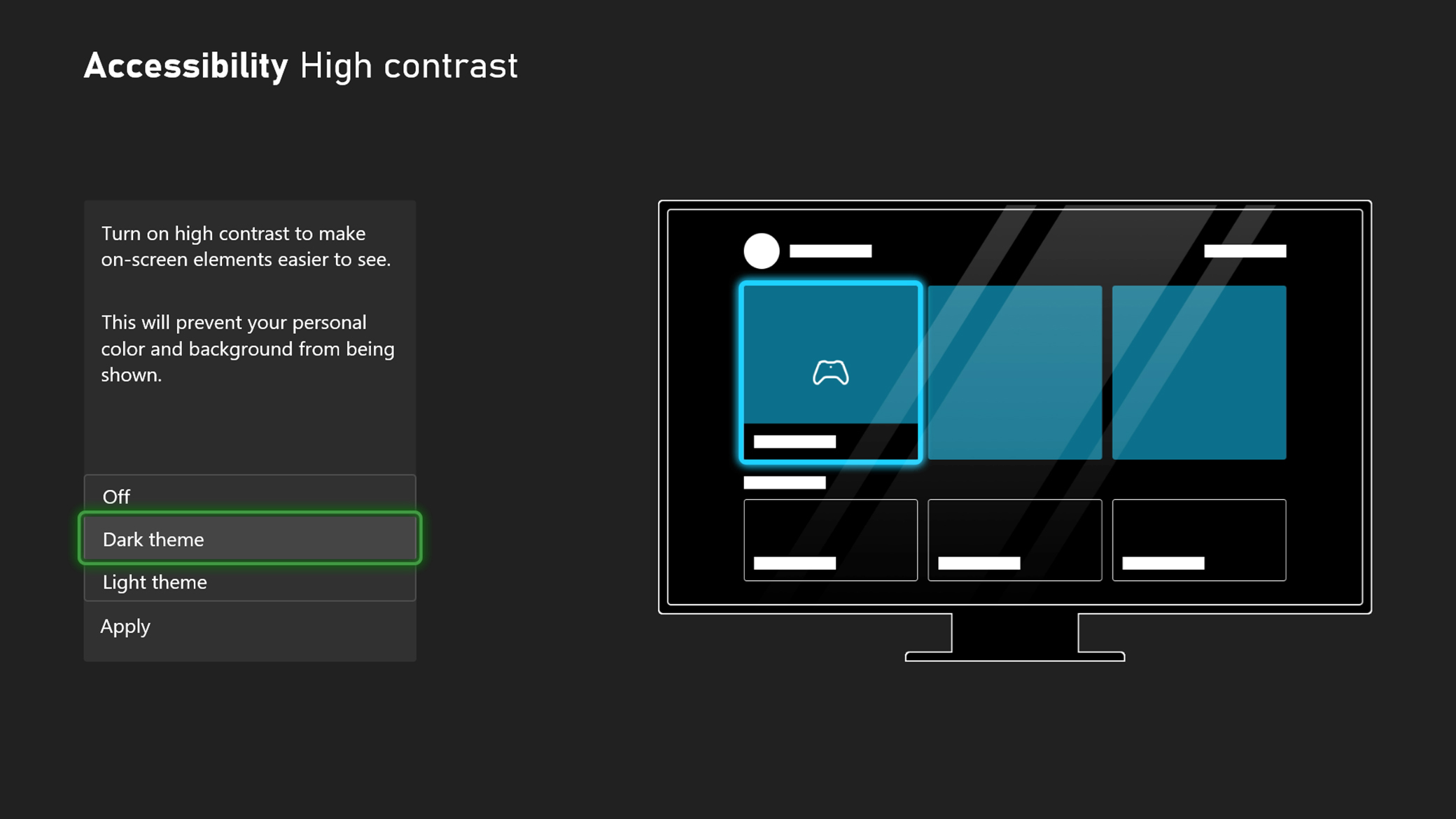
Screenshot of high contrast options in the accessibility menu, including options for a dark theme or light theme.

High contrast

High contrast can help you distinguish between items and text on your screen while navigating XBOX’s built-in apps and experiences.
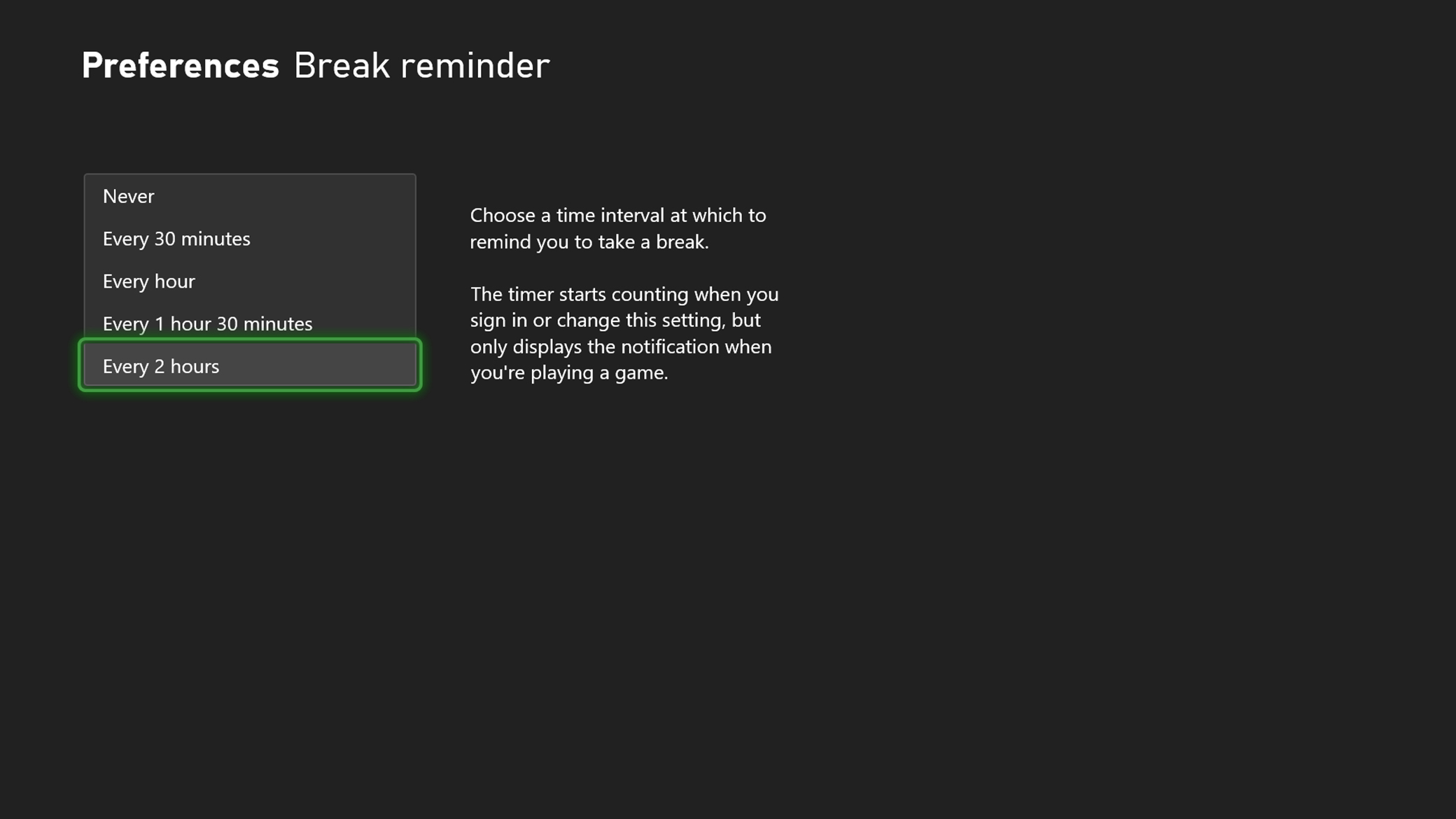
Screenshot of the Break Reminder options in the accessibility menu, including options to set a reminder every 30 minutes, every hour, every 1 hour and 30 minutes, and every 2 hours.

Break reminder

Taking breaks during gaming sessions can go a long way in helping your body rest and recharge.
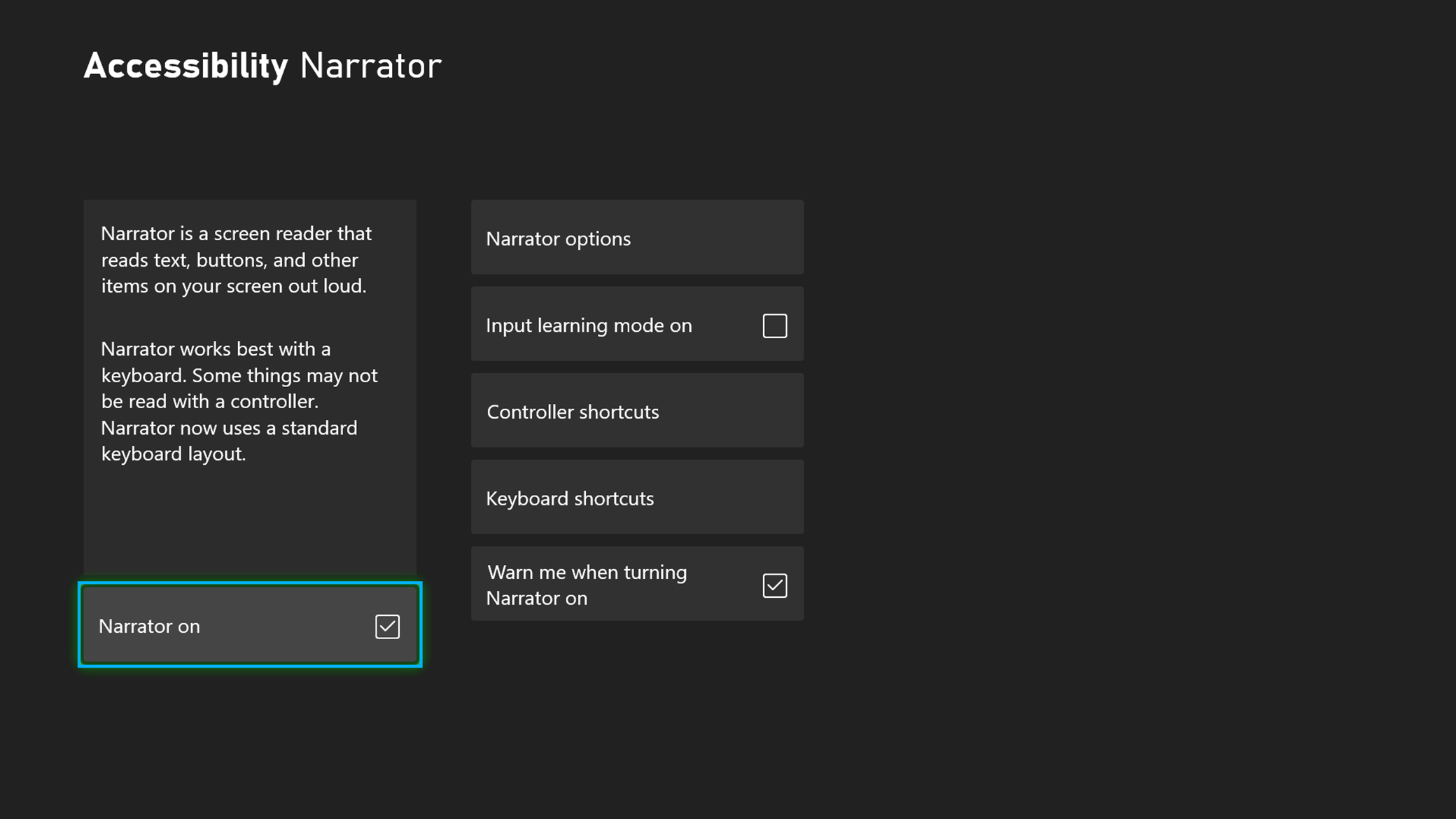
Screenshot of the Narrator options in the accessibility menu, showing Narrator turned on, with settings including Narrator options, input learning mode, controller and keyboard shortcuts, and an option to warn when turning Narrator on.

Narrator

Narrator is a screen reader that lets you hear audio descriptions for elements on the screen, such as text and buttons.
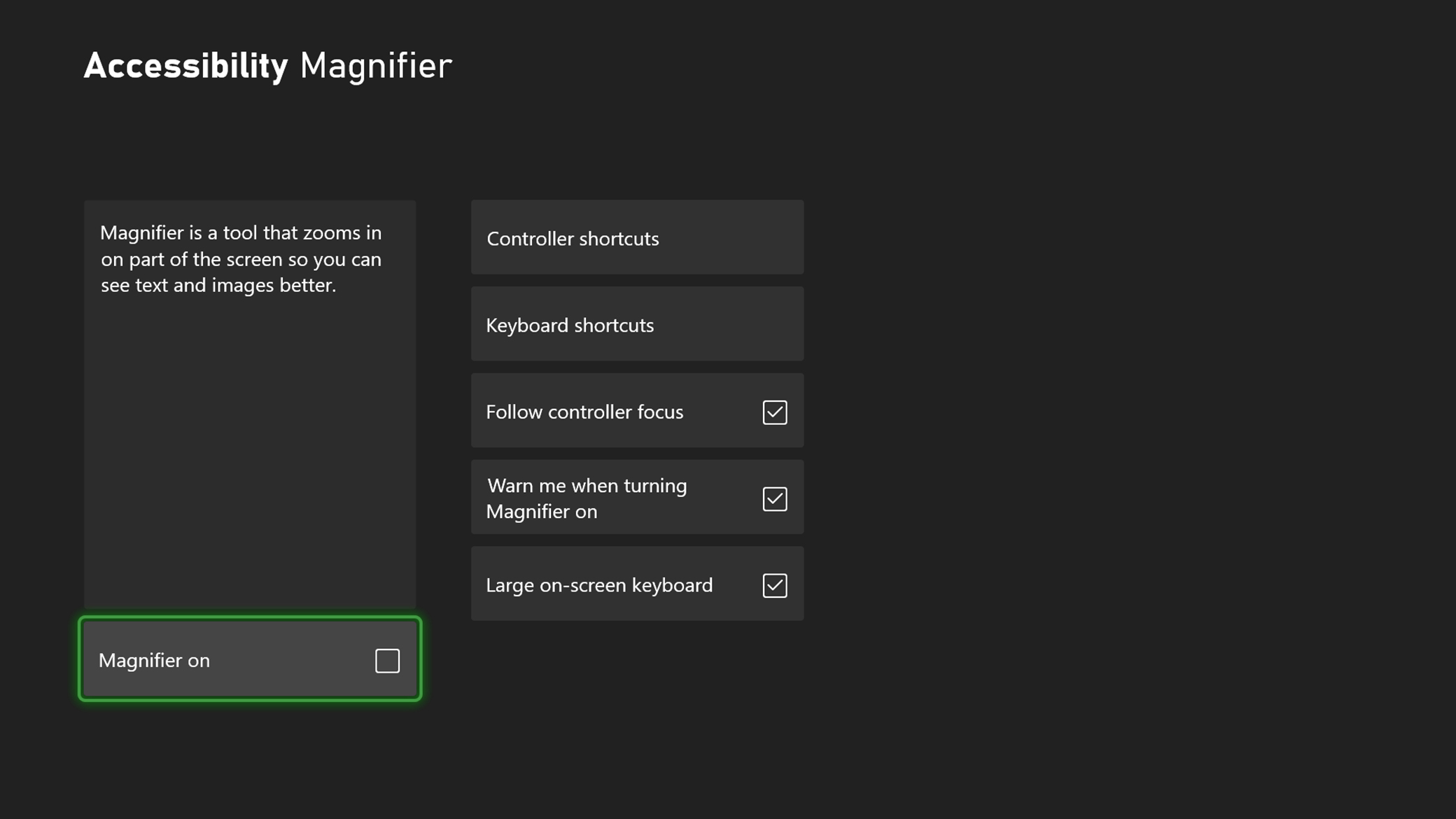
Screenshot of the magnifier options in the accessibility menu, including options for controller shortcuts, keyboard shortcuts, follow controller focus, warn me when turning magnifier on, and large on-screen keyboard.

Magnifier

Magnifier zooms in on the screen, so you can see text and images better on your XBOX console.
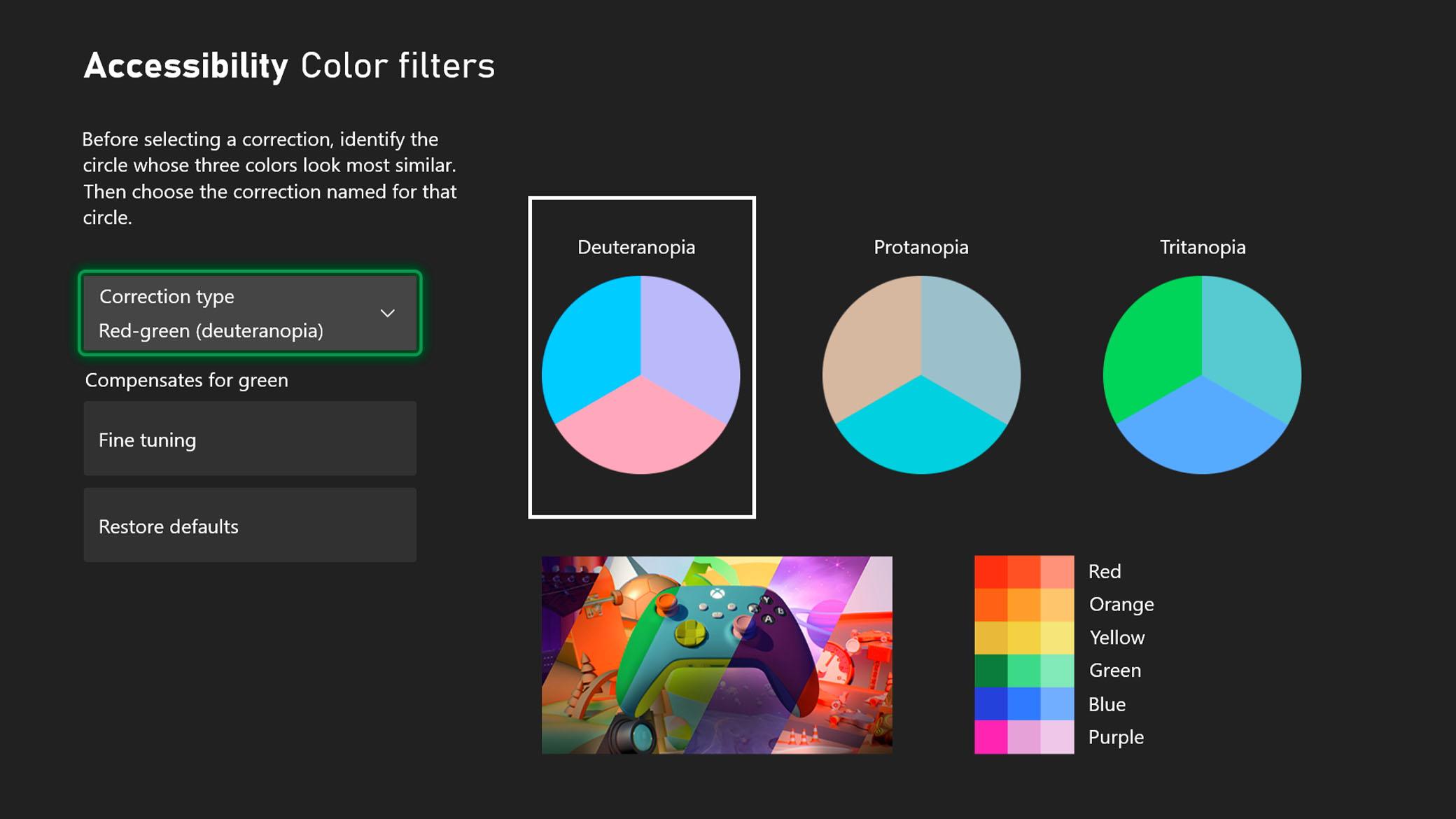
Screenshot of the color filter options in the accessibility menu, including correction for Deuteranopia, Protanopia, and Tritanopia.

Color filters

Customize your visual experience to assist with distinguishing between colors without impacting performance.
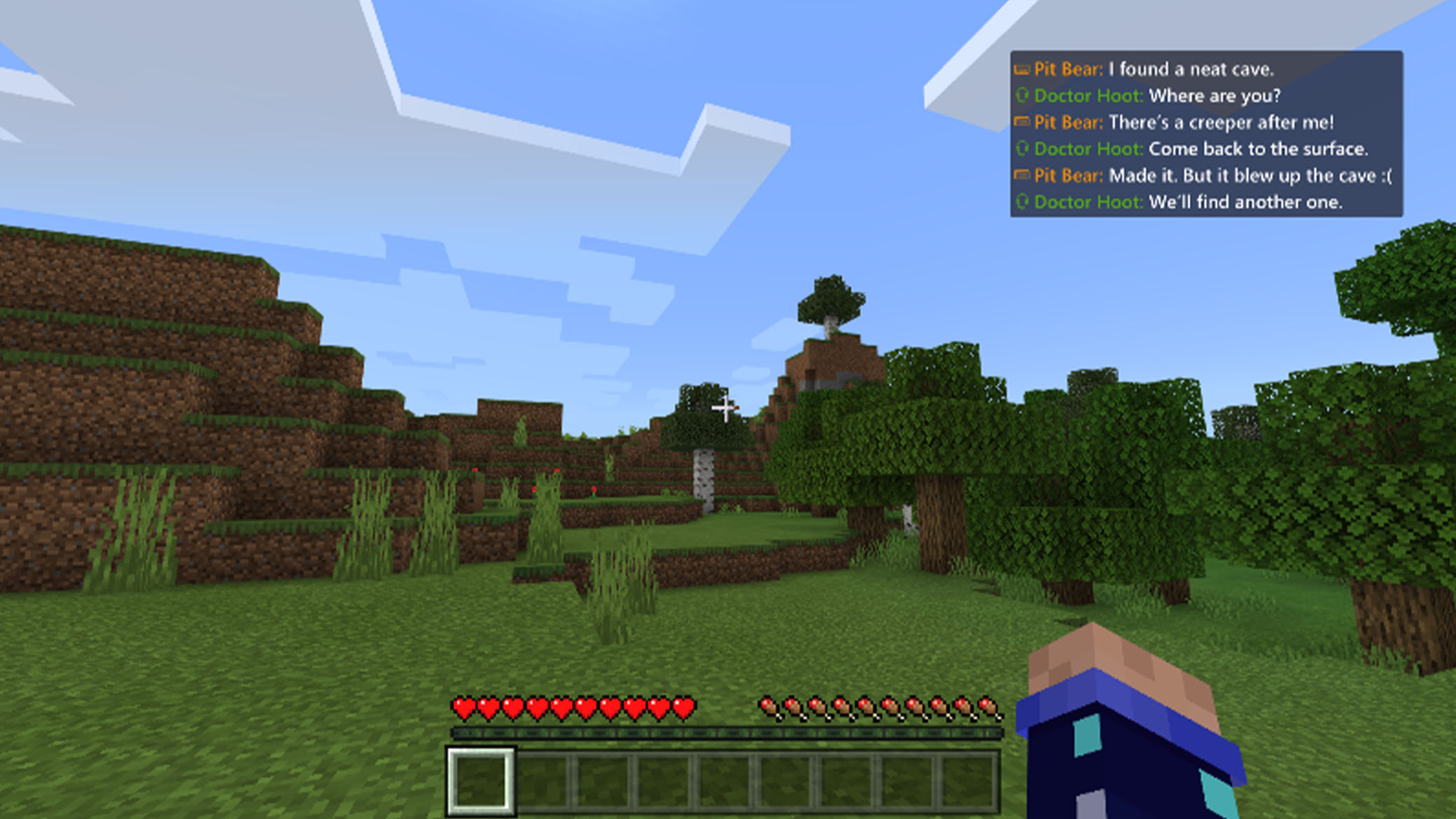
Screenshot of Minecraft gameplay showing a speech transcription text box that converts voice chat into text, with messages from two different players on screen.

Speech to text and text to speech

Speech transcription converts player speech from Party Chat or in-game chat to text that you can read on the screen. It can also read chat text that you type to other players aloud.

Screenshot showing Google Assistant starting Gears 5.

Voice commands

With XBOX for Alexa and Google Assistant, you can interact with your XBOX console using just your voice. Turn your console on and off, launch games and apps, capture screenshots and clips, play and pause videos, and more, from any Google Assistant-enabled or Alexa-enabled device.

Personalized customer support

Support articles for XBOX and Windows

This Support hub organizes all XBOX accessibility Support articles by experience category, so you can find the support you need to play your way.

LEARN MORE

Disability Answer Desk

The Disability Answer Desk is where customers with disabilities can get support with Microsoft Office, XBOX Accessibility, and Windows. XBOX Accounts and Billing support is now available in American Sign Language (ASL) via videophone for XBOX gamers in the United States.

LEARN MORE
Accessibility in action

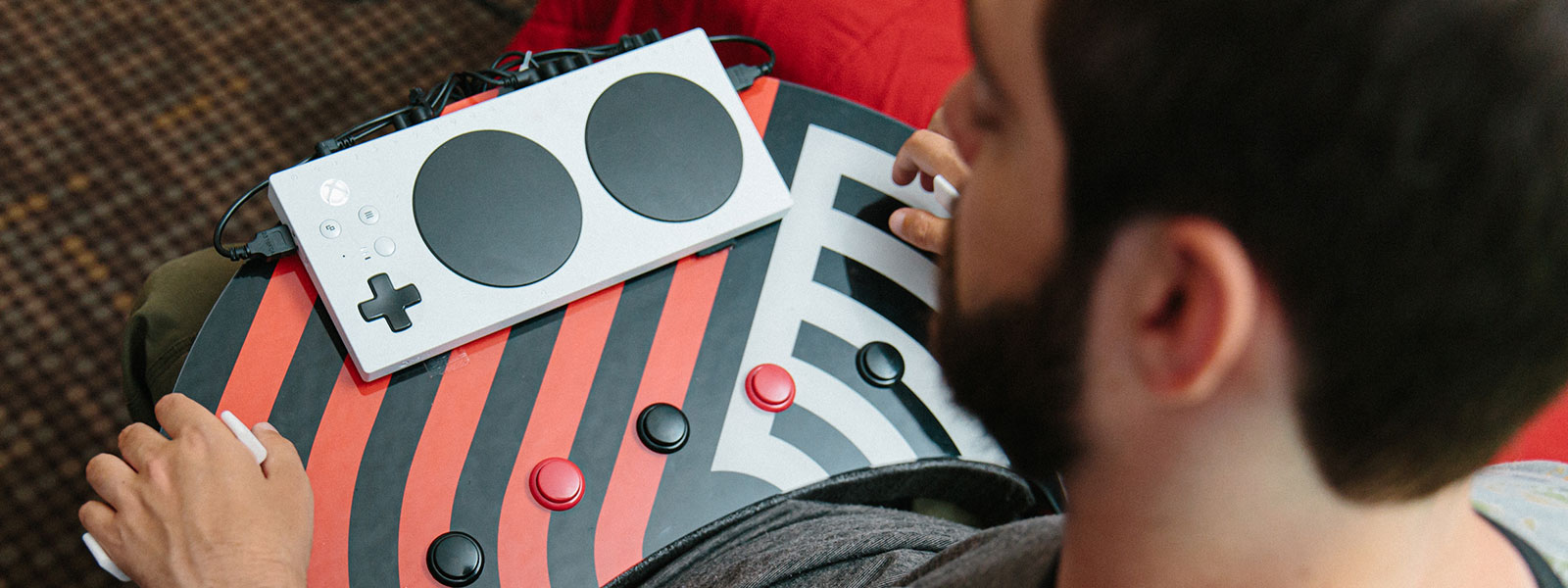
Spencer Allen with the XBOX Adaptive controller sitting on his custom built gaming controls

Meet Spencer Allen

Passionate gamer Spencer Allen customized his XBOX Adaptive Controller to give himself the precision he needed to game at the level he used to.

LEARN MORE