

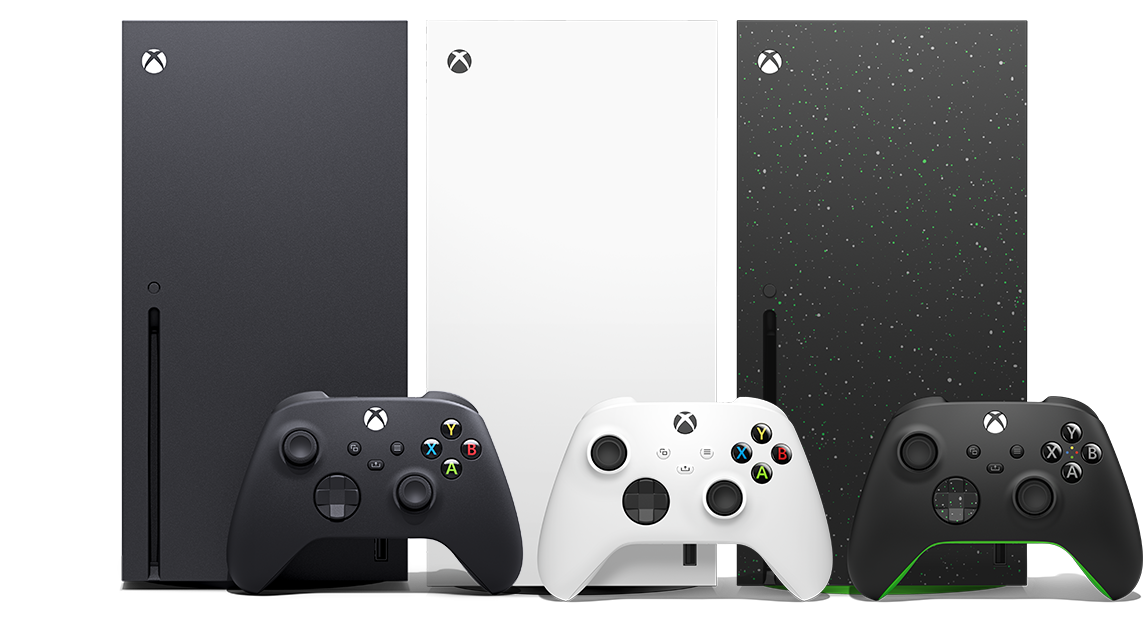
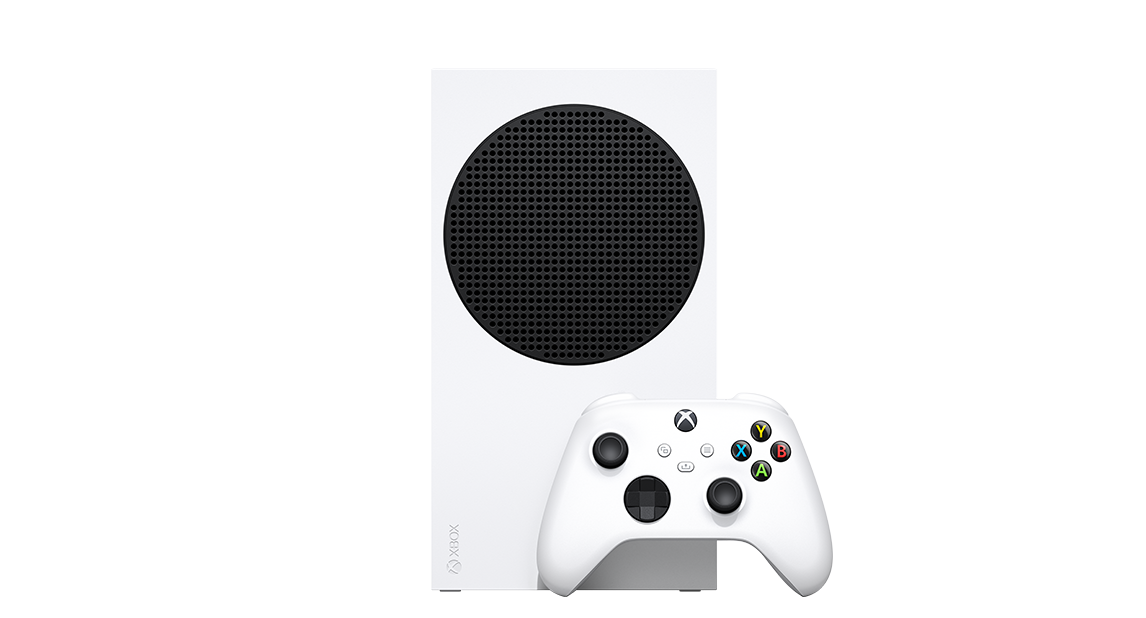








Enjoy games from four generations of XBOX, with hundreds of optimized titles that look and play better than ever on XBOX X|S consoles.
BROWSE GAMES
Discover your next favorite game
Get the most out of your XBOX Series X|S and enjoy hundreds of games with XBOX Game Pass.
EXPLORE GAME PASS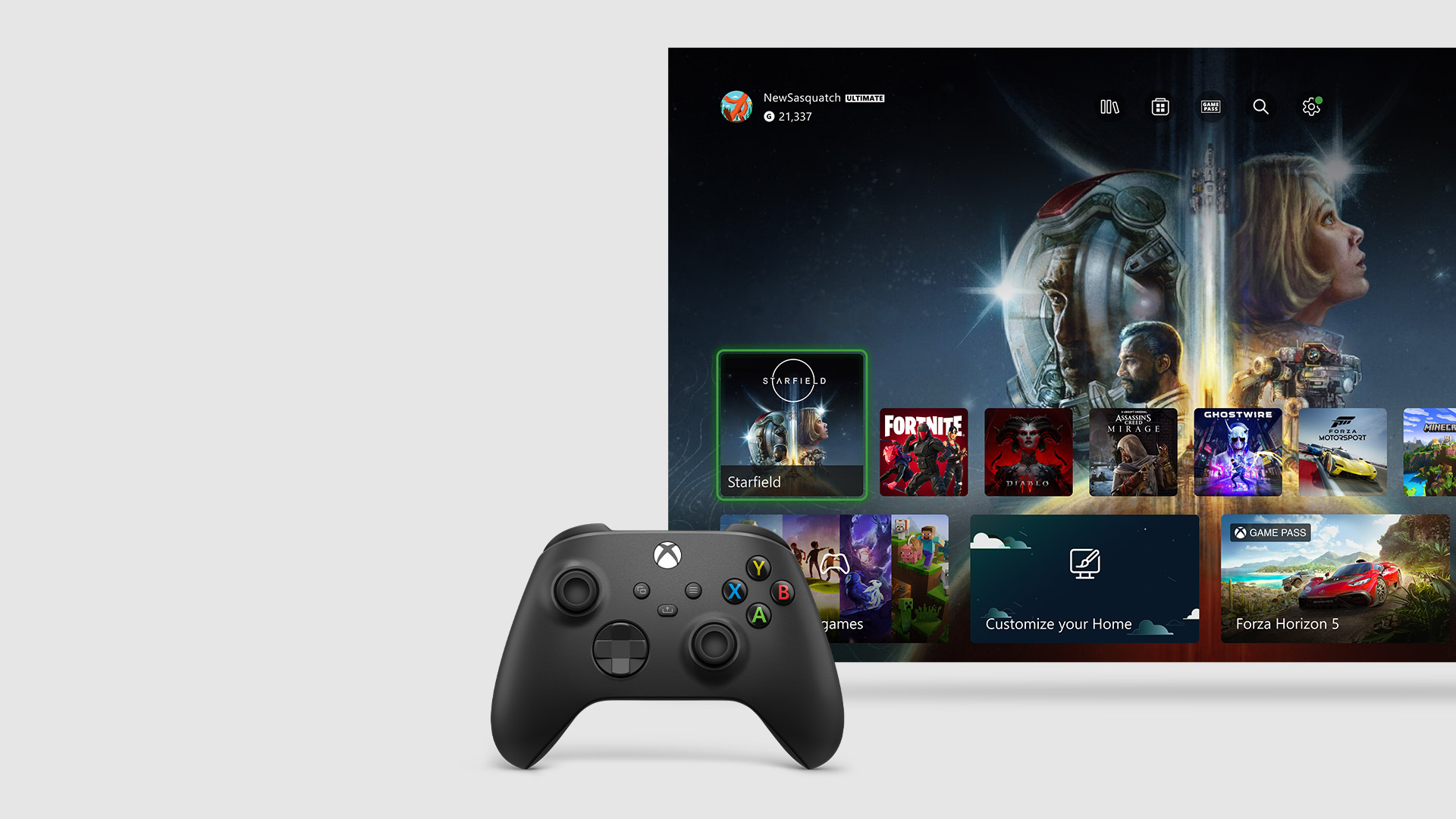
Meet the XBOX dashboard
A streamlined dashboard designed to get you into the games and entertainment you love quickly.

Grow your digital games library
Get the latest releases, blockbuster exclusives, and more. Buy and download games online or directly on your console.
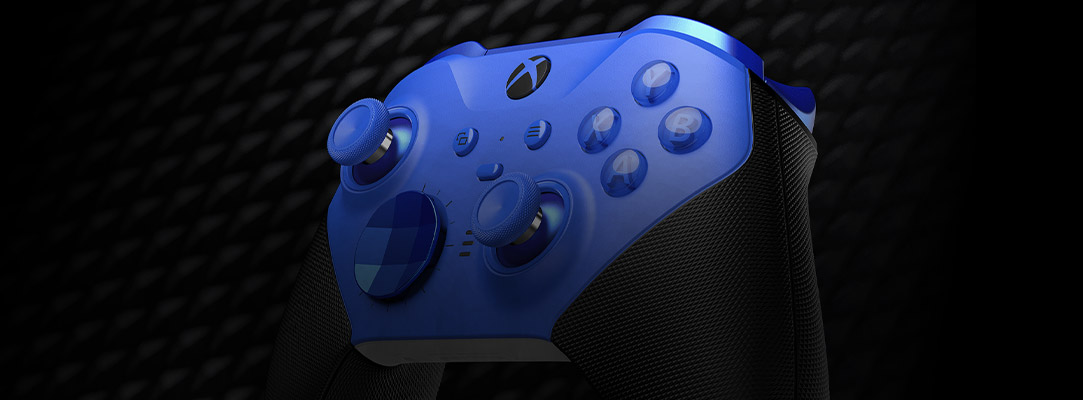
Gear up for action
Upgrade your controller to play like a pro, get a headset to play with friends, or expand your game storage.
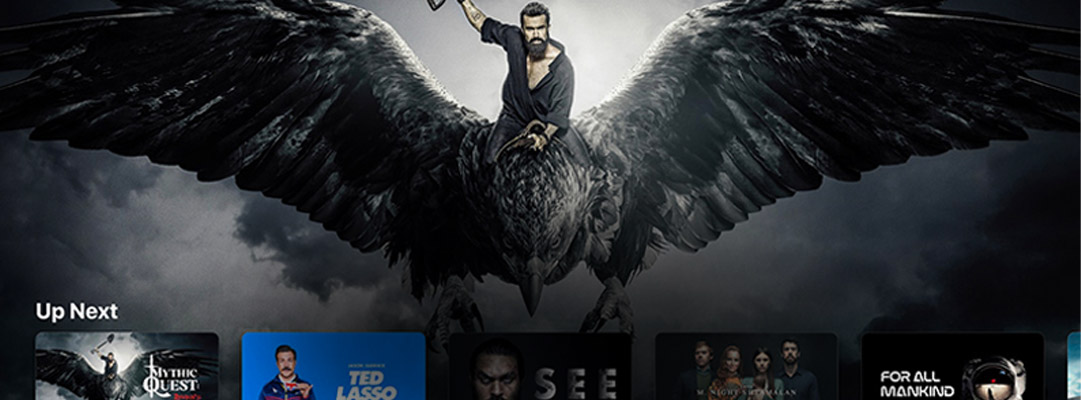
Press play
Stream 4K Ultra-HD video on Disney+, Netflix, Amazon, Hulu, Microsoft Movies & TV and more.
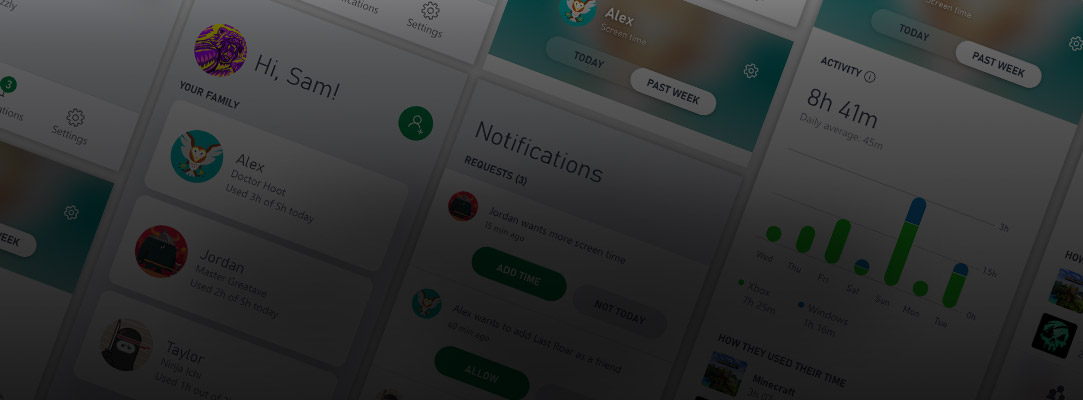
Playtime peace of mind
Easily manage your children’s console activities on XBOX consoles, all from your phone in real time.
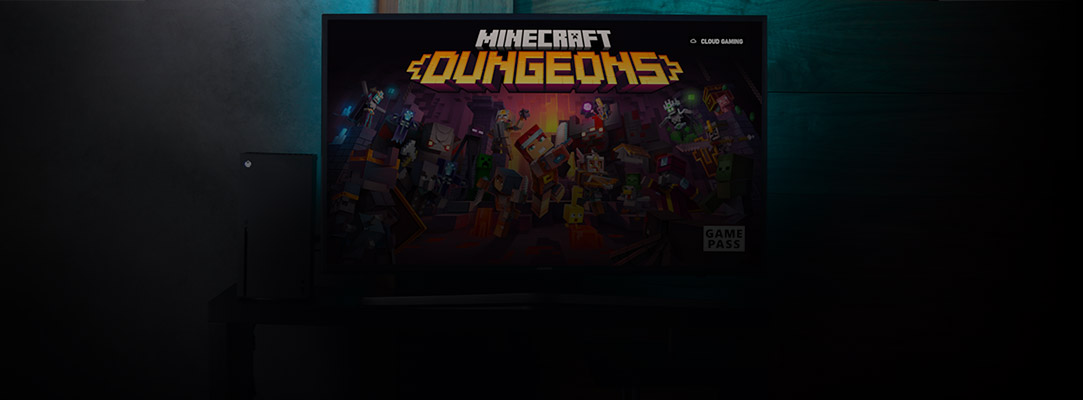
Jump in with cloud gaming
Get right to the game when your friends are ready to play, even while you’re installing or downloading to your console, via cloud gaming with XBOX Game Pass.1

Pick up and play
Play games from your console to your phone or tablet over the internet with XBOX remote play.
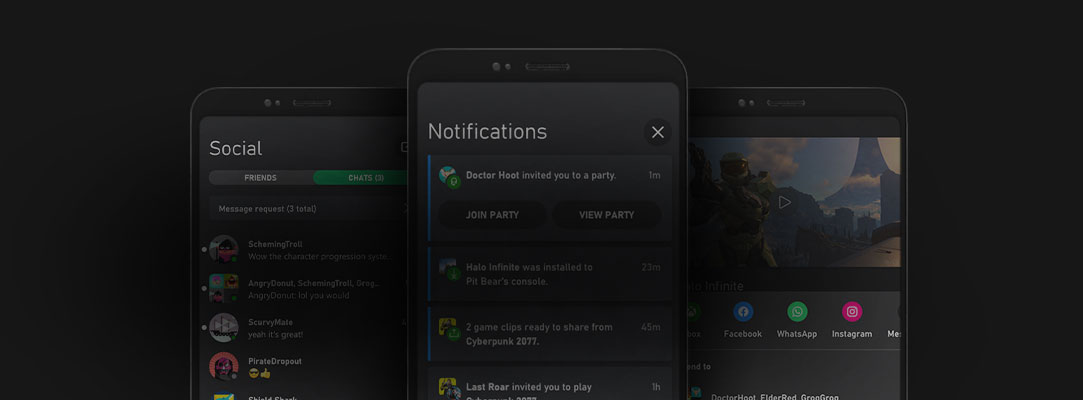
Your away game
Browse games, share and chat with friends, setup and manage your XBOX console all within the XBOX app.

Make it a party
Compete and connect with friends, teammates, and rivals on the world’s most advanced multiplayer network.

Need help with your XBOX console?

1. Server availability and wait times may vary. Supported games only. Game library, features and availability vary by device and region. Streaming limits apply. Xbox.com/gamepass


