

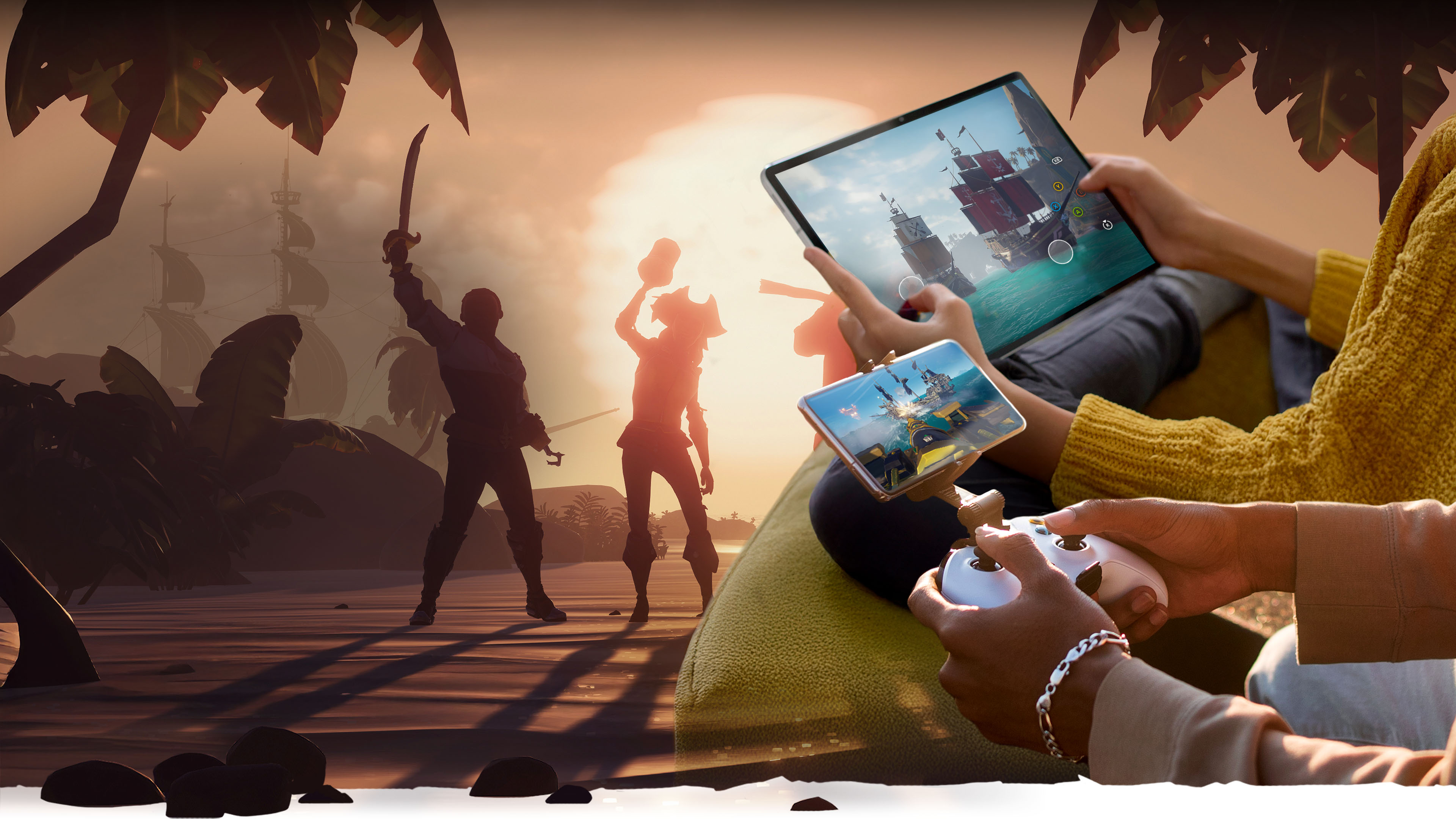
XBOX ON MOBILE
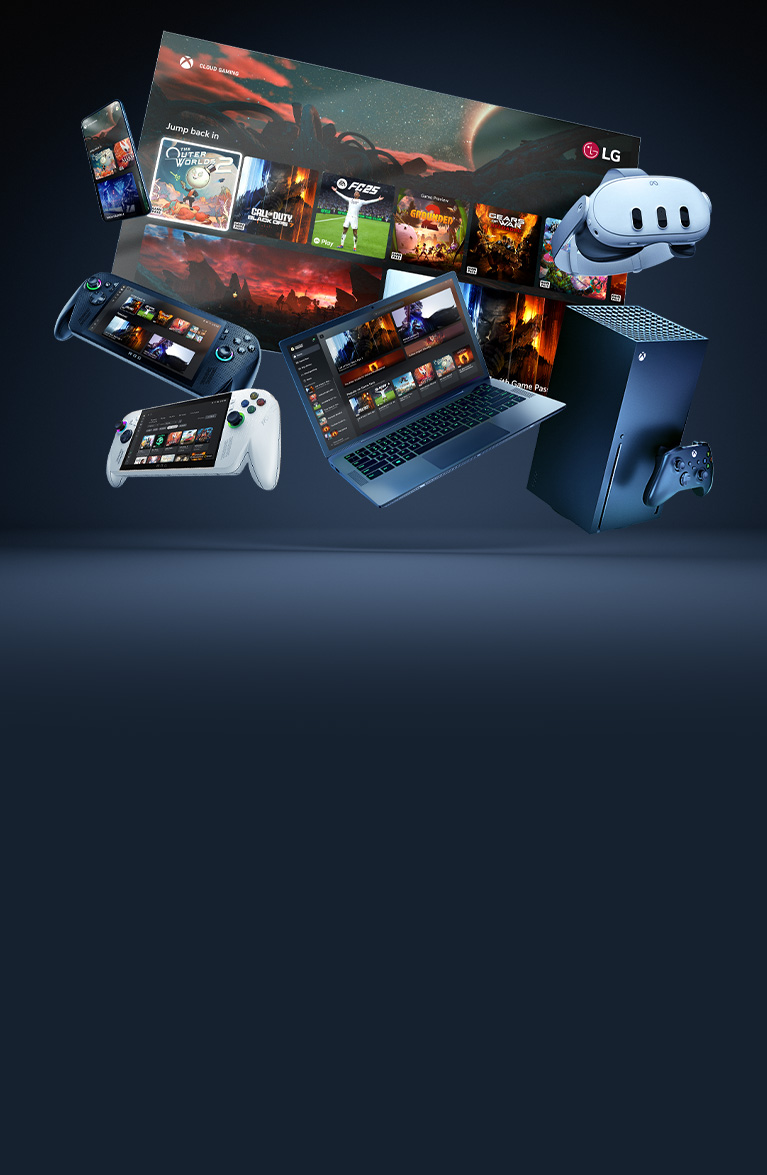
Choose ways to play, explore XBOX Game Pass, shop seamlessly and stay connected to your world of gaming with XBOX on mobile.


Compatible with iOS version 15.1 or higher and Android version 8.0 or higher.
Play anywhere
Stream games on your phone or tablet with cloud gaming at xbox.com/play or play games installed on your console remotely at xbox.com/remoteplay. Pick up where you left off across devices—your progress goes with you.
Requires XBOX Game Pass subscription. Demo based on iOS.

Get an instant library of games
Stream hundreds of games with XBOX Game Pass and get customised recommendations, notifications of new games to play and more.
EXPLORE GAME PASSPick up and play
With touch controls, an XBOX controller or a controller accessory, XBOX provides flexibility to play your way. For touch-enabled games, look for “Play with touch” or the touch icon when browsing games.
Shop and stay connected
Tap into your gaming community, shop, explore and even manage your XBOX account from your mobile devices.
EXPLORE THE APP use the arrow keys to navigate through the pivots and tab to focus on focusable content inside a pivot section Shop and find deals
 Chat and share with friends
 Manage your game library
Shop XBOX Game Pass plans, XBOX console and PC games and add-ons – all without leaving the XBOX mobile app.


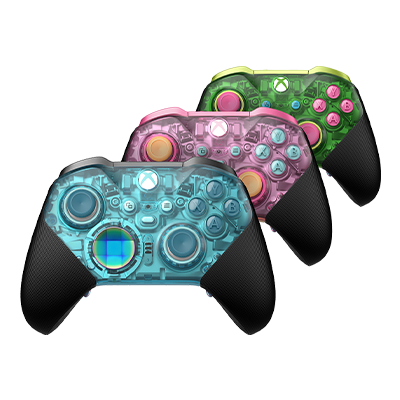
XBOX Design Lab
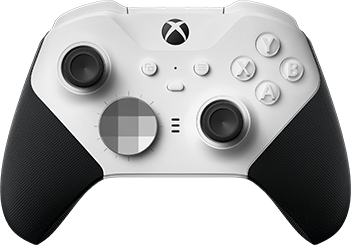
XBOX Elite Wireless Controller Series 2 – Core (White)
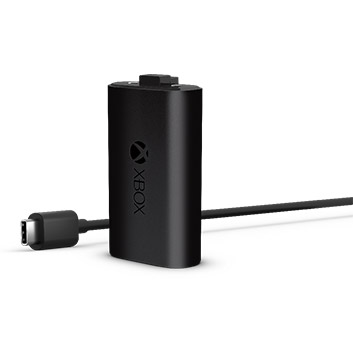
XBOX Rechargeable Battery + USB-C
Frequently Asked Questions
XBOX cloud gaming is available on supported mobile phones and tablets in specific regions. Visit our Support hub for a full list of currently supported cloud gaming mobile devices.
Most titles in the XBOX Game Pass library, select free-to-play games and select games you own are available to play from the cloud. For an up-to-date list, please view all cloud-playable titles.
5GHz Wi-Fi or mobile data with speeds of 20Mbps or higher is recommended.
By using Bluetooth or a wired connection, you can connect your XBOX controller to most compatible devices. Visit our support hub for instructions specific to your controller and mobile device type.
Yes, touch controls are available for select games, allowing you to experience a different way to play – by touch and without a controller. To learn more about setting up touch controls, see how to use XBOX touch controls with cloud gaming or remote play. You can also see all games that support touch controls.
Official XBOX controllers, Sony PlayStation controllers, and more. Please visit our support hub for a list of verified controllers that support cloud gaming.
Remote play allows you to play games installed on your XBOX console – including titles in the XBOX Game Pass library – from your mobile phone, tablet, PC or TV. To play remotely, open your favourite mobile web browser and navigate to xbox.com/play. Tap the top left menu, switch to remote play and follow the instructions to get started. Note: remote features must be enabled on your console to play remotely, which you can enable remotely through xbox.com/play, or directly on your console. Learn more about remote play here.
XBOX Cloud Gaming is supported on Android phones and tablets OS 12 and later, iPhone iOS 14.4 and later and iPads with iPadOS 14.4 and later. For a full list of supported devices please visit Support here.
-
XBOX Subscription and Cloud Terms:
See xbox.com/terms. -
XBOX Game Pass:
Game library and benefits vary over time and by region, device and XBOX Game Pass plan. See the current game library at xbox.com/xbox-game-pass/games. Select regions. -
XBOX Cloud Gaming:
Monthly cloud gaming limits vary by Game Pass plan. Not included with PC Game Pass. Requires supported device; sold separately. Cloud-playable games not included with Game Pass are sold separately and may be made available with Game Pass in the future. Game library varies (xbox.com/play). Select Regions. -
Recurring Billing:
By subscribing you are authorising recurring payments made to Microsoft at the intervals you selected, until cancelled. To stop being charged, cancel your subscription in your Microsoft account (account.microsoft.com/services) or on your XBOX console, before the next billing date. Charges may be increased with at least 30 days notice as described in the Microsoft Store Terms of Sale.


