

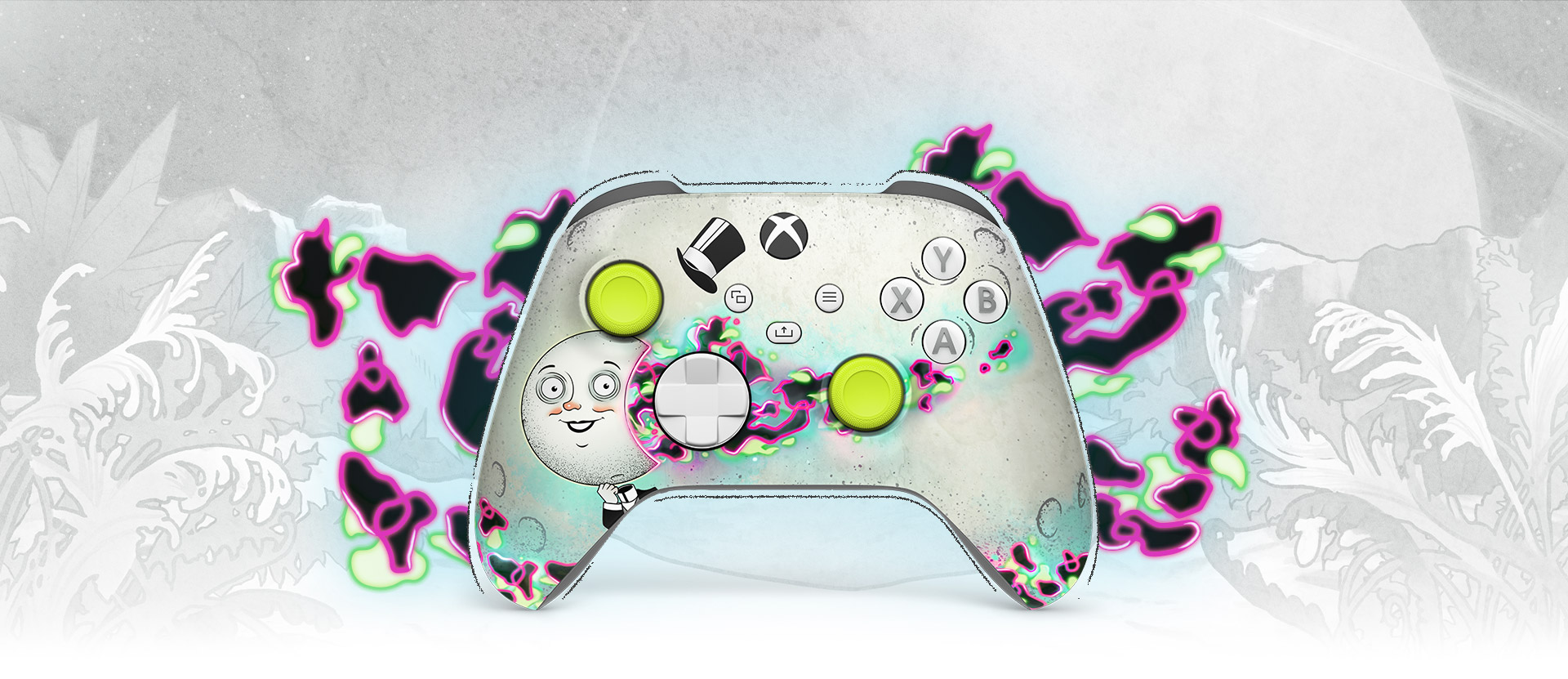
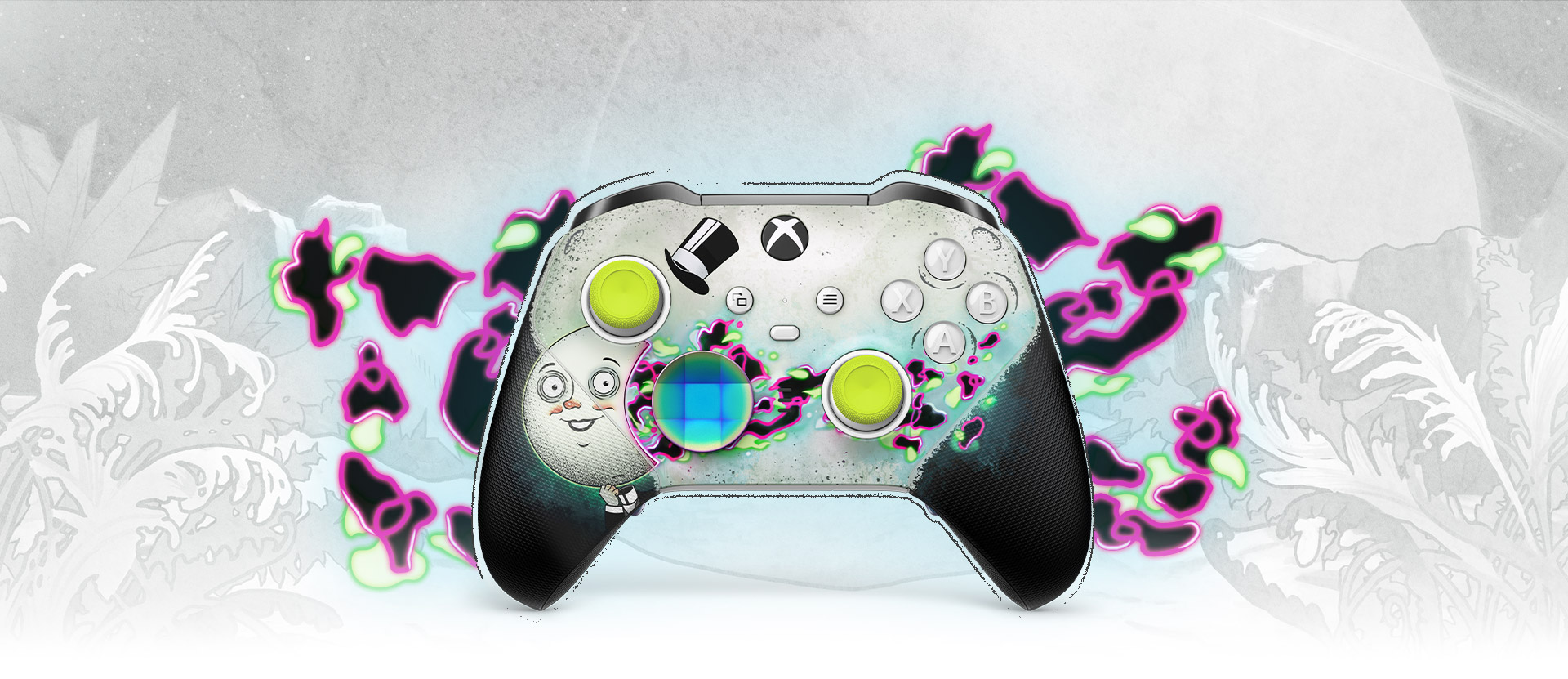
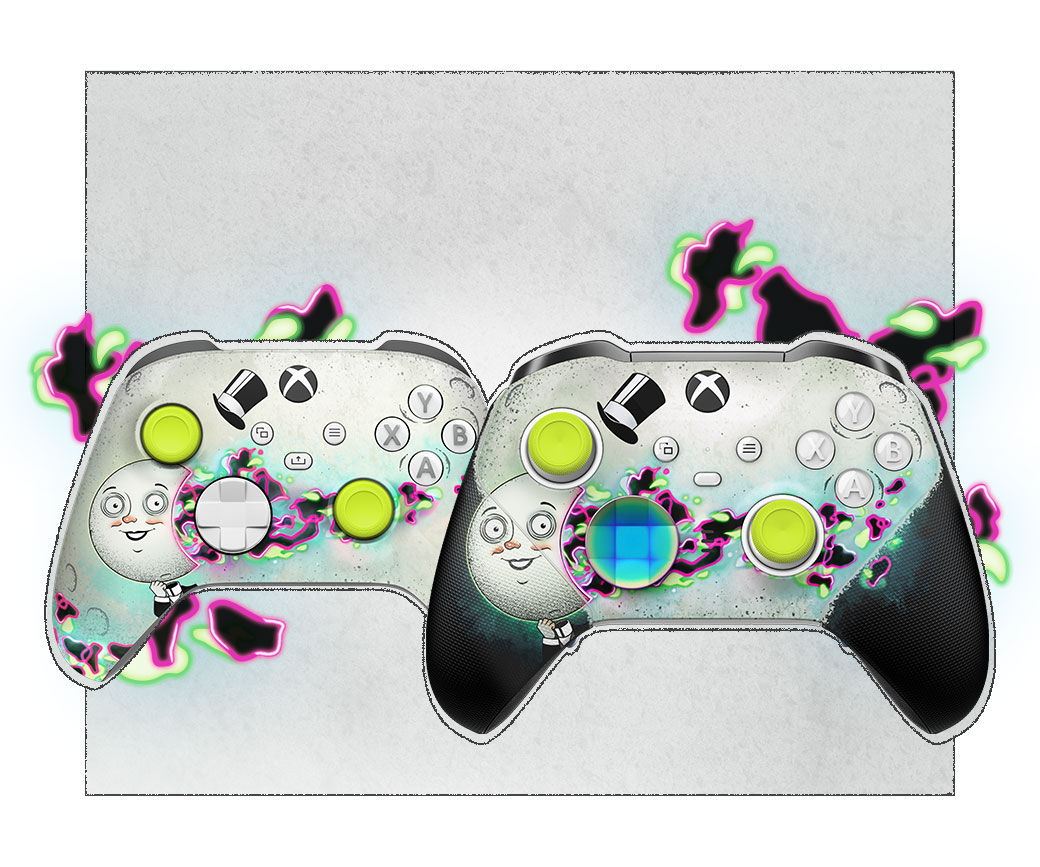
Customise yours exclusively with Xbox Design Lab
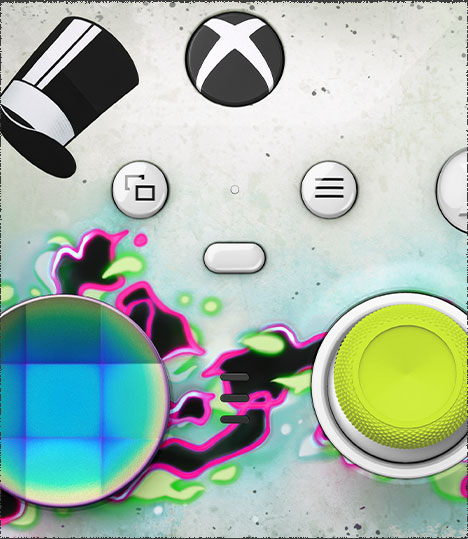
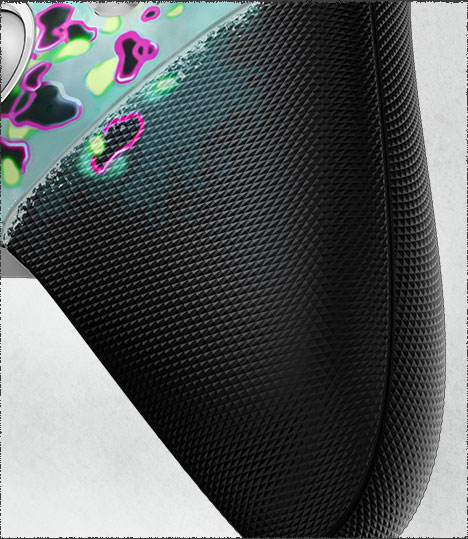
Get the Xbox Wireless Controller or Xbox Elite Wireless Controller Series 2 ready for a new action-packed adventure with Xbox Design Lab and The Outer Worlds 2. Display The Moon Man and the rifts threatening to destroy all of humanity with the official The Outer Worlds 2 top case and side cap design. Make The Outer Worlds 2 controller your own with limitless customisation of interchangeable components and exclusive button mapping options in the Xbox Accessories app – you can even pick which colour the Xbox button lights up with. Play like a pro on console, PC and cloud.*
Dedicated share button
Seamlessly capture and share content such as screenshots, recordings, and more with the new Share button.
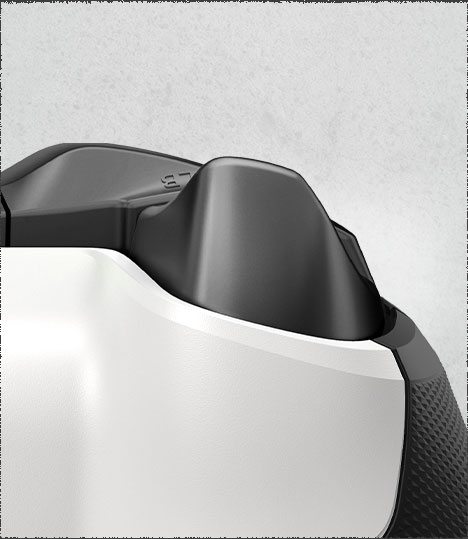
Switch devices
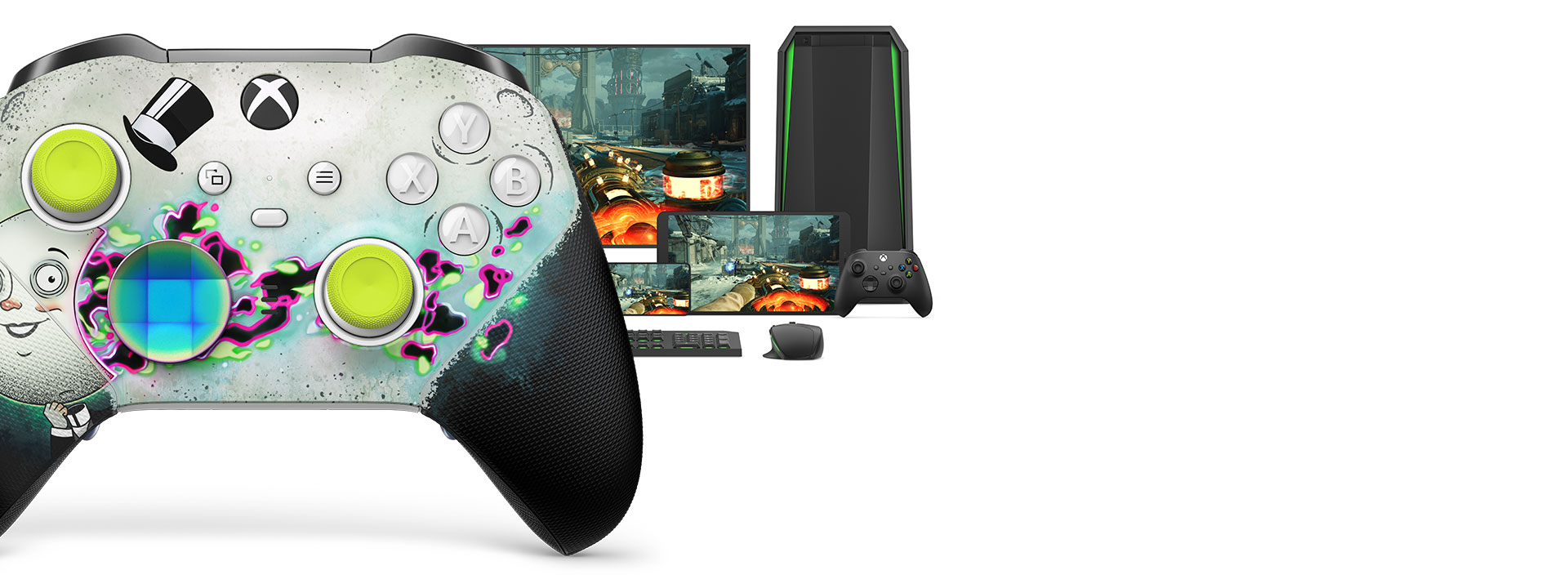
Easily pair and switch between devices including Xbox Series X, Xbox Series S, Xbox One, Windows PC, Android and iOS.*
Compatibility
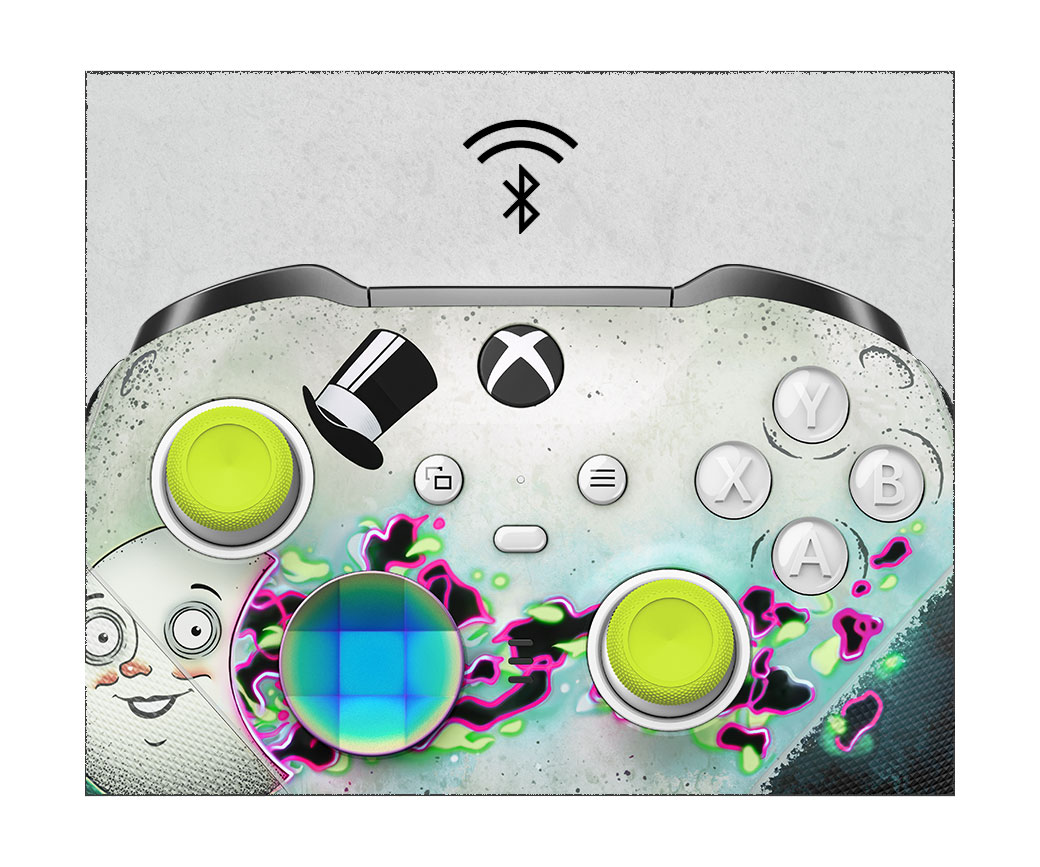
Includes Xbox Wireless and Bluetooth® technology for wireless gaming on consoles, Windows 10/11 PCs, mobile phones and tablets. Plug in any compatible headset with the 3.5mm stereo headset jack.*
Tech specs
System requirements |
For use with Xbox systems and PCs running Windows 7 or later. Windows 10/11: requires Bluetooth, included USB cable or Xbox Wireless adapter (sold separately). Windows 7 or 8.1: requires included USB cable; some functionality not supported. Drivers available at xbox.com/xboxone/PC-controller. |
|---|---|
Xbox Accessories app requirements |
Available on Xbox consoles and Windows 10/11. |
Audio |
Includes 3.5mm stereo headset jack. Also compatible with the Xbox One Stereo Headset Adapter and all other Xbox controller accessories made by Microsoft. |
Haptic feedback |
Features Impulse Triggers and rumble motors. Motor control can be adjusted in the app. |
Weight |
345g (+/- 15g) when using with 4 paddles, faceted D-pad and standard thumbsticks attached. |
Connectivity |
Connect to Xbox consoles with Xbox Wireless, or using the included 9' USB-C cable. Wirelessly connect to Windows PCs, tablets, Android and iOS devices using Bluetooth, or with the included 9' USB-C cable. Connect to Windows 7 or 8.1 PCs with the included 9' USB-C cable; some functionality not supported. |
|---|---|
Thumbstick control |
Use the included thumbstick-adjustment tool to manually change thumbstick tension, with 3 tension settings to choose from. Adjust thumbstick sensitivity curves with the Xbox Accessories app, or swap thumbstick inputs so that the left thumbstick controls the right thumbstick input and vice versa. |
Battery |
Internal, rechargeable battery with up to 40 hours of battery life per charge. Battery life varies with usage and other factors.** |
Assignable buttons |
A, B, X and Y; D-pad up, down, left and right; Left and right bumpers; Left and right triggers; Left and right thumbstick click; 4 paddles. |
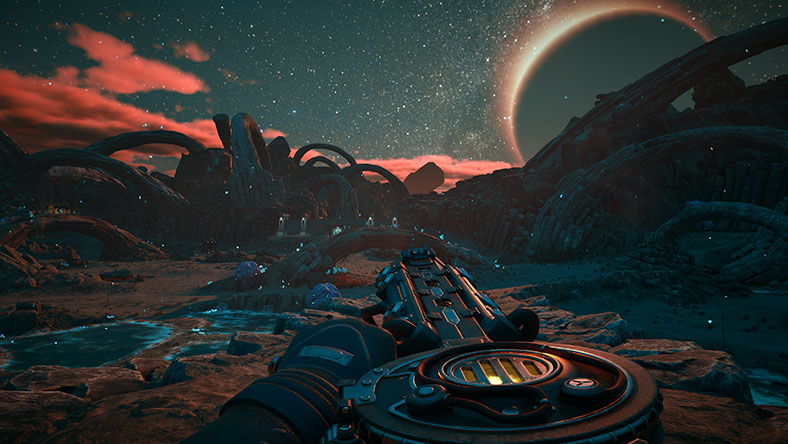
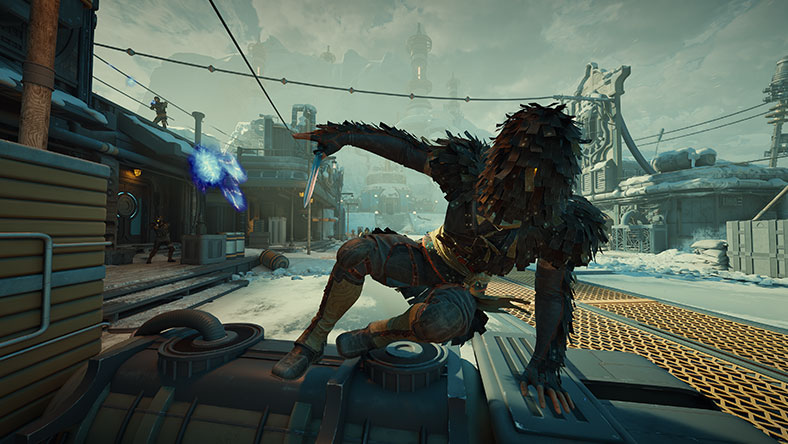



Discover your next favourite game
Play The Outer Worlds 2 and hundreds of high-quality games with Game Pass.
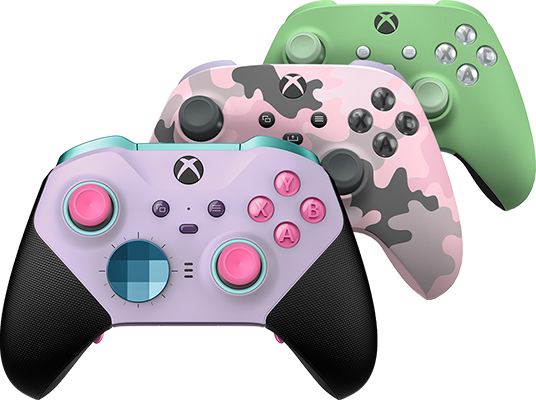
Xbox Design Lab
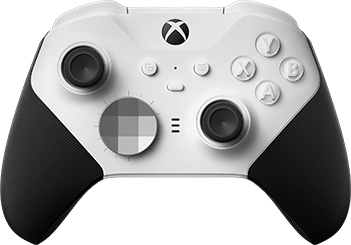
Xbox Elite Wireless Controller Series 2 – Core (White)
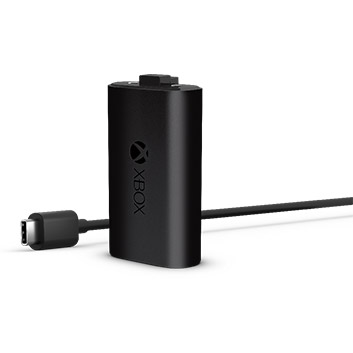
Xbox Rechargeable Battery + USB-C
*Windows 10/11: requires Bluetooth, compatible USB-C® cable or Xbox Wireless adapter (sold separately). Android, iOS & Bluetooth: Selected devices and versions. Some functionality not supported. Software download may be required via Windows PC or console. See xbox.com/controller-compatibility. Use with controller compatible games.
**Battery life varies significantly with additional accessories, usage and other factors. Testing conducted by Microsoft using preproduction units. See xbox.com/elitebattery for details. Xbox Accessories app features – including button mapping, Xbox button colour and profile configuration – are only available on Xbox Series X|S, Xbox One and Windows 10/11. Operating system updates: may be required. Go to xbox.com/xboxone/controller-OS for more information.


