

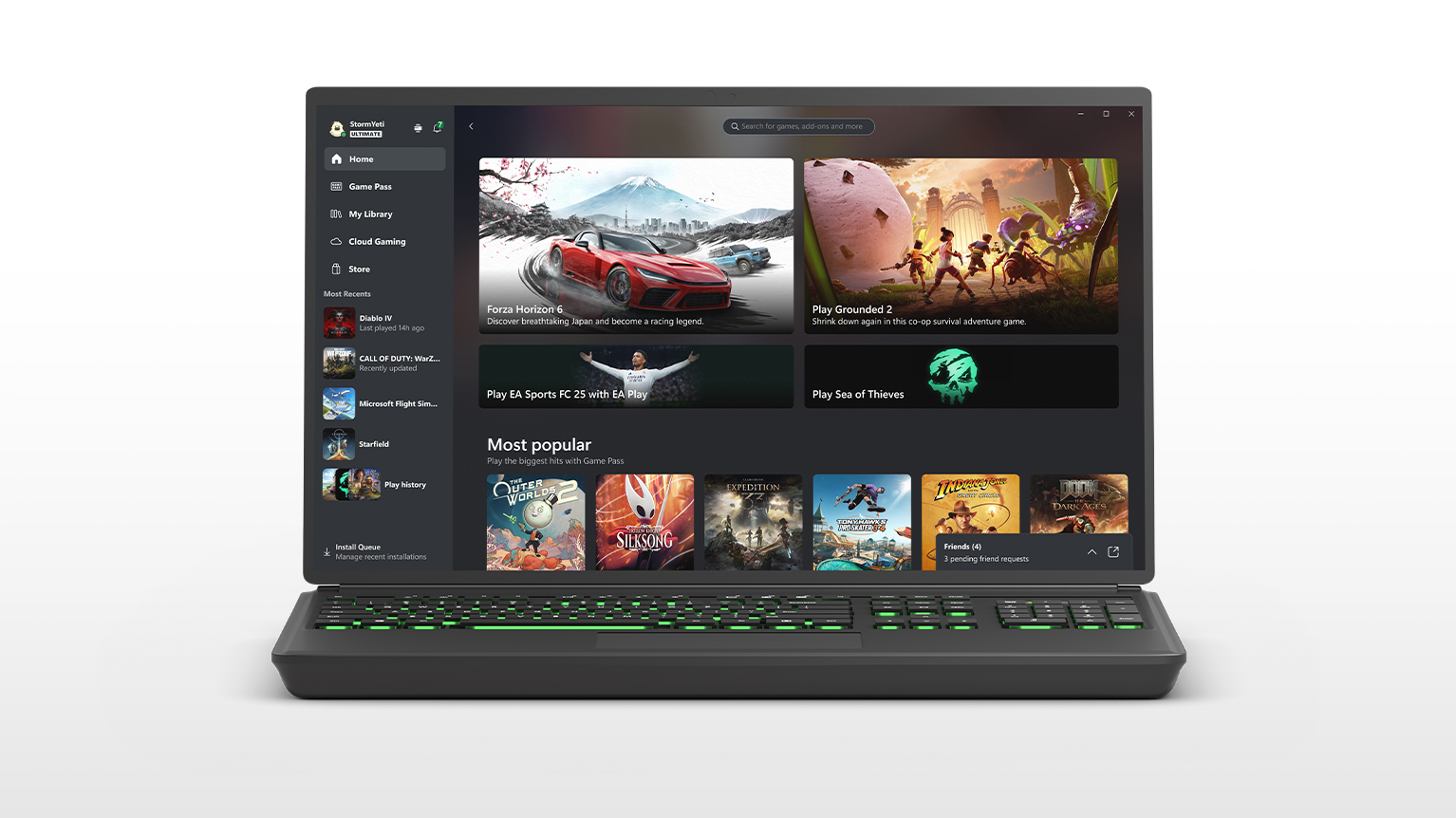

XBOX PC app
Discover and download new games with XBOX Game Pass, play console games on your Windows PC with cloud gaming and chat with friends across PC, mobile and console.
Requires Windows 10/11, version 22H2 or higher. See system requirements.
Having trouble installing the update or app? Get help here.
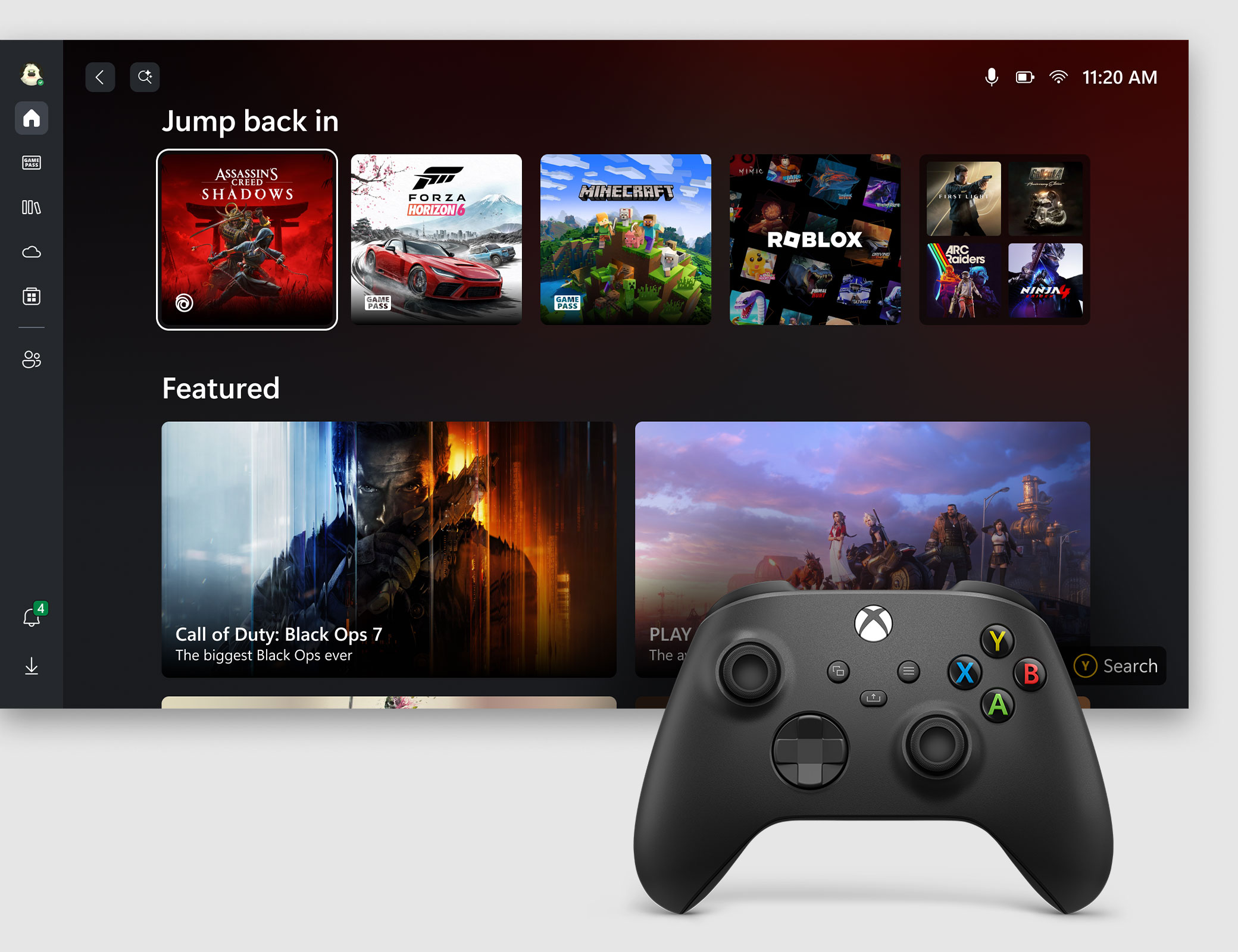
XBOX mode on, work mode off
Get a controller-optimised, dedicated gaming experience on your Windows 11 PC and handheld. Seamlessly switch between XBOX mode or the desktop to enjoy the flexibility of console-inspired gaming and full PC functionality.
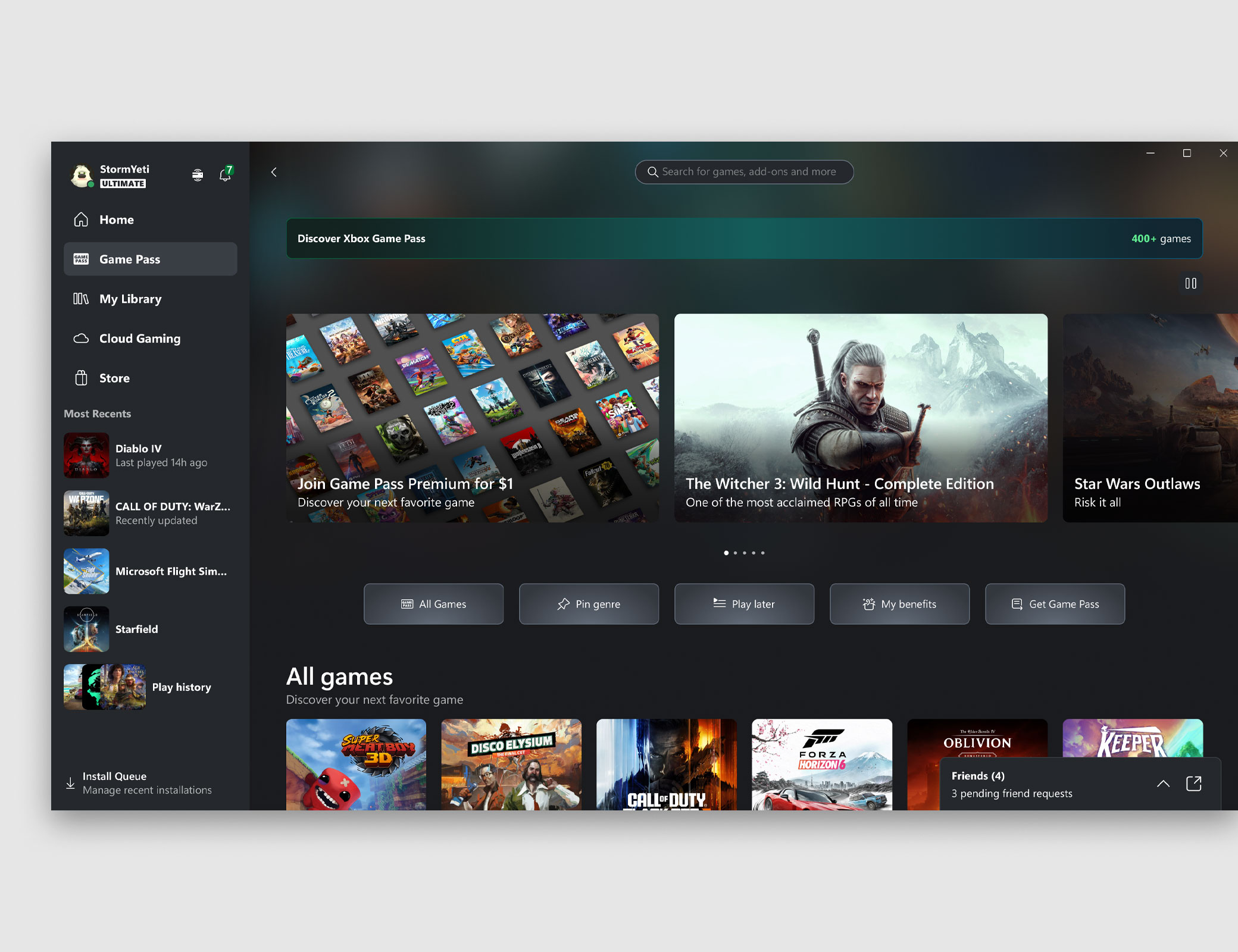
Quick access to play
Browse the XBOX Game Pass library, download your next favourite game and launch directly from the app. Organise your games any way you like. Play console games from the cloud, or play across devices with your achievements, game saves and purchases.
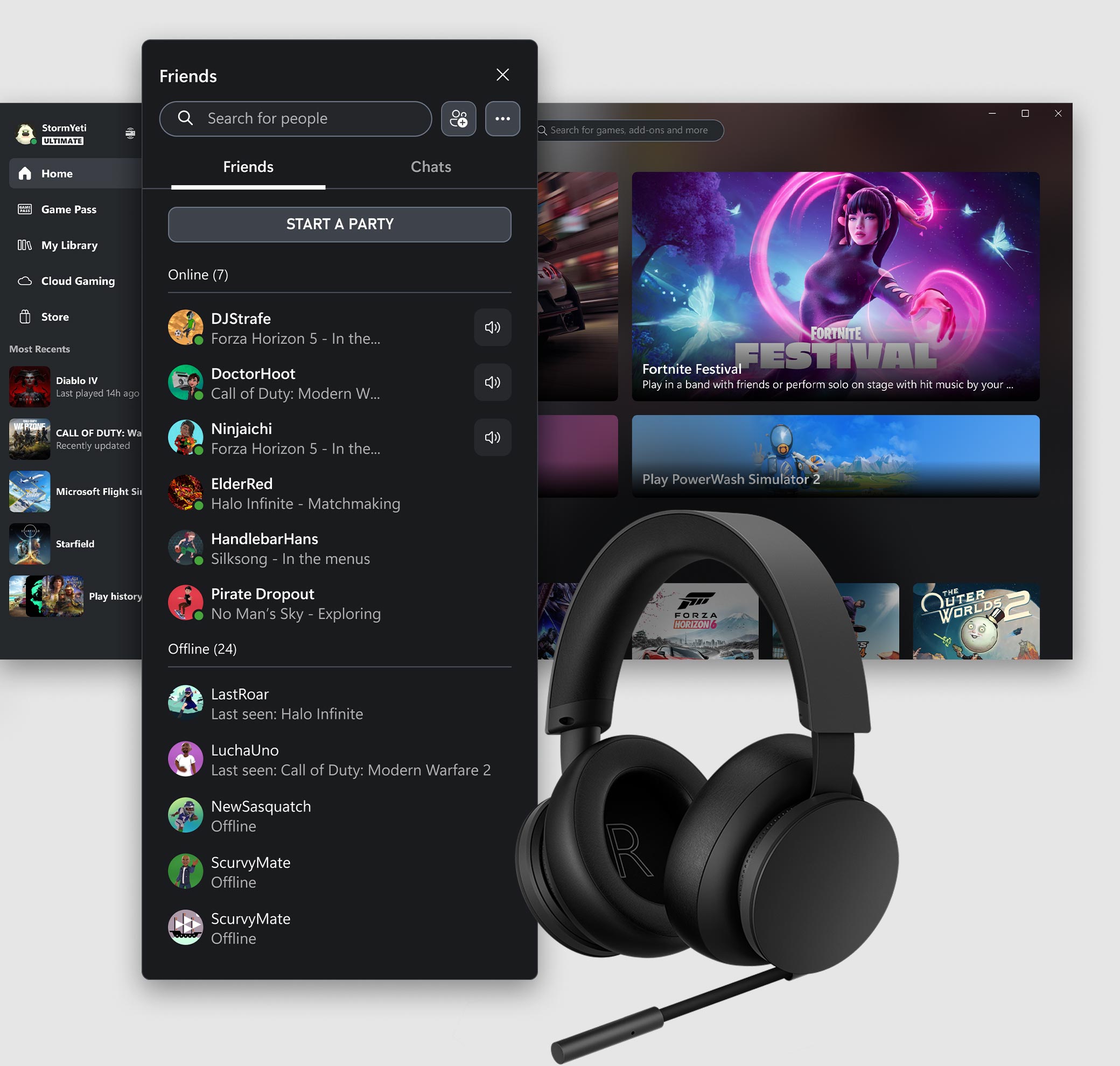
Connect and chat with friends
See what your friends are playing and chat with them on PC, console and mobile. Simply press Win+G to keep the conversation going with XBOX Game Bar while playing your favourite game.
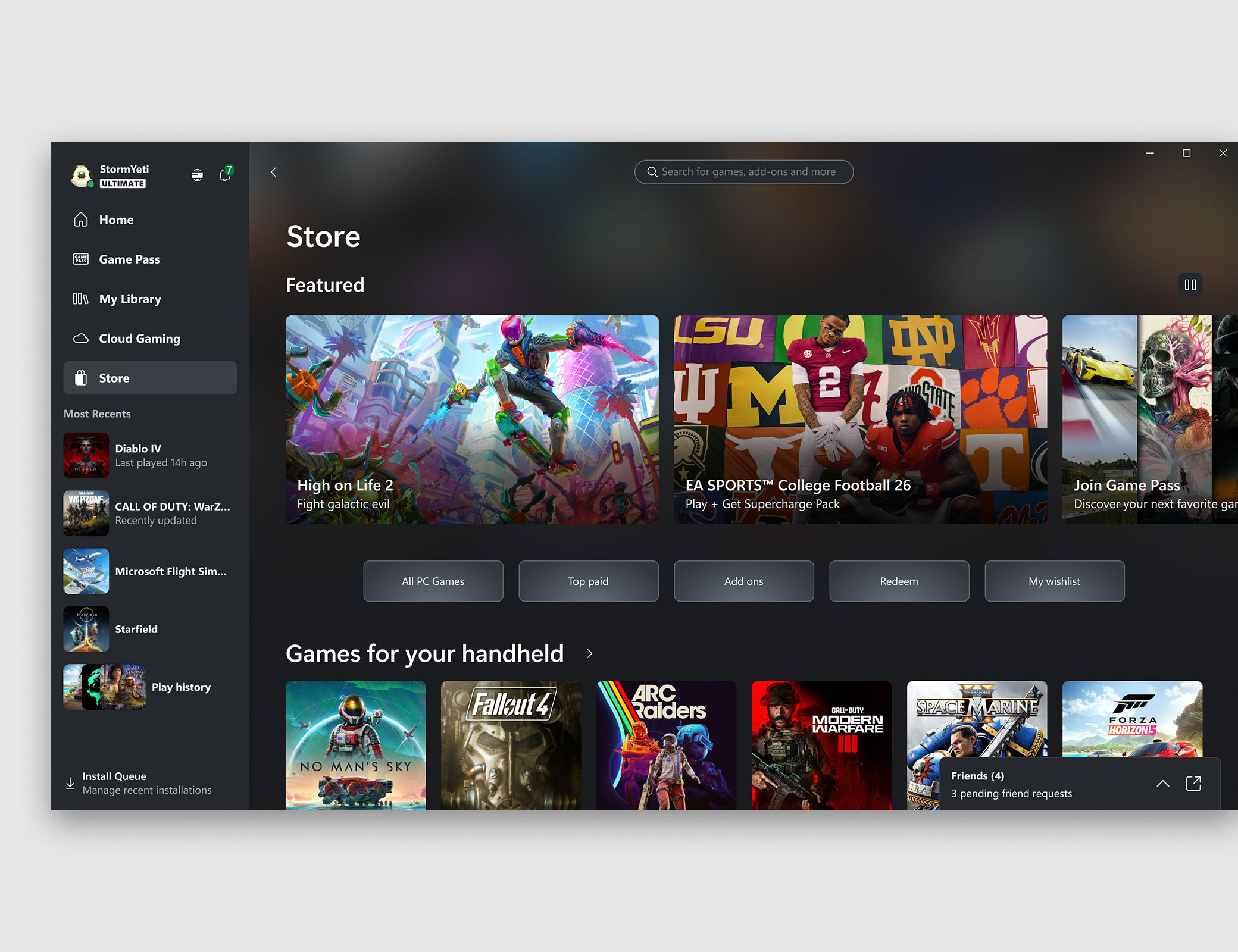
Shop for PC games
Use the Store tab in the app to buy your favourite PC games, DLC and add-ons. XBOX Game Pass subscribers get a discount on games in the Game Pass library to buy and own. Plus, bring all your games together from most PC storefronts.
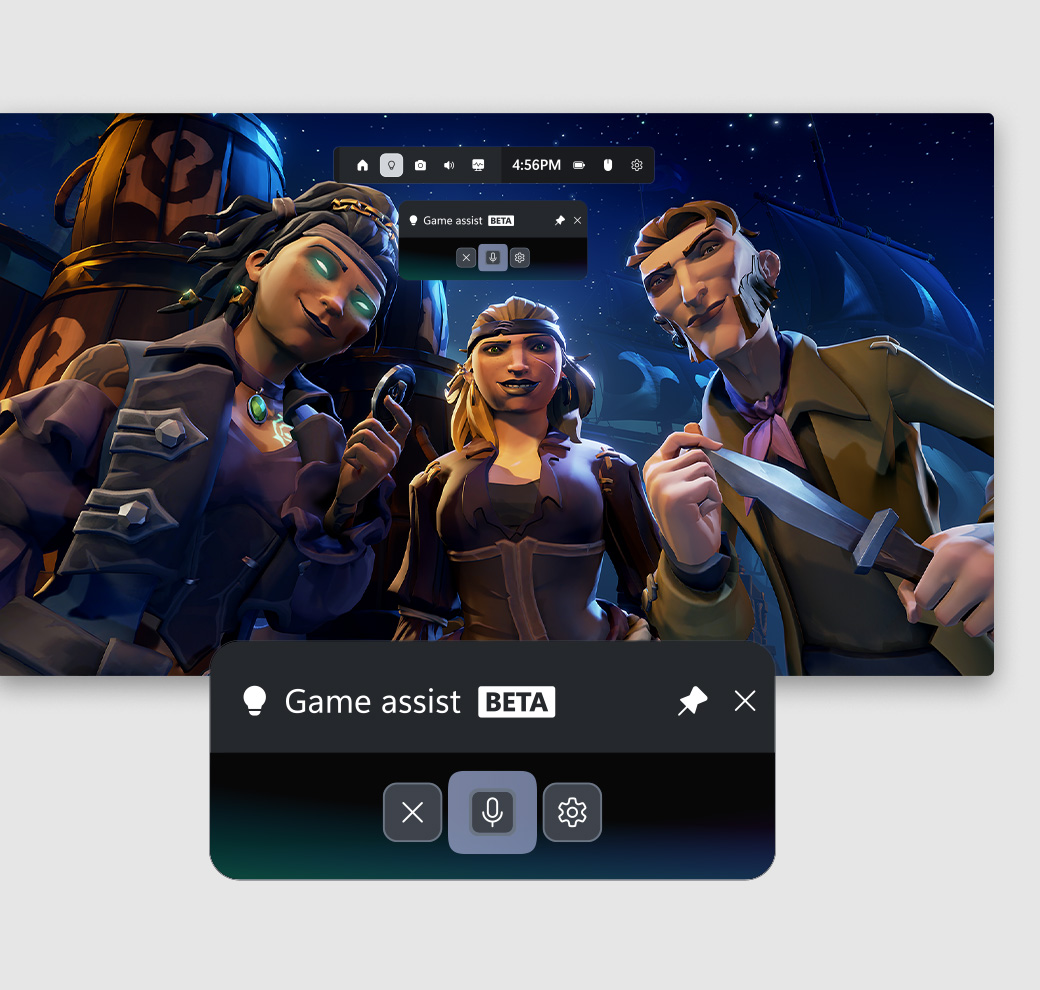
Game assist (beta)
Ask for help anytime or anywhere you're playing. Tap Windows + G to get started.

Chat
Chat with a friend or as a group using voice or text. Share GIFs, screenshots or game clips.

App notifications
Never miss a message, party invite or friend request with app notifications.

Customise your profile
Express yourself with background themes for your profile.

Play and earn rewards
Track your progress, claim points and see more ways to get rewarded for your love of gaming.
LEARN MORE

Remote play
Play games installed on your console remotely from your PC with XBOX remote play.
LEARN MORE
Aggregated gaming library
Bring everything together with a gaming library that gives you quick access to games from XBOX, Game Pass and installed games from other PC storefronts.

My apps
Sort, scroll and choose apps to house in “My apps” on your home screen.

Link accounts
Connect with friends across your social networks including Steam, Discord, Twitch and more.
| OS | Windows 10/11, version 22H2 or higher |
|---|---|
| Storage | 150 MB |
| Display | 720p |
System requirements vary by game; performance scales with higher-end systems. Playing games on the XBOX PC app may require switching out of Windows S mode.
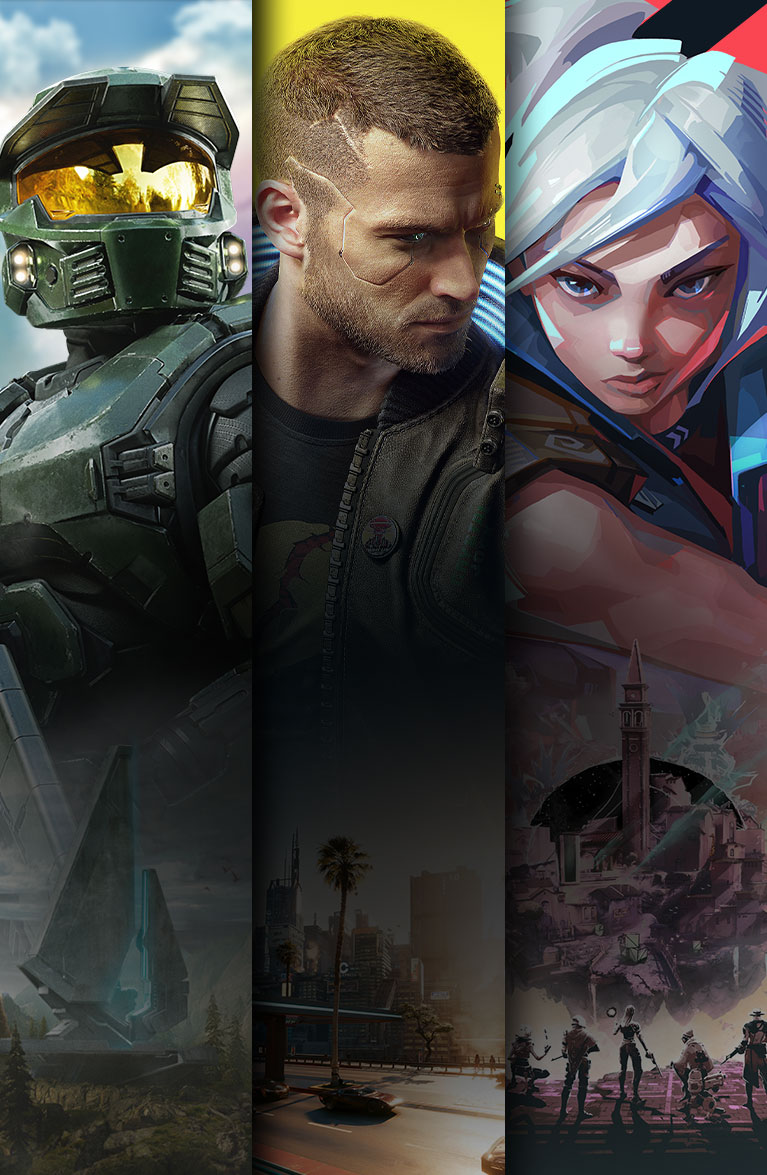

Discover your next favourite game
Enjoy hundreds of games on console, PC and cloud. Dive into legendary franchises. Play together with friends.
XBOX Game Pass sold separately.


