


Discover your next favourite game


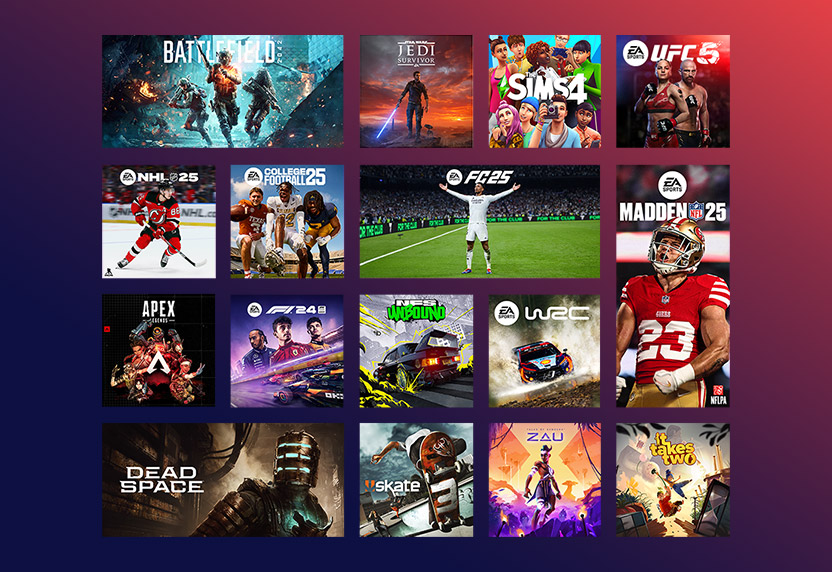
Experience the world of EA
Subscribers get unlimited access to a collection of top titles on PC, trials of select new games, in-game rewards, and more.
EXPLORE EA PLAY
In-game benefits
Get in-game benefits in some of the biggest free-to-play games – including seasonal content drops. Instantly unlock items like cosmetics, characters and more to enhance your gameplay. Plus, choose exactly what you want with in-game currency.
LEARN MORE
Riot Games
Get a head start in VALORANT, League of Legends, and more of the biggest games from Riot Games. Link your Riot Games account and XBOX profile to unlock the greatest Agents, champions, Little Legends, XP Boosts, and more.

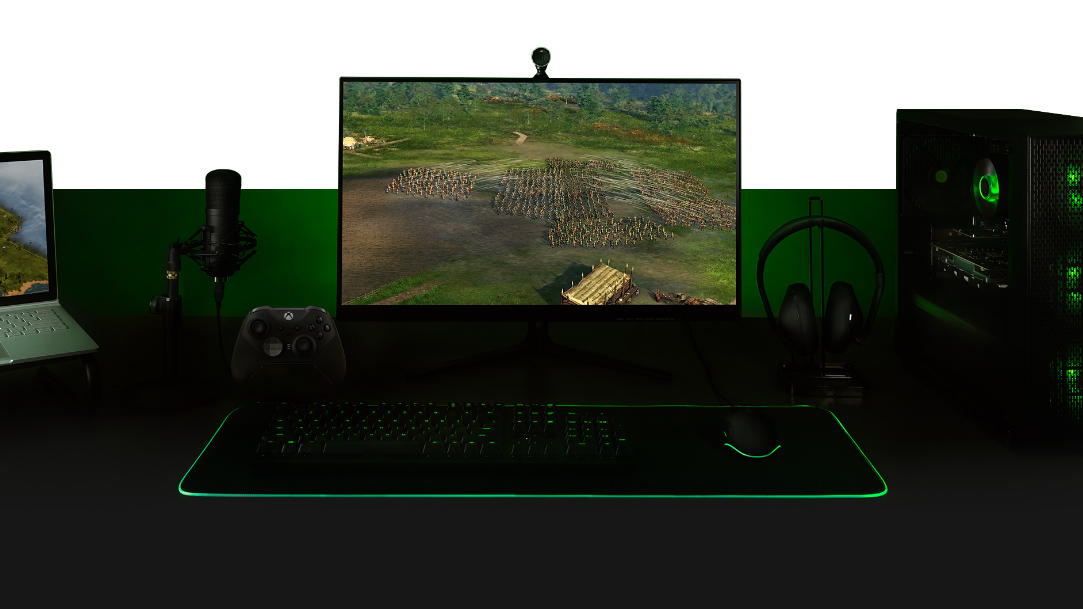
Built for PC players
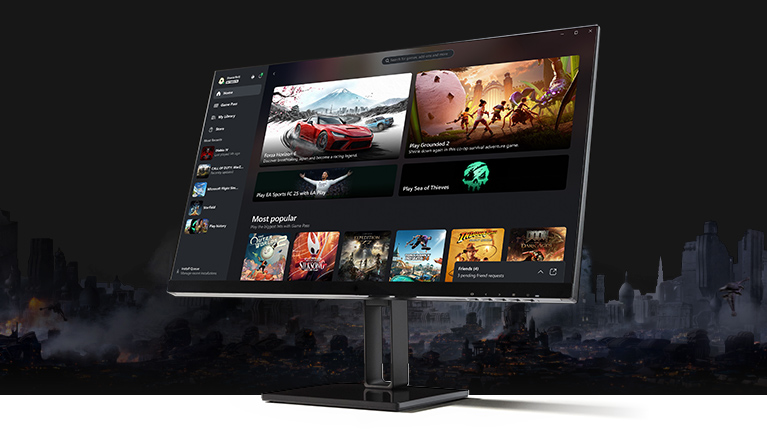
With the XBOX PC app, it’s easier than ever to discover your next favorite game. Browse the library, view recommendations, filter by genre, and with the click of a button discover your next favorite game with PC Game Pass.
Requires Windows 10/11, version 22H2 or higher
Connect and play
See what your friends are playing and chat with them while you play. Advanced features let you keep the conversation going from game to game.
Love a game in the library?
Save up to 20% off select games in the Game Pass library with PC Game Pass. Purchase favorite titles, DLC, and add-ons from the Store – all in one place.
| OS | Windows 10/11, version 22H2 or higher |
|---|---|
| Storage | 150 MB |
| Display | 720 p |
System requirements vary by game; performance scales with higher-end systems. Playing games on the XBOX PC app may require switching out of Windows S mode.

JOIN NOW
PC Game Pass
Get your first 14 days for $1, then $11.99/month
Subscription continues automatically. See terms.
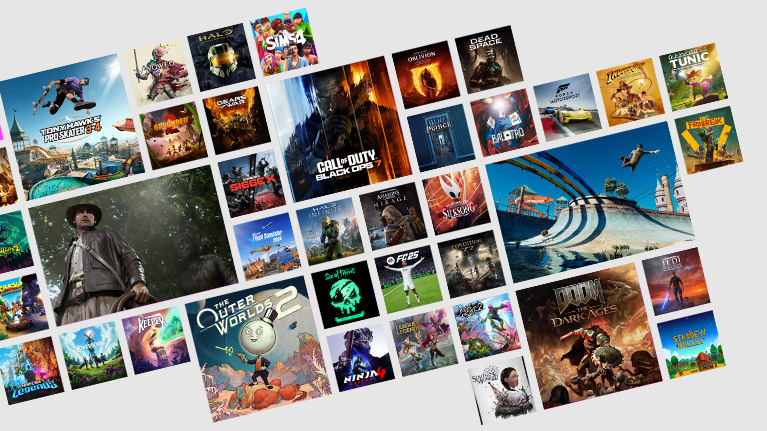
- Hundreds of PC games
- New games on day one1, including new XBOX published games and third-party games
- Benefits for games like League of Legends and Call of Duty: Warzone
- Includes EA Play
Frequently Asked Questions
Visit XBOX regions for details on market availability.
You can play on a Windows PC. Please check the individual game detail pages to confirm if your machine specifications and operating system version meet the minimum requirements set forth by the developer. Certain games may require the latest Windows update.
Games will not be deleted from your hard drive until you delete them, even if they have been removed from the PC Game Pass library. However, once a game leaves the PC Game Pass library, you will need to purchase a digital copy from the XBOX app or the Microsoft Store, insert a disc, or obtain another form of entitlement to continue playing the game.
Visit xbox.com or the XBOX app on your Windows device to check out the latest library of games and learn more about PC Game Pass. Each month, updates for the PC Game Pass library will be shared via the Game Pass social media channels. Games will be added and removed from the library over time.
To get started on PC, subscribers will first need to link their XBOX and EA accounts and make sure they have the EA app installed on their PC. The XBOX PC app will walk you through the setup process.
Once you have installed the EA app and link your accounts you will be able to browse the EA Play catalog and download games through the XBOX PC app via the EA app.
If you are having trouble with linking your XBOX & EA accounts, you can find additional support here.
The recurring billing feature is switched on by default, meaning you'll automatically pay for a new subscription period when your current period ends.
You can switch recurring billing off and back on through your Microsoft account. Learn more about stopping recurring billing at Microsoft Support.
If you did not want to be charged for recurring billing, but failed to switch off recurring billing before your payment was processed, you’re still entitled to a refund of your most recent recurring billing charge if you cancel your subscription within 30 days after payment. This refund right is limited to one time per Microsoft account, per subscription product. You can submit such a refund request to our Support team: Request a refund.
See more FAQs
PC Game Pass Subscription Terms:
See xbox.com/subscriptionterms.
Promotional Offer Terms:
*Sign in for your available offers. Promotional offers may be for new subscribers only and/or not be valid for all subscribers and are only available for a limited time. Offers available in select regions only. Credit card required. After promotional period, subscription automatically continues at the then-current regular price (subject to change), unless canceled, plus applicable taxes.
1Excludes Call of Duty titles
Game Pass Availability Notice:
Game titles, number, features, and availability vary over time, by region, Game Pass plan, and platform. See the current game library at xbox.com/xbox-game-pass/games. Learn more about supported regions at xbox.com/regions.
About Recurring Billing:
By subscribing you are authorizing recurring payments made to Microsoft at the intervals you selected, until canceled. To stop being charged, cancel your subscription in your Microsoft account (account.microsoft.com/services) or on your XBOX console, before the next billing date. Charges may be increased on at least 30 days notice as described in the Microsoft Store Terms of Sale.


