

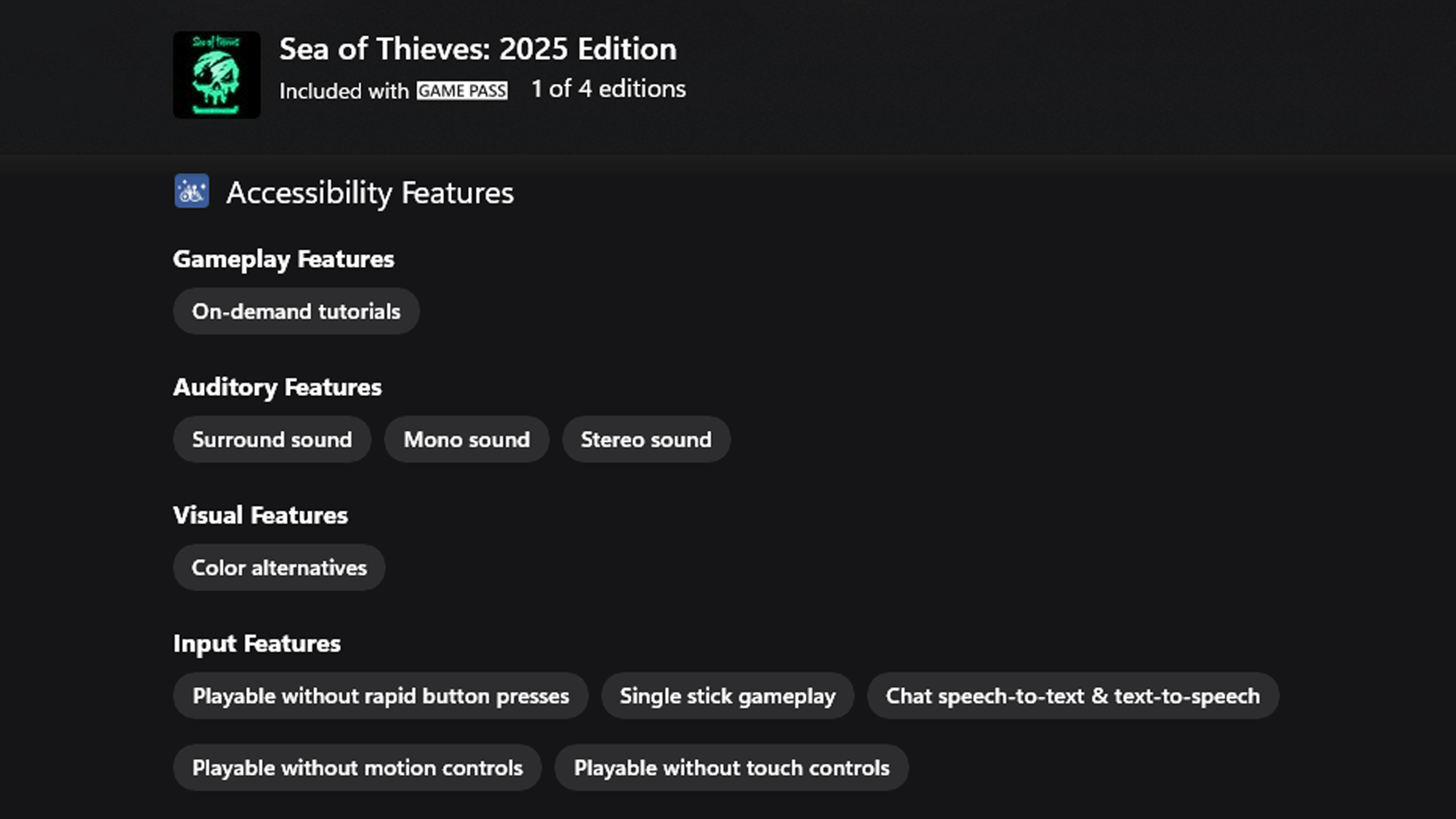
Microsoft is proud to be part of the Accessible Games Initiative, a cross-industry effort to make it easier to understand what accessibility features games offer. Accessible Games Initiative’s accessibility tags appear in the store to help you quickly find games that support how you want to play.
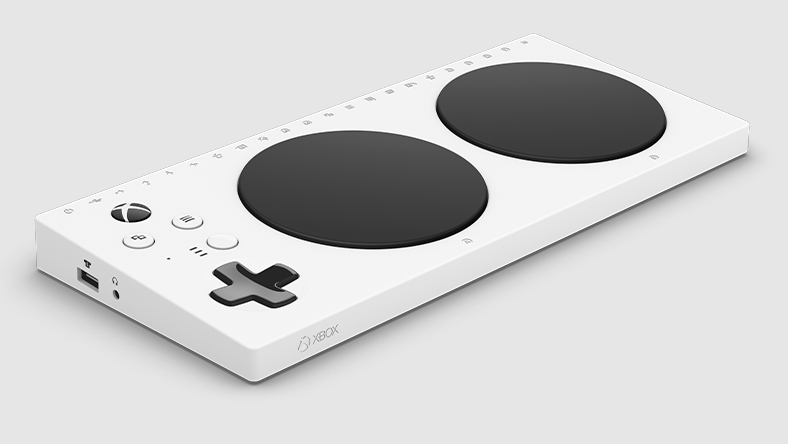
XBOX Adaptive Controller
Create a custom controller experience that is uniquely yours. The XBOX Adaptive Controller connects to external switches, mounts and joysticks to help make gaming more accessible.
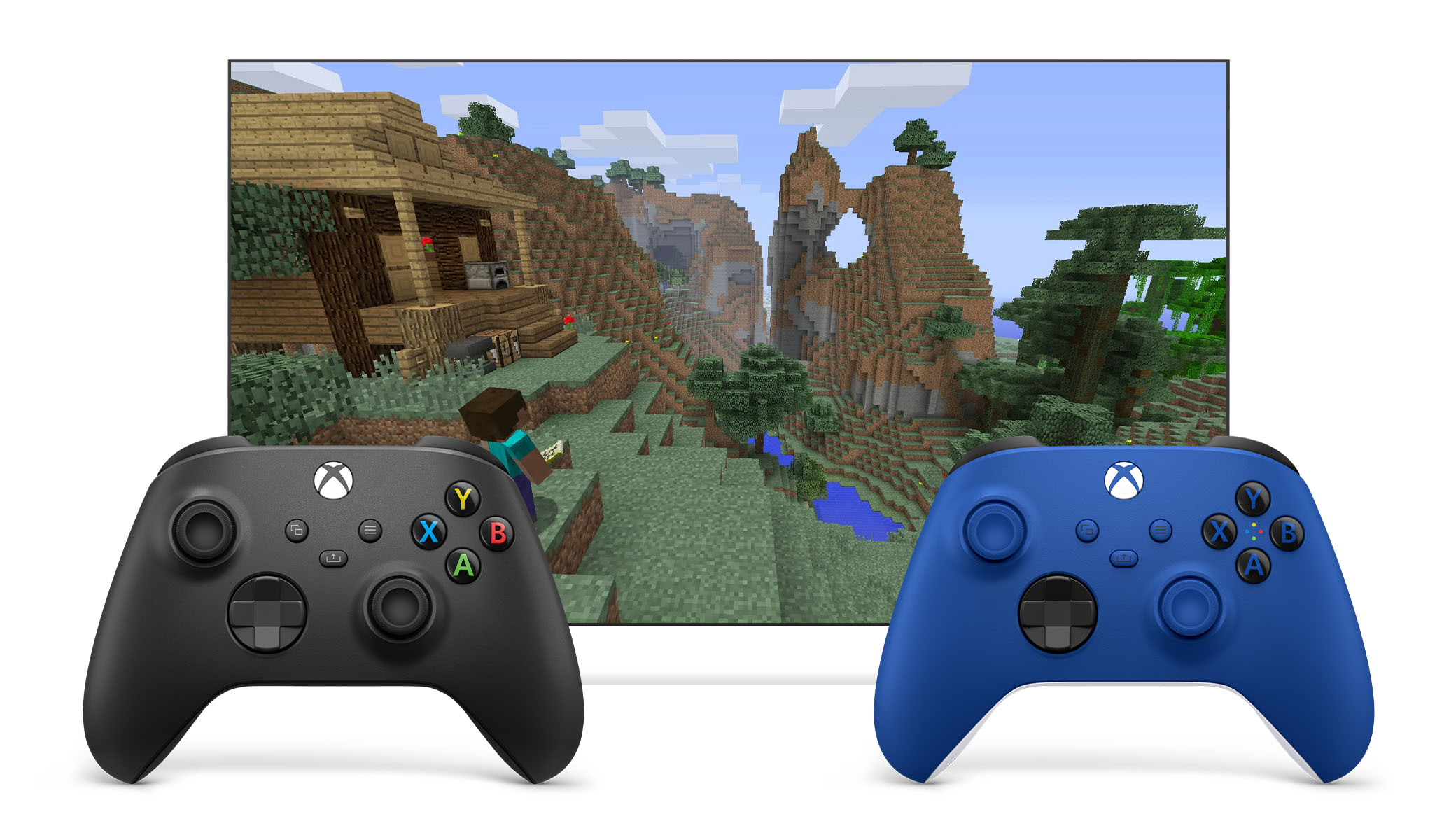
Two can play as one
XBOX Controller Assist links two controllers so you can use them as if they were one controller. Use multiple controllers as a single player, or team up with a friend and share controls.
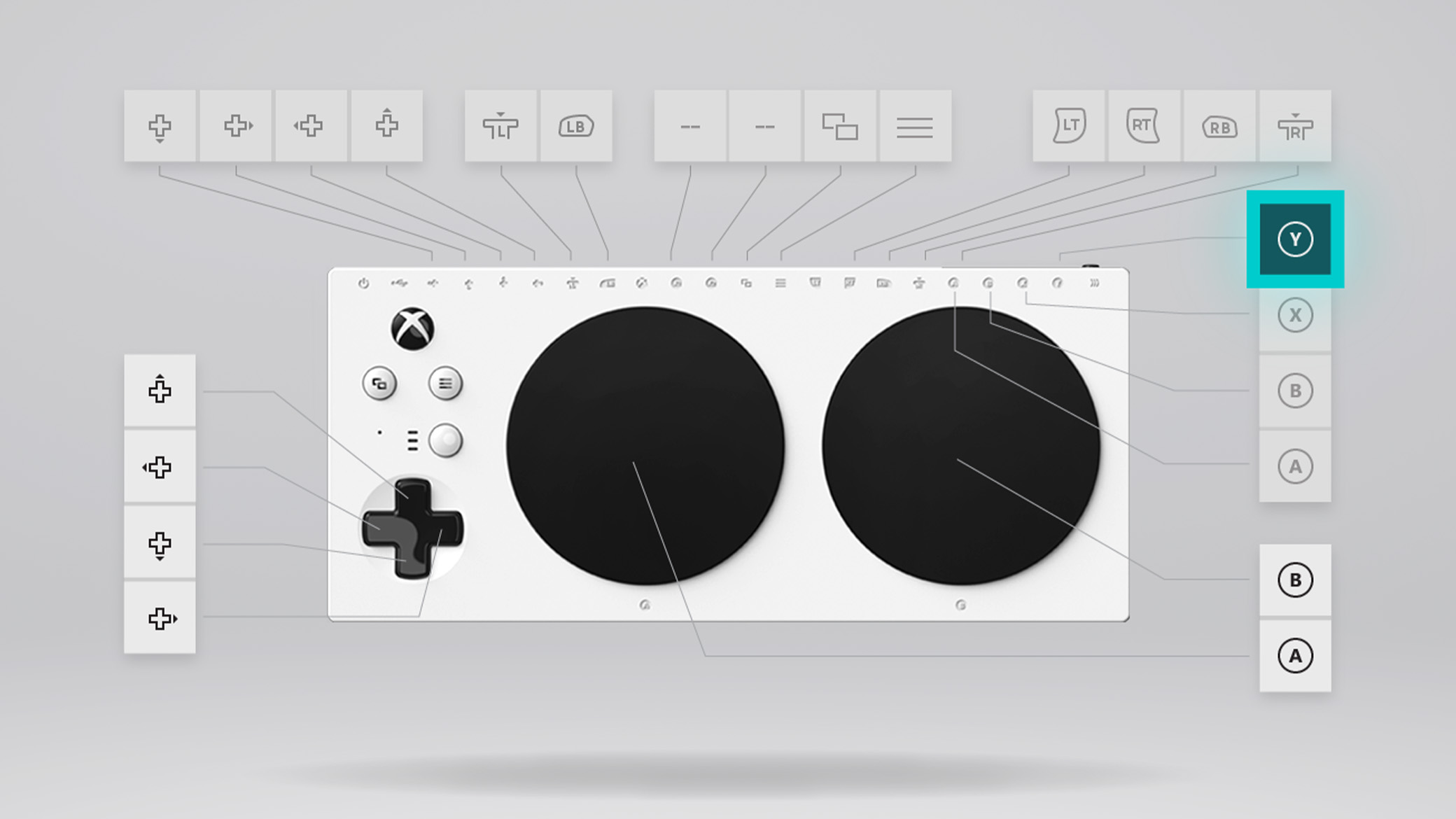
Customise button mapping
Use the XBOX Accessories app to configure the button layout on your controllers: XBOX Adaptive Controller, XBOX Adaptive Joystick, XBOX Wireless Controller, XBOX Elite Wireless Controller Series 2 and many third-party external joysticks.
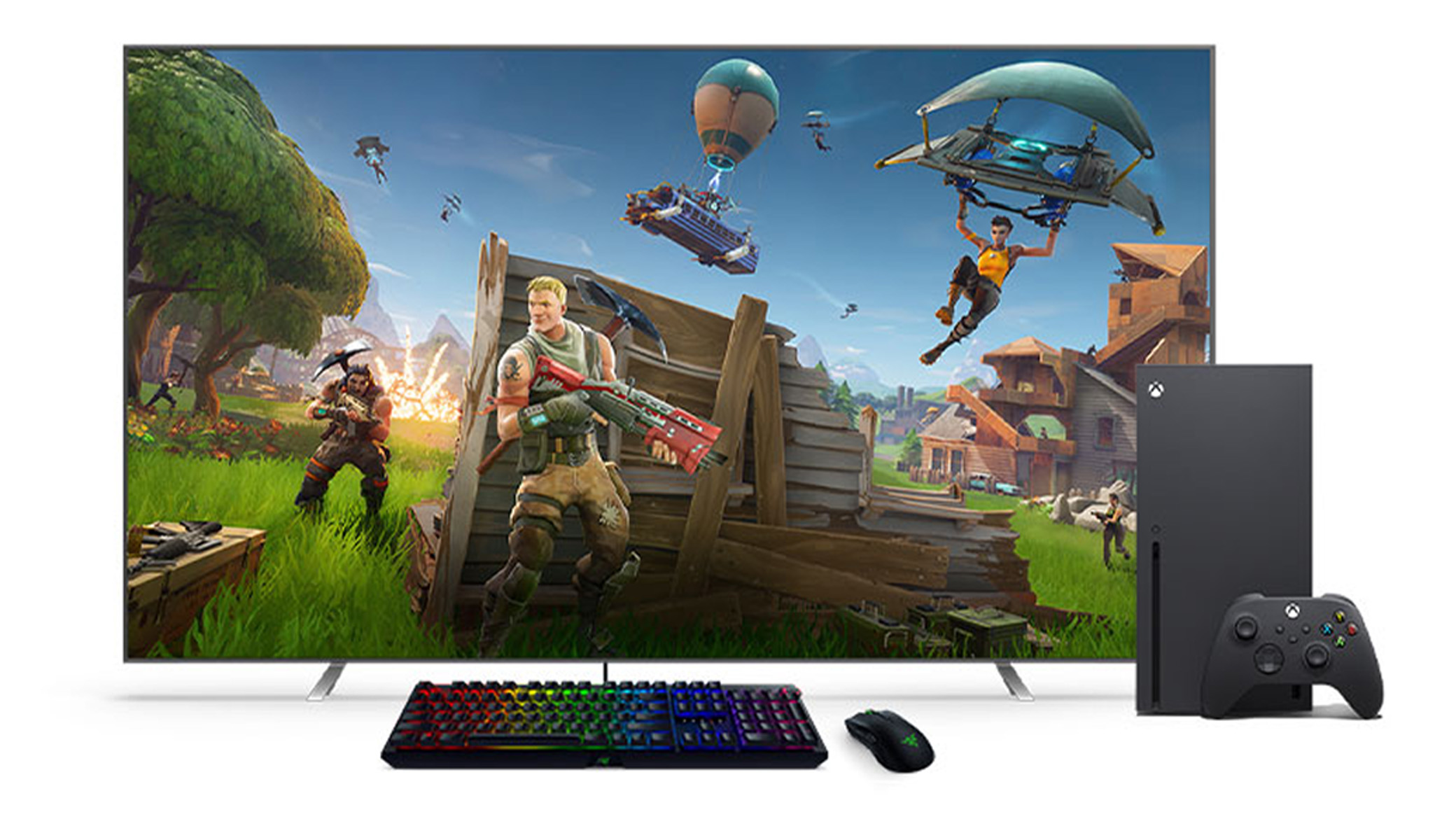
Mouse and keyboard support
Use wired USB mice and keyboards for navigation in select games and apps, and—with a keyboard—getting around on XBOX.
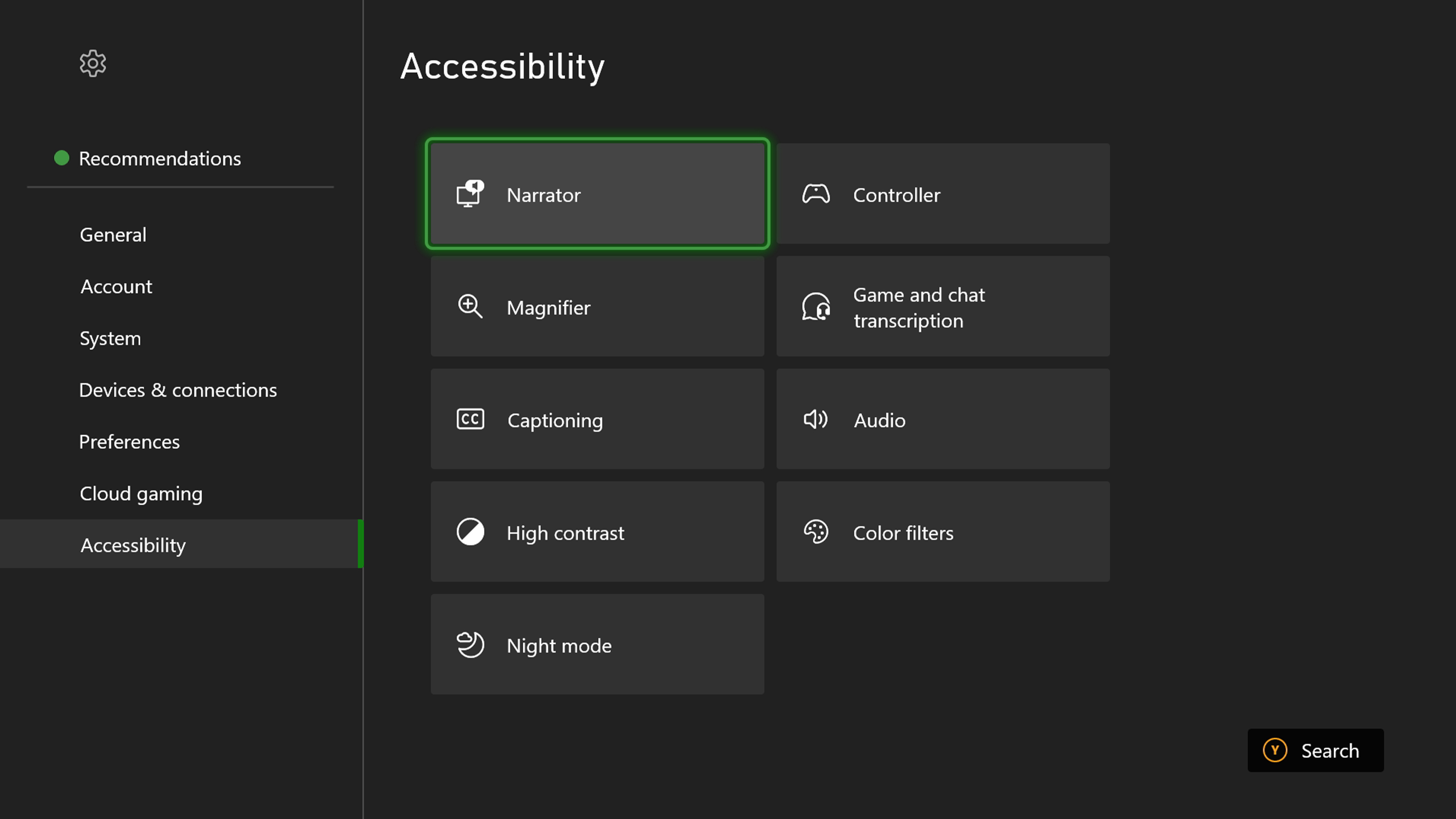
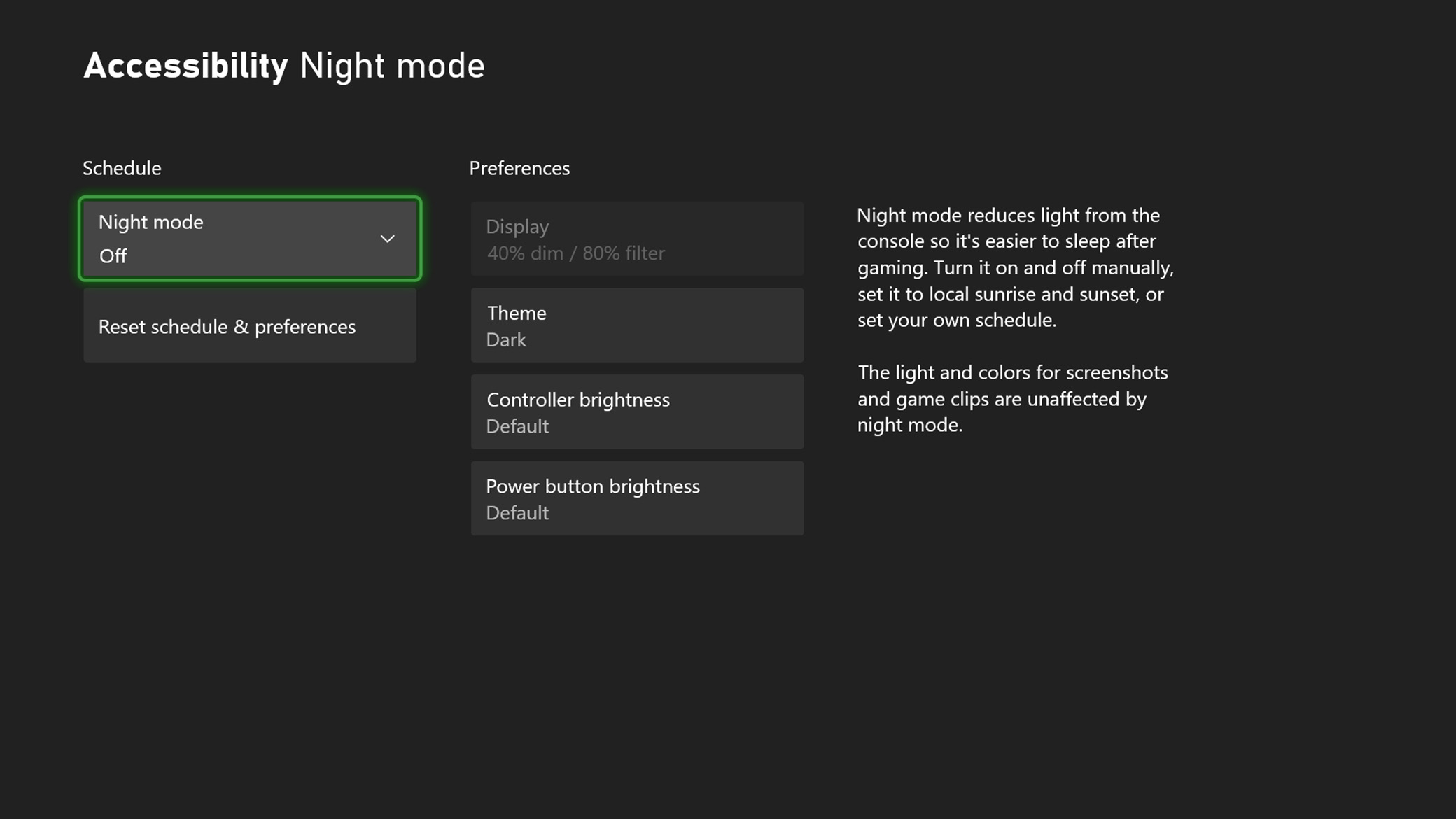
Night Mode
Customise the blue light filter on your console, controller and screen to meet your needs, protect your eyes and make it easier to sleep.
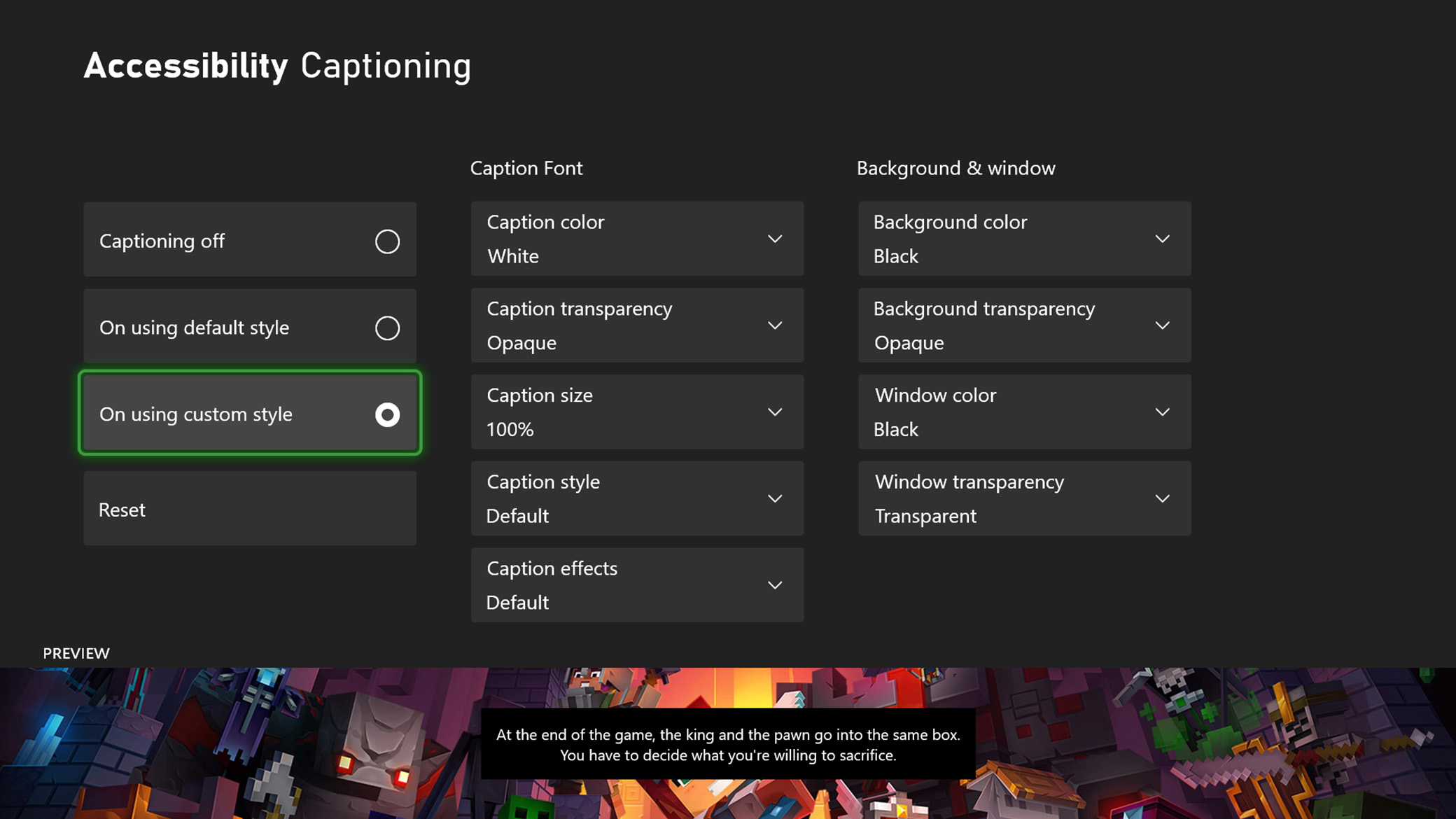
Closed captions
Closed captioning is available when you watch supported DVDs, Blu-ray discs and many on-demand video services.
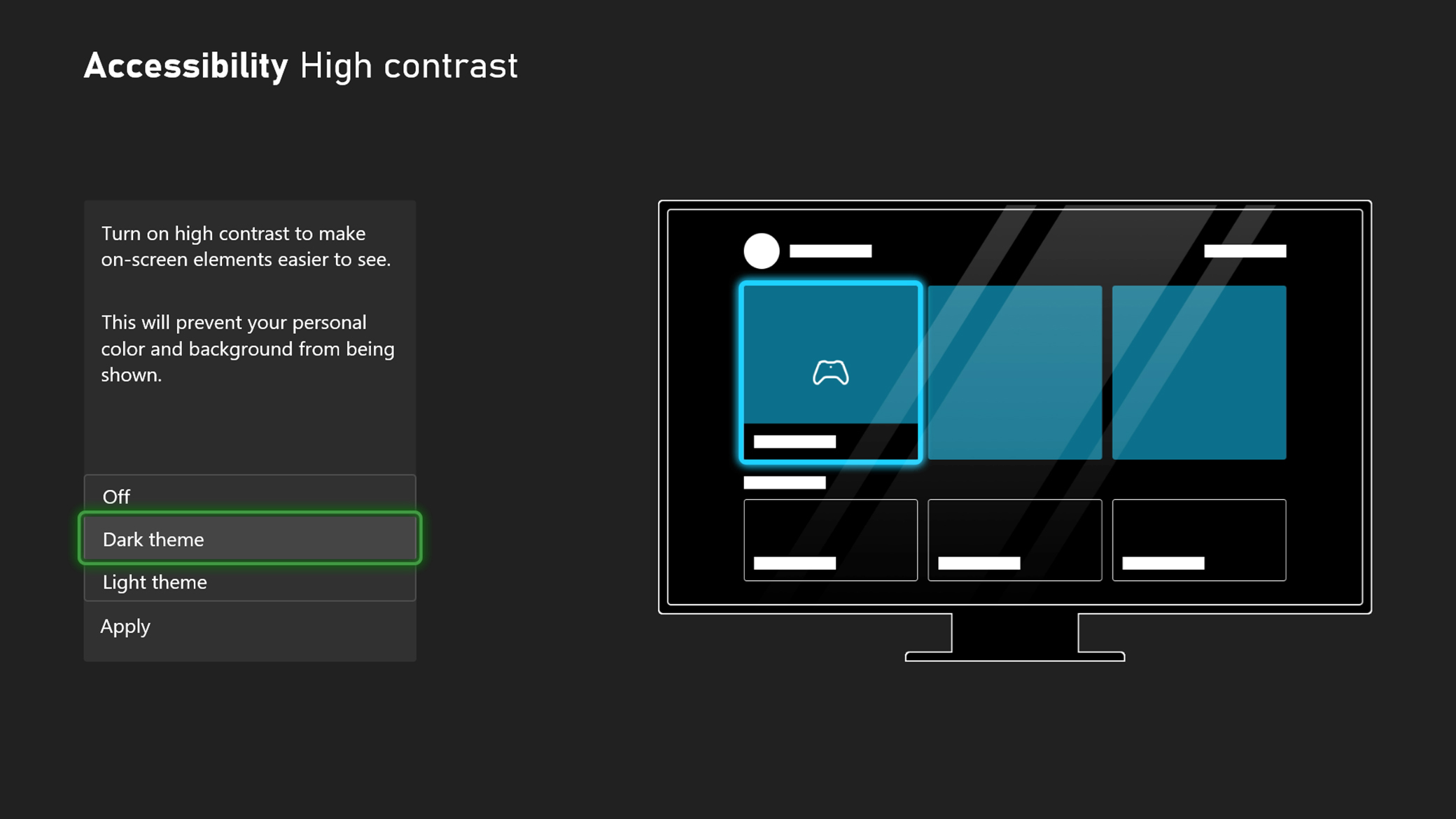
High contrast
High contrast can help you distinguish between items and text on your screen while navigating XBOX’s built-in apps and experiences.
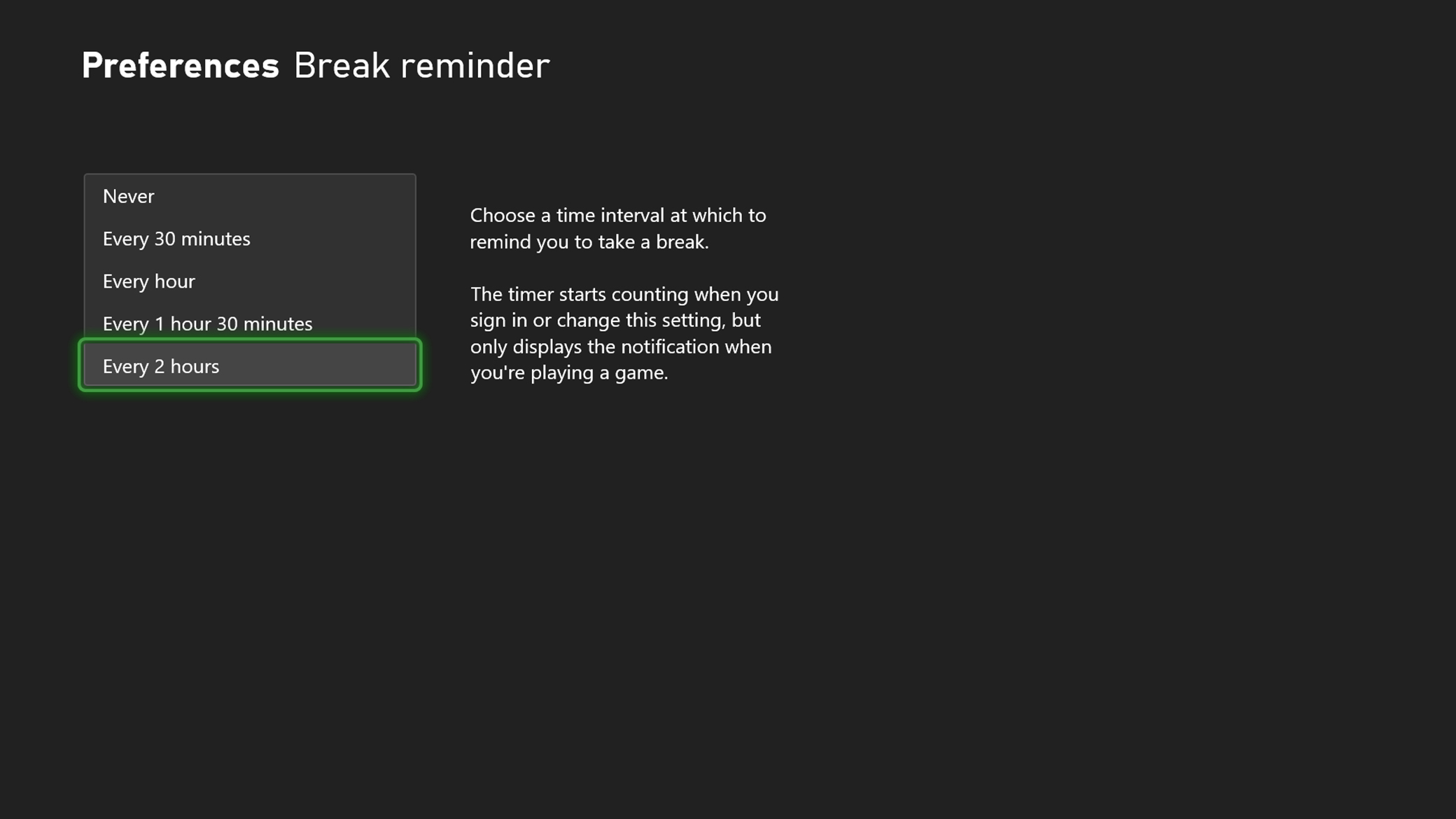
Break reminder
Taking breaks during gaming sessions can go a long way in helping your body rest and recharge.
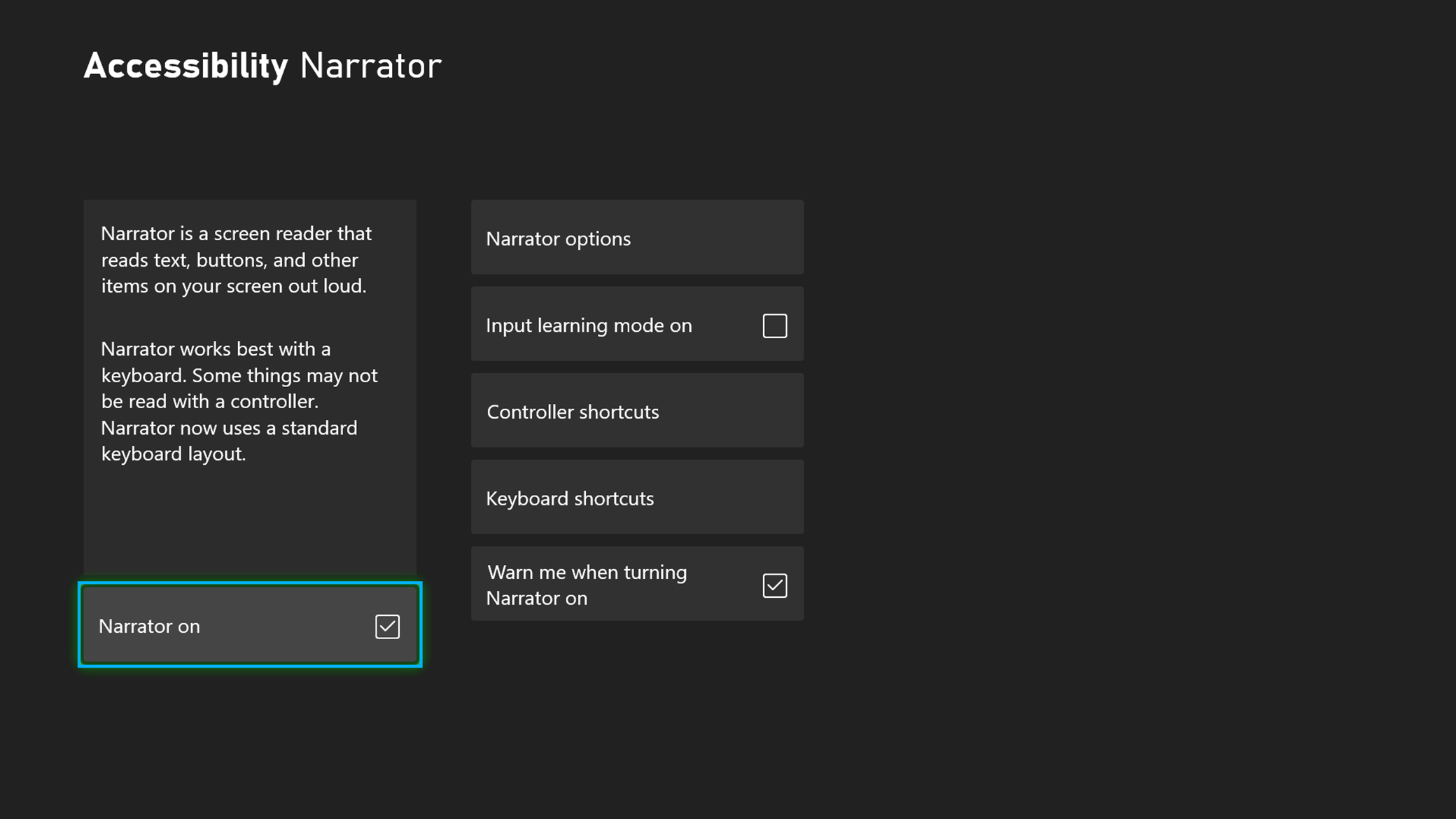
Narrator
Narrator is a screen reader that lets you hear audio descriptions for elements on the screen, such as text and buttons.
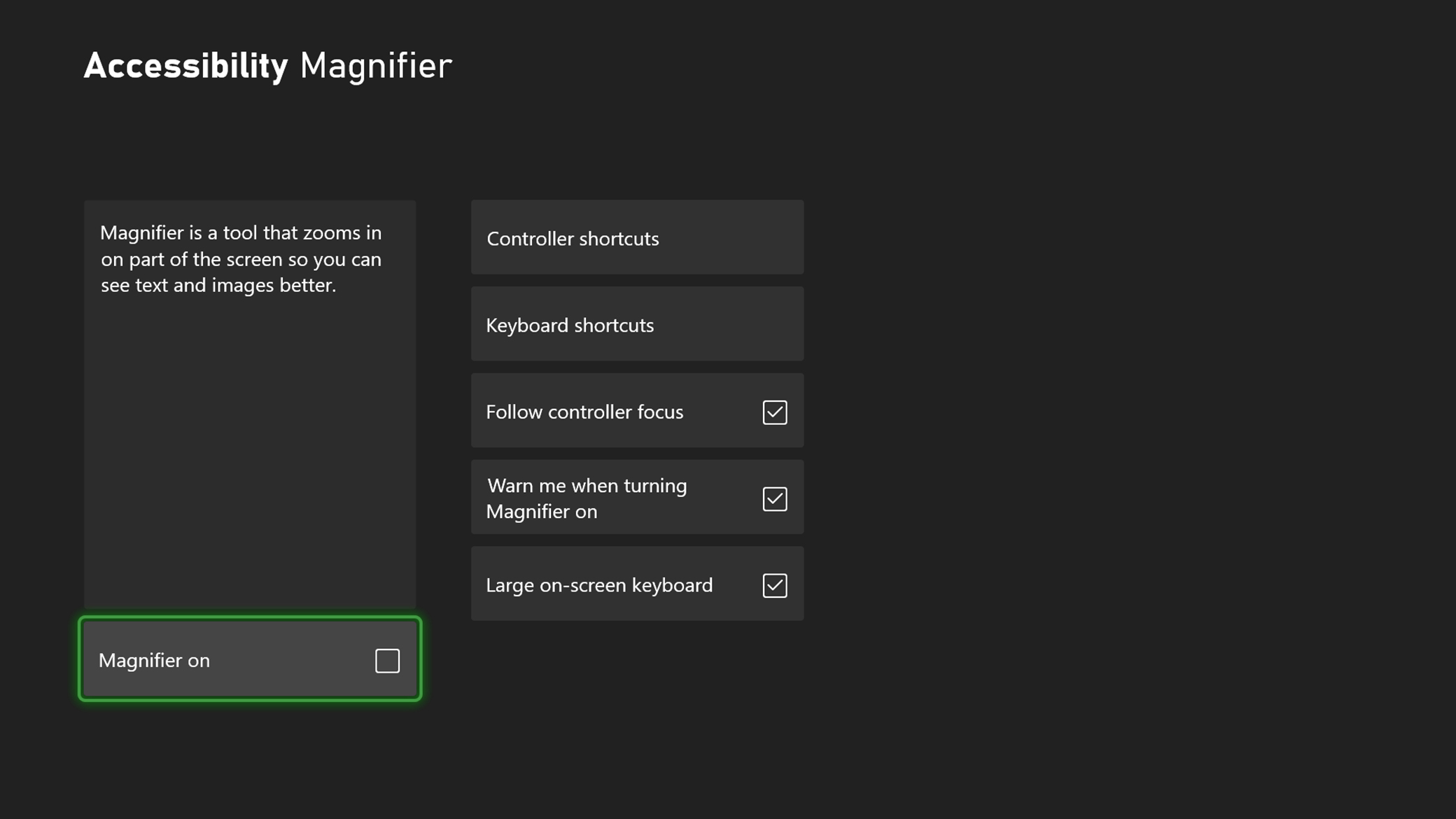
Magnifier
Magnifier zooms in on the screen, so you can see text and images better on your XBOX console.
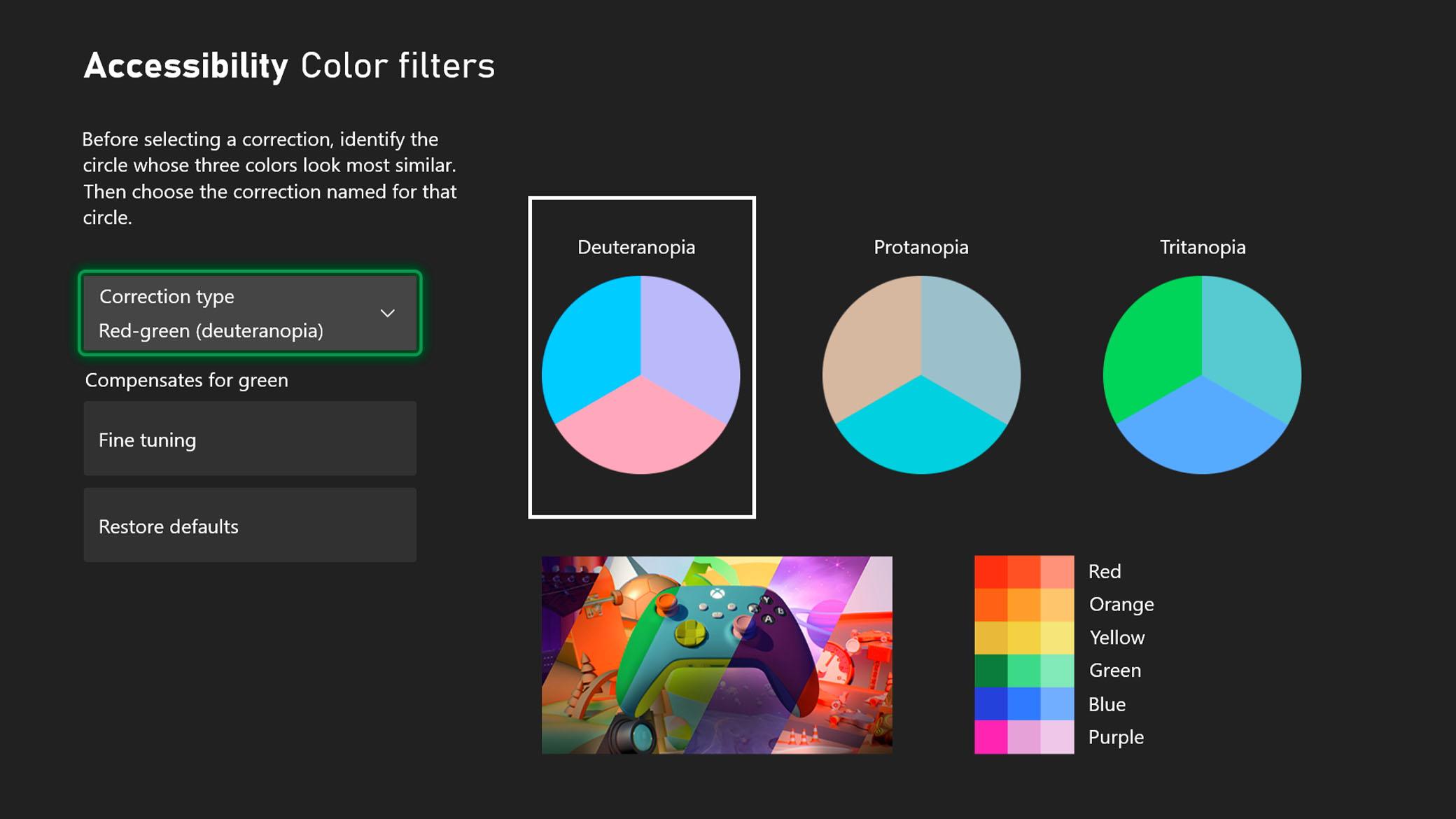
Colour Filters
Customise your visual experience to assist with distinguishing between colours without impacting performance.
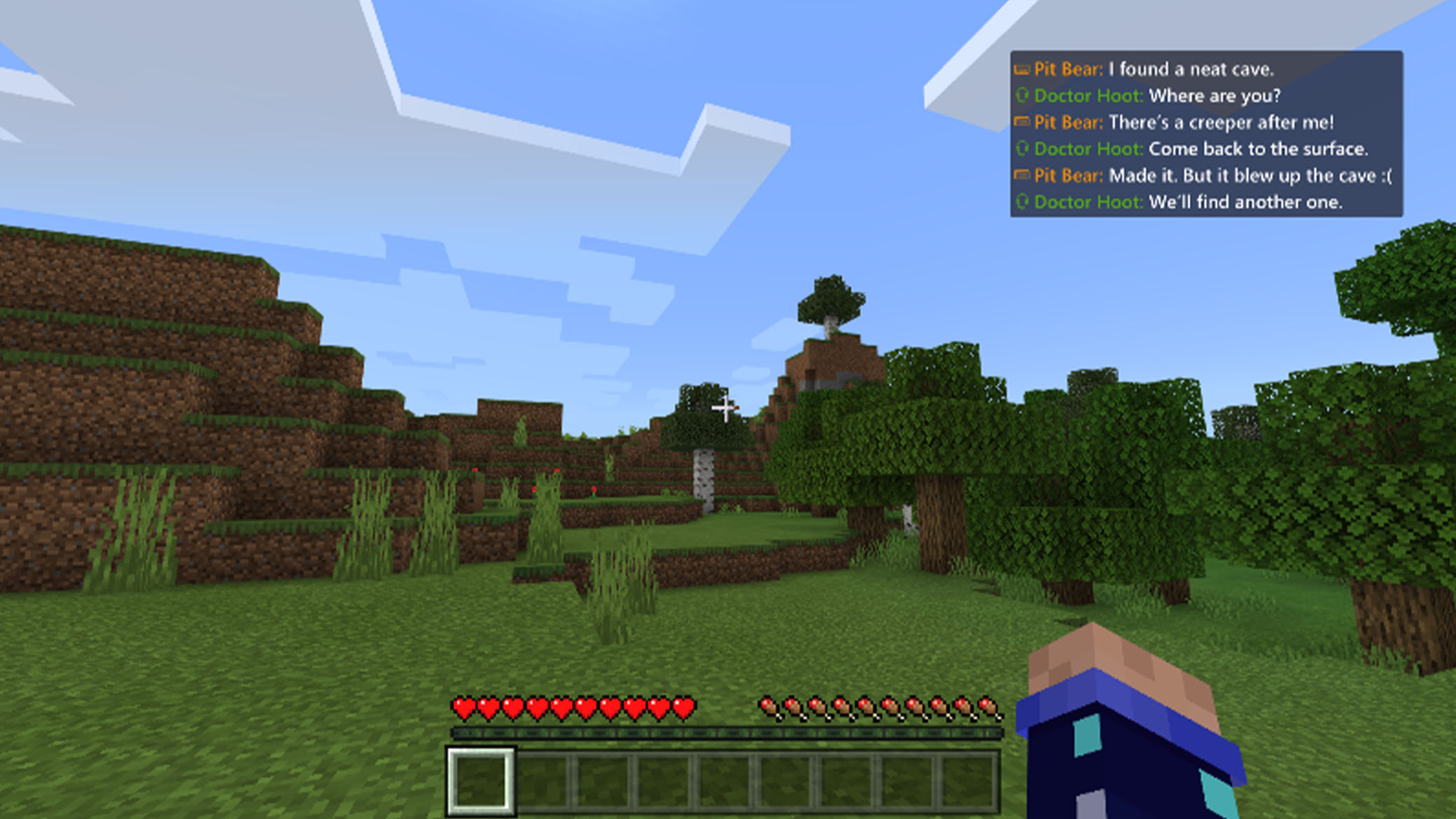
Speech to text and text to speech
Speech transcription converts player speech from Party Chat or in-game chat to text that you can read on the screen. It can also read chat text that you type to other players aloud.

Voice commands
With XBOX for Alexa and Google Assistant, you can interact with your XBOX console using just your voice. Turn your console on and off, launch games and apps, capture screenshots and clips, play and pause videos, and more, from any Google Assistant-enabled or Alexa-enabled device.
Support articles for XBOX and Windows
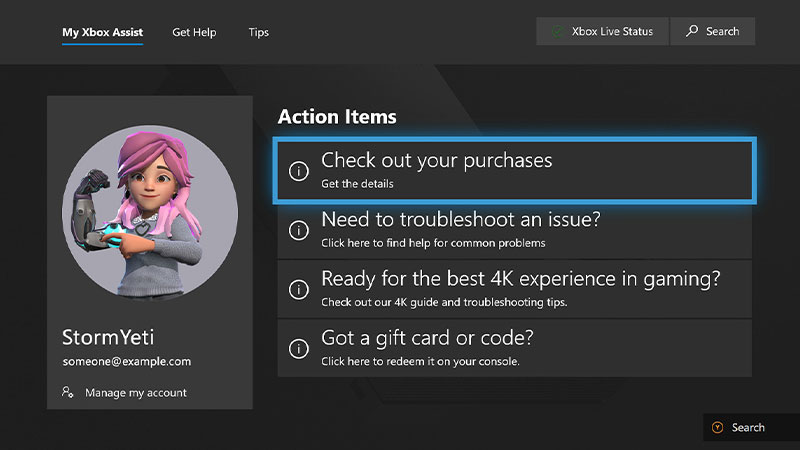
This Support hub organizes all XBOX accessibility Support articles by experience category, so you can find the support you need to play your way.



*Some features may not be available in all countries or regions.


